




 Polish
  English
  German
  Spanish
  Italian
  French
  Danish
  Portuguese
  Swedish
  Korean
  Japanese
 Jeśli chcesz, aby Twoi użytkownicy szybko znaleźli stronę internetową lub krótkie informacje biznesowe, to wtedy Widget informacyjny nagłówka ElementsKit to świetny wybór. Pomaga dodać ważne informacje, nadać styl wyglądowi nagłówka i dostosować go za pomocą dowolnego istotnego łącza. W ten sposób odwiedzający witrynę mogą zobaczyć numer kontaktowy, adres, identyfikator e-mail itp. bez konieczności częstego przewijania.
Dodawanie informacji w nagłówku #
Musisz dodać informacje o nagłówku do nagłówka witryny. Możesz dodać go do istniejącego nagłówka lub utworzyć nowy nagłówek.
Przejdź do: Twój pulpit nawigacyjny -> Przejdź do nagłówka -> Edytuj -> Znajdź widżet Informacje o nagłówku -> Przeciągnij i upuść i rozpocznij edycję
Tutaj dodaliśmy widżet informacji o nagłówku do naszego przyklejonego nagłówka. Przyklejony nagłówek jest przydatny i wygląda atrakcyjnie.
Informacje o nagłówku #
- Kliknij pole Treść, aby rozwinąć
- Ikona- Prześlij ikonę
- Tekst- Dodaj lub edytuj informacje nagłówka
- Połączyć– Podaj link przekierowujący
- Jeśli potrzebujesz, dodaj nowy element

Styl #
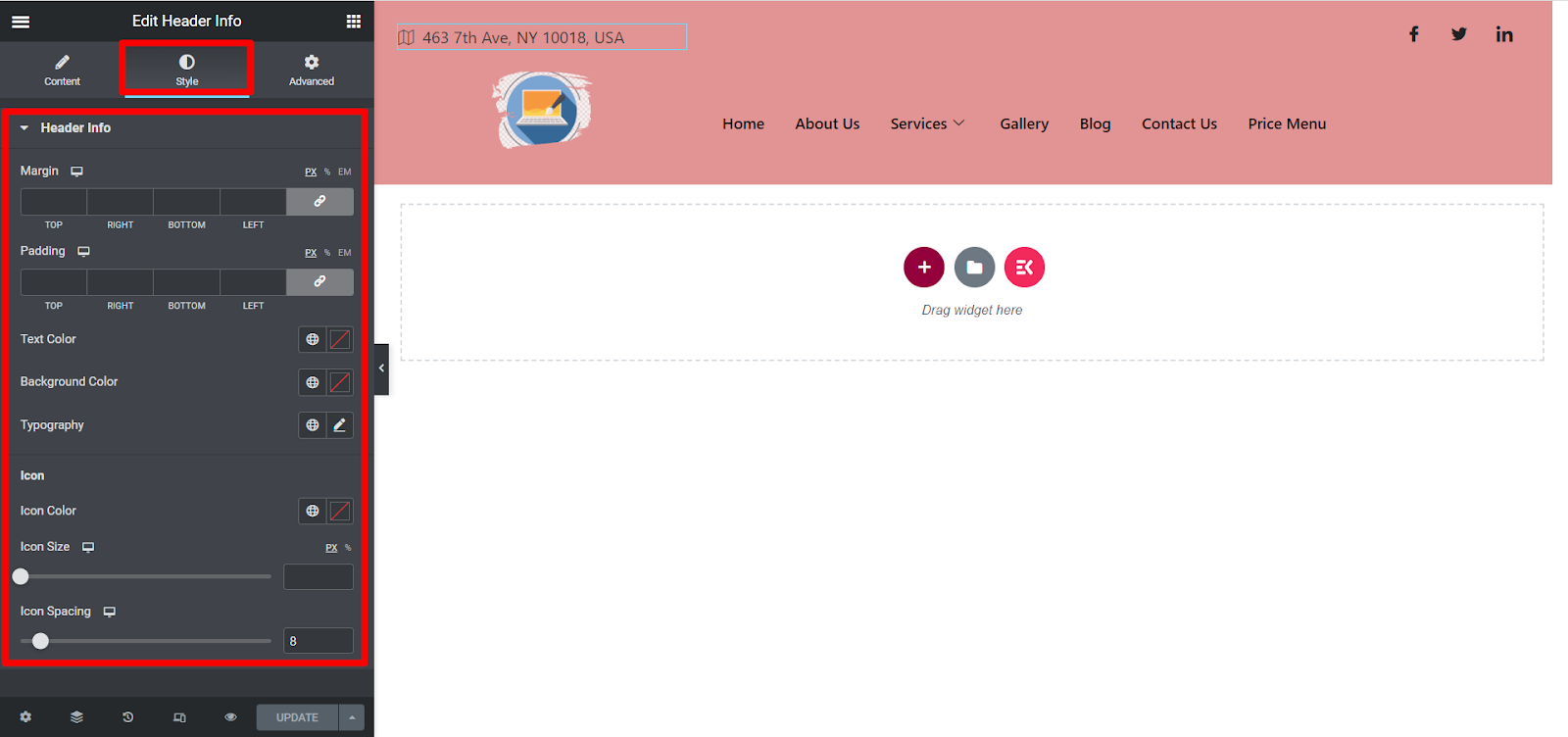
Tutaj możesz dostosować marginesy, dopełnienie, kolor tekstu, kolor tła, typografię, kolor ikony, rozmiar ikony i odstępy między ikonami zgodnie z własnymi preferencjami.
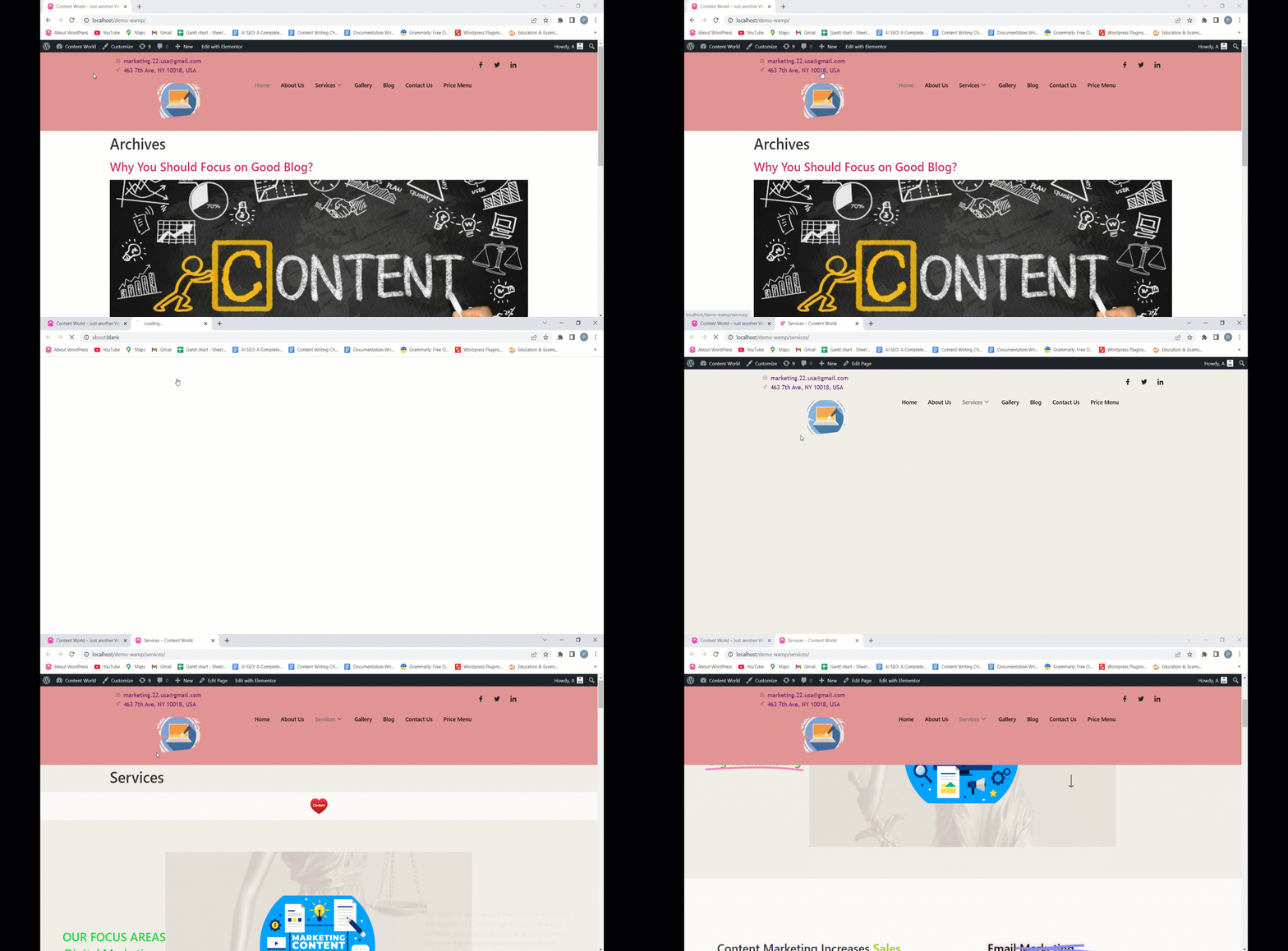
Oto końcowy wynik dostosowywania informacji nagłówka-
ElementsKit zawsze zapewnia proste ustawienia, które zmniejszają Twój wysiłek. Mamy nadzieję, że ten widget okaże się przydatny i będziesz mógł dostosowywać informacje w nagłówku.


