


 Danish
  English
  German
  Spanish
  Italian
  French
  Portuguese
  Swedish
  Polish
  Korean
  Japanese
 Hvis du ønsker, at dine brugere hurtigt skal finde hjemmesiden eller virksomhedens korte informationer ElementsKit header Info widget er et godt valg. Det hjælper dig med at tilføje vigtige oplysninger, style header-looket og tilpasse med ethvert vigtigt link. Således kan de besøgende på hjemmesiden se kontaktnummer, adresse, e-mail-id osv. uden at scrolle meget.
Tilføjelse af overskriftsoplysninger #
Du skal tilføje overskriftsoplysninger til overskriften på hjemmesiden. Du kan tilføje den til den eksisterende header eller oprette en ny header.
Naviger til: Dit Dashboard -> Gå til sidehoved -> Rediger -> Find overskriftsinfo-widget -> Træk og slip og start redigering
Her har vi tilføjet header info widget til vores sticky header. En sticky header er nyttig og ser også tiltalende ud.
Overskrift info #
- Klik på feltet Indhold for at udvide
- Ikon- Upload ikon
- Tekst- Tilføj eller rediger sidehovedoplysninger
- Link– Giv omdirigeringslink
- Tilføj nyt element, hvis du har brug for det

Stil #
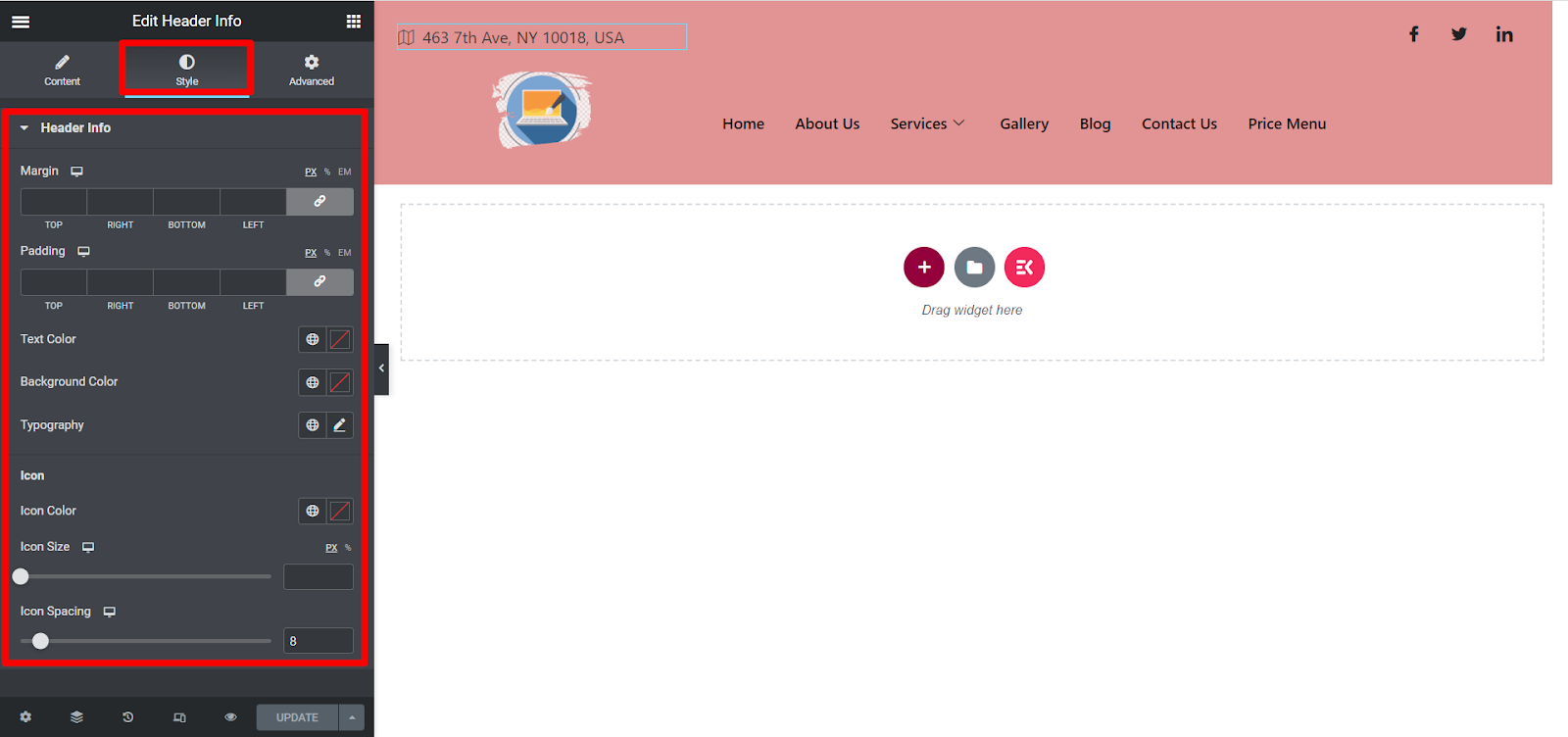
Her har du muligheder for at tilpasse margen, polstring, tekstfarve, baggrundsfarve, typografi, ikonfarve, ikonstørrelse og ikonafstand i henhold til dine præferencer.
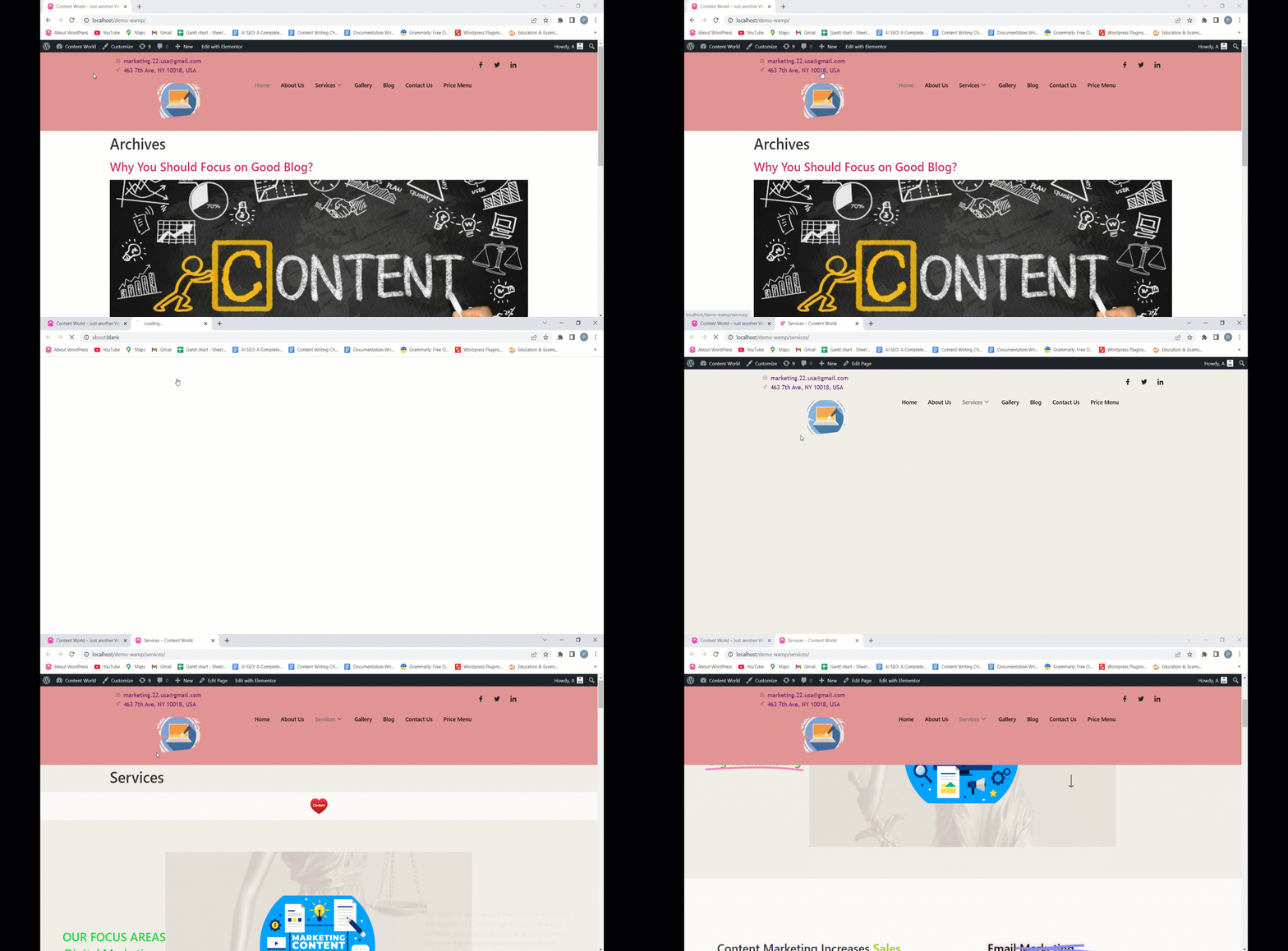
Her er det endelige output af vores header info tilpasning-
ElementsKit bringer altid enkle indstillinger for at mindske din indsats. Håber du finder denne widget nyttig og nyder at tilpasse dine overskriftsoplysninger.


