


 Danish
  English
  German
  Spanish
  Italian
  French
  Portuguese
  Swedish
  Polish
  Korean
  Japanese
 Interessant designede tekster fanger seernes opmærksomhed mest. Marketingfolk stiler deres marketingbudskaber ved at anvende smarte effekter. ElementsKit har bragt sådan en vidunderlig widget med avancerede funktioner. Det hjælper med at lave animerede og attraktive tekster nemt.
Lad os lære at bruge ElementsKit Fancy Text Widget ved at følge nedenstående trin.
Tilføjelse af fancy animationstekst med ElementsKit #
Få adgang til dit Dashboard -> Vælg en side eller et indlæg -> Klik på rediger med ElementsKit -> Search ElementsKit Fancy Animation Text widget -> Træk og slip widgetten
Indholdssektion #
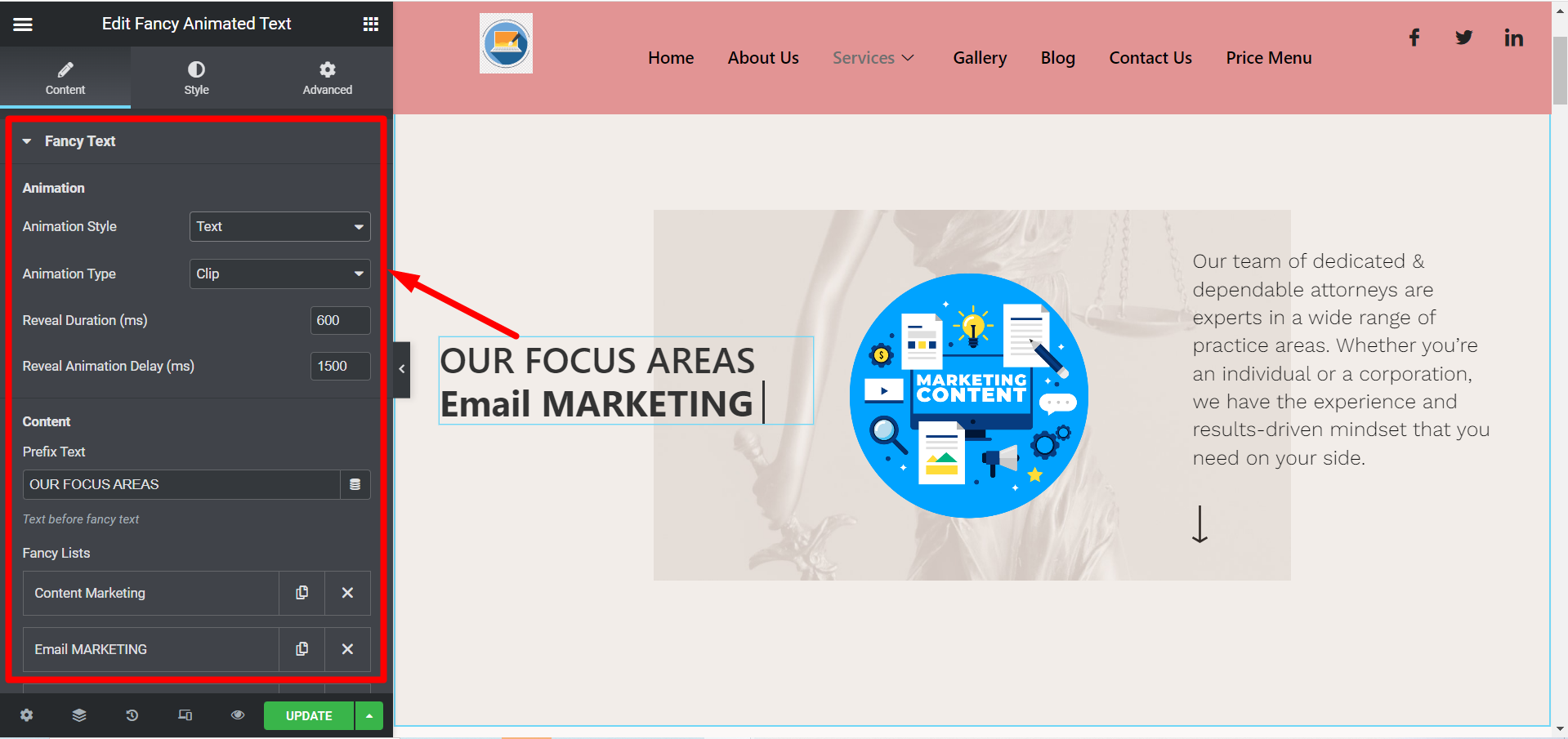
Her vil du se Fancy tekst del, den indeholder følgende felter-
Animation #
- Animationsstil- Du kan vælge Tekst eller SVG til forskellige animationsstile.
- Animationstype– Baseret på din animationstype får du forskellige valg her.
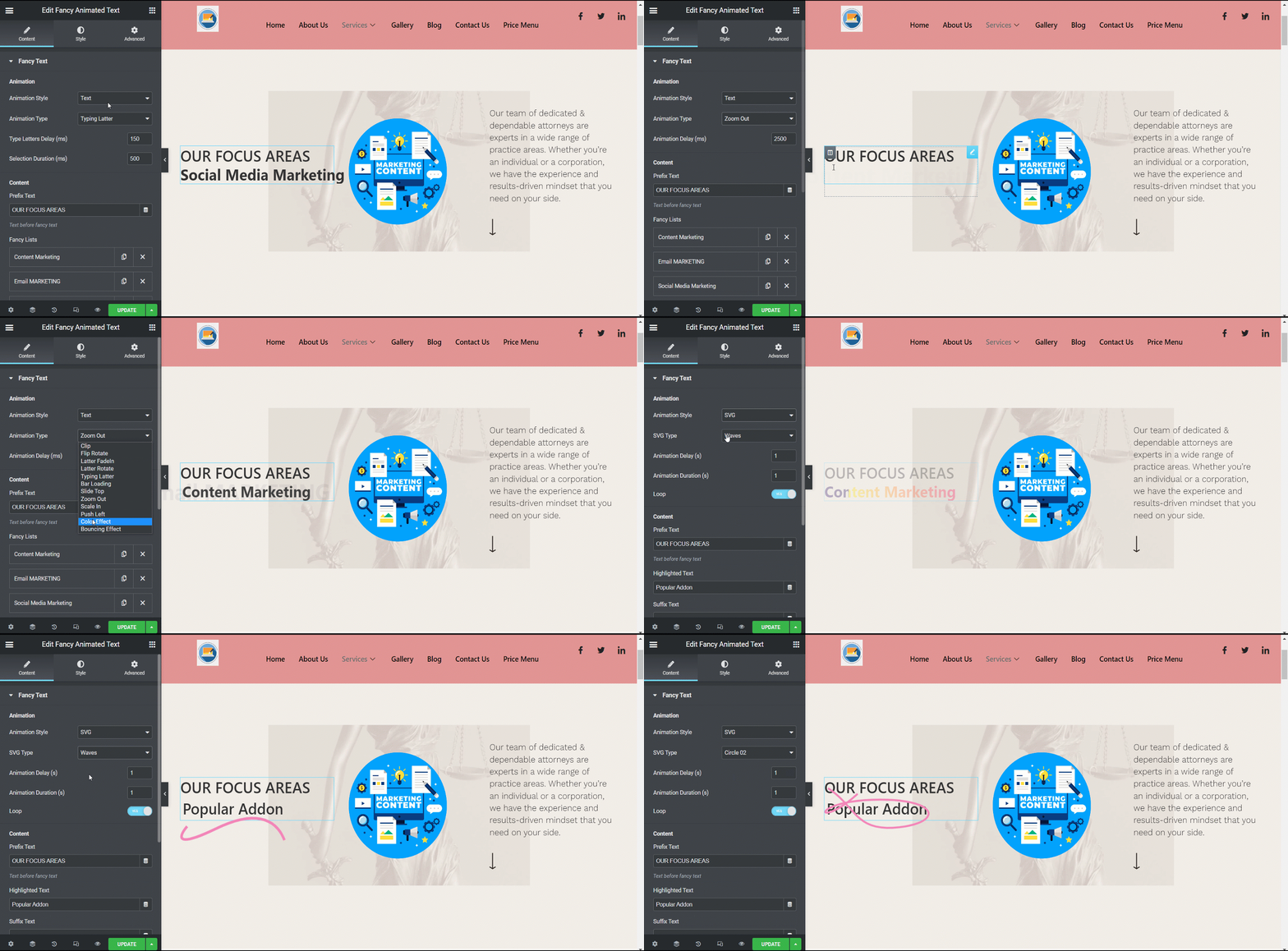
- Afsløringsvarighed (ms)/ Indtast bogstavforsinkelse (ms)/ Animationsforsinkelse osv.- I henhold til animationsstil og type skal du justere varigheden.
- Reveal Animation Delay (ms)/ Valgets varighed (ms)/ Letters Delay (ms) osv.- Dette felt er også forbundet med animationsstil og type.
Indhold #
- Præfiks Tekst– Skriv det præfiksindhold, du vil have vist. Det betyder, at det vil blive skrevet før den smarte animation.
- Fancy lister– Tilføj elementer her for fancy animation.
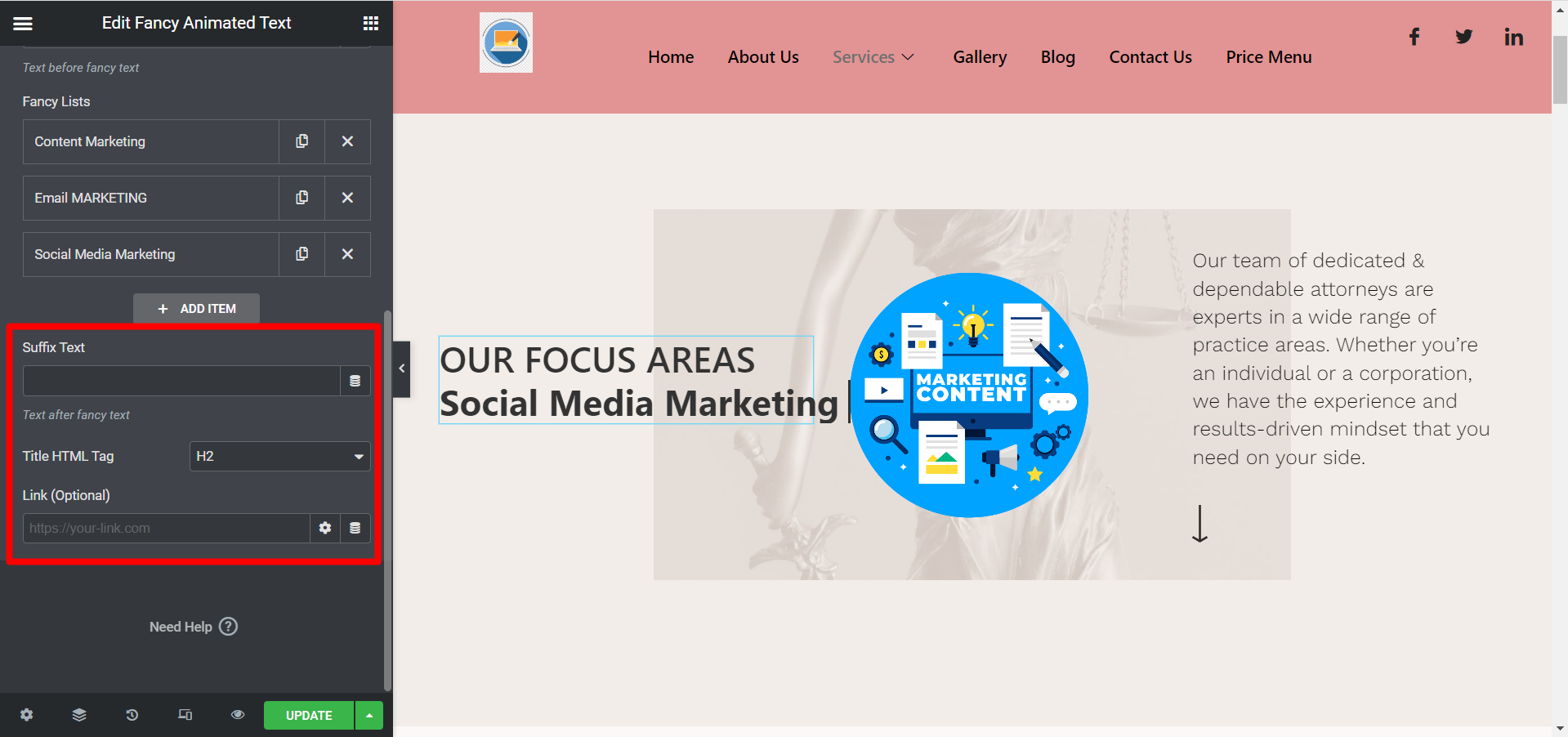
- Suffiks Tekst– Skriv det suffiksindhold, du vil vise. Det betyder, at den bliver skrevet efter den smarte animation.
- Titel HTML-tag– Vælg HTML-tagget for indholdet her.
- Link (valgfrit)- Tilføj et hvilket som helst link, hvis du vil have brugerne til at omdirigere til en anden placering.
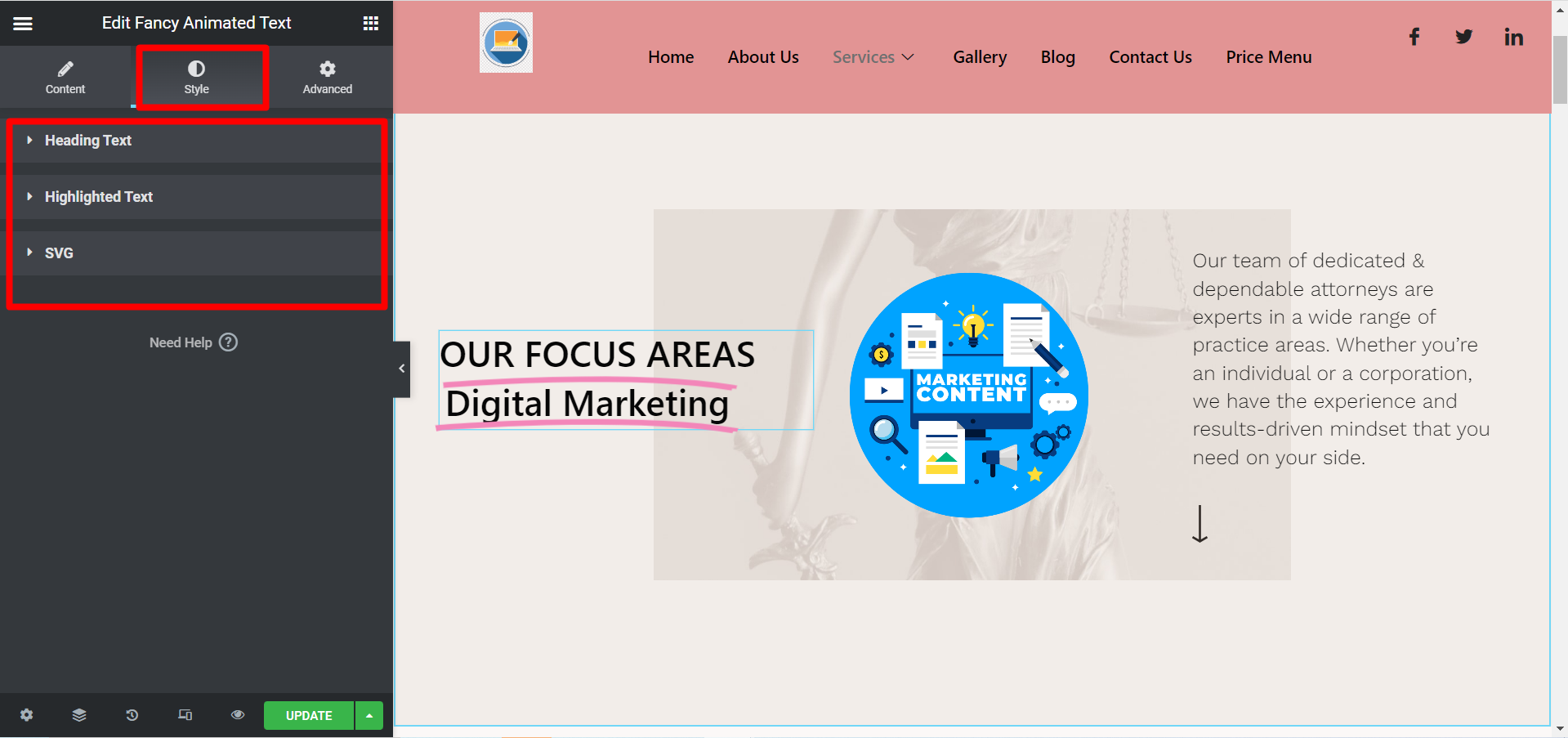
Stilsektion #
- Overskriftstekst- Her kan du justere justering, typografi, farve osv.
- Fremhævet tekst- Brug dette felt til at justere typografi, farve og polstring.
- SVG- vælg stregfarve og stregvægt her.
Når du har redigeret og stylet alle dine påkrævede udsagn, skal du klikke på opdater og se ændringerne fra frontend. Et eksempel er-
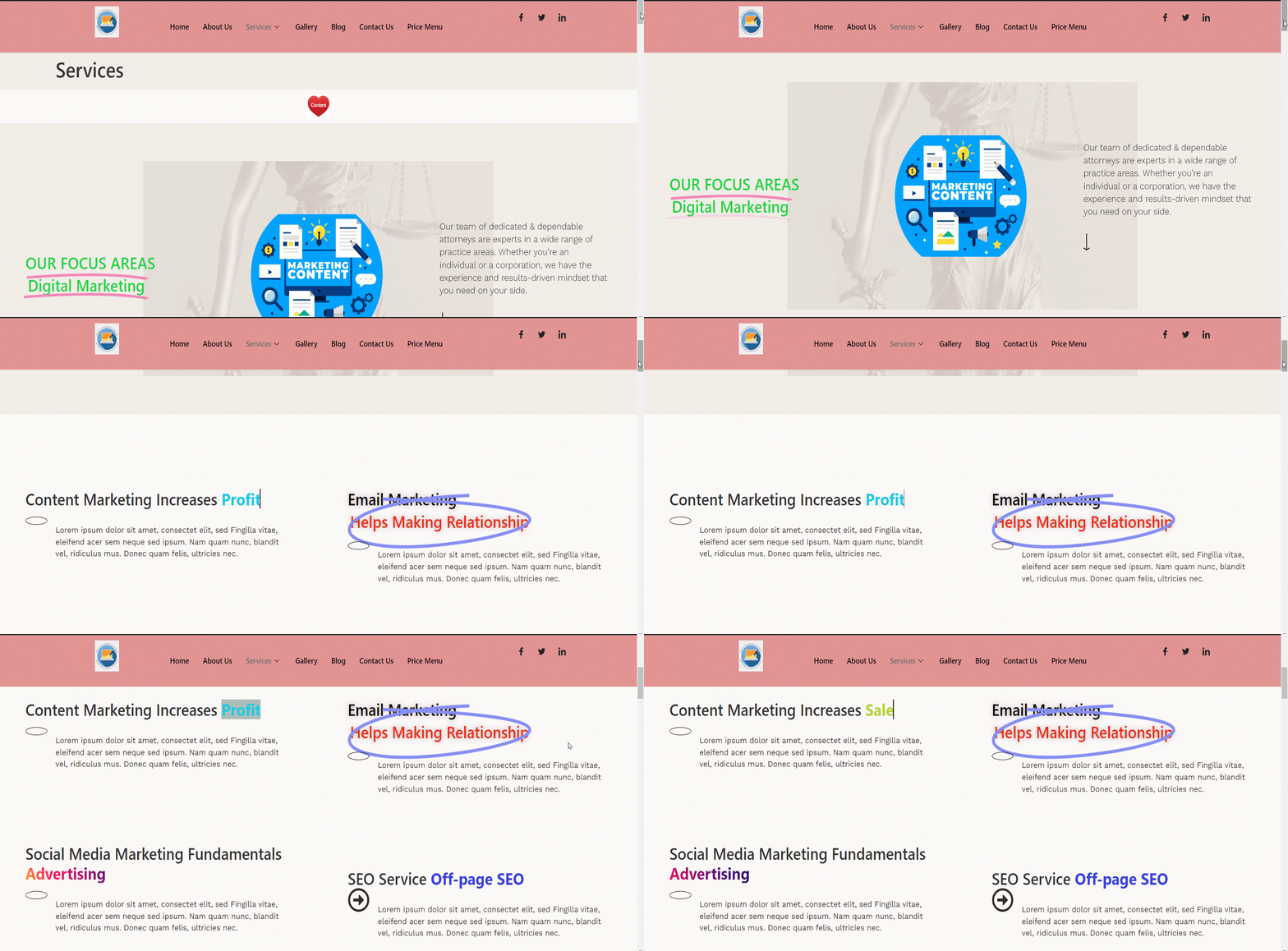
Brug det nyttige værktøj i dag, det er hurtigt og godt systematisk. Du kan gøre dine vigtige overskrifter og salgsfremmende udtalelser mere iøjnefaldende ved at tilpasse indholdet ved hjælp af ElementsKit fancy tekst-widget.


