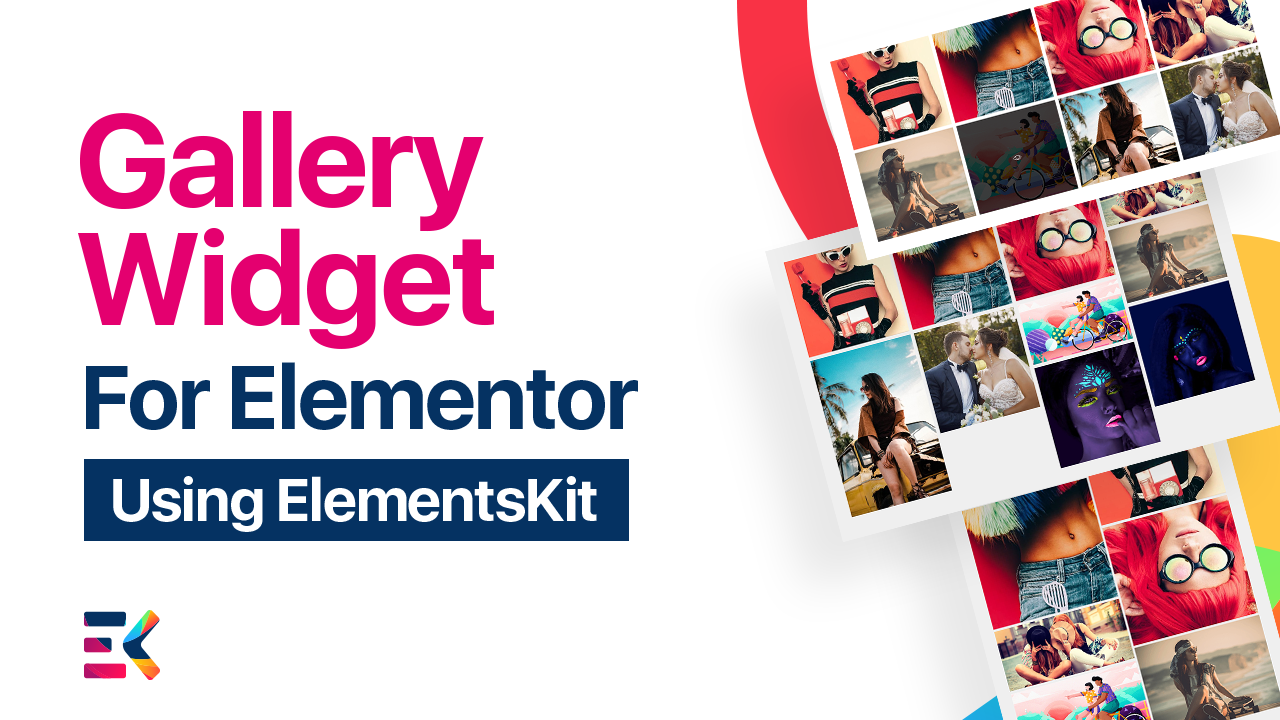
Zaprezentuj odwiedzającym swoje najnowsze zdjęcia, otoczenie firmy, wydarzenia itp. w postaci pasów i murów. Stwórz swoją piękną galerię z treścią, układami, miniaturami, filtrami, podpisami, animacjami i wieloma innymi.
zobacz to w akcji
Styl siatki z 4 kolumnami
Jeden z najbardziej niesamowitych układów pokazujący Twoją piękną galerię w stylu siatki.
Styl siatki z 3 kolumnami
Jeden z najbardziej niesamowitych układów pokazujący Twoją piękną galerię w stylu siatki.
Styl murowany 01
Czy chcesz stworzyć galerię w stylu murowanym dla swoich witryn WordPress?
Rzućmy okiem na styl tej galerii zdjęć!
Styl murowy 03, z promieniem obramowania
Czy chcesz utworzyć galerię stylu murowanego dla swoich witryn WordPress? Rzućmy okiem na ten styl galerii zdjęć!
Styl galerii 4-kolumnowy Murarstwo bez wyskakujących okienek
Niesamowity układ galerii obrazów Elementor z 4-kolumnowym murem bez stylu wyskakującego okienka.
Styl murowy 05, 2 kolumny z promieniem obramowania
Czy chcesz stworzyć galerię w stylu murowanym dla swoich witryn WordPress?
Rzućmy okiem na styl tej galerii zdjęć!
Siatka w stylu galerii
Ten styl galerii jest bardzo lekki i pozwala użytkownikowi przełączać się między obrazami w wyskakującej galerii obrazów, klikając ikonę lightbox. Zamiast tego mamy potężne opcje ustawień zarówno dla ikony, jak i obrazu. Możesz ustawić etykietę filtra, wyrównanie treści, pokazać lub ukryć podpis, pokazać lub ukryć opis, etykietę filtra, lightbox, wybrać ikonę lightbox, zamawianie i tak dalej. Ponadto istnieją niesamowite opcje pokazu slajdów, które można wybrać w ustawieniach.
Mur w stylu galeryjnym
Nadchodzi kolejny popularny styl ze stylem układu murowanego. Jeśli masz problem z wyświetleniem galerii obrazów o różnej wysokości i szerokości, ten styl jest dla Ciebie najlepszą opcją. Ten układ zmniejszy niepotrzebną ilość miejsca między galerią obrazów i nada jej doskonały wygląd. Ponadto będziesz mieć różne opcje personalizacji projektu w zakresie układu, miniatur, podpisów, ikony łącza, nakładki i filtra.
Mur z 4 kolumnami w stylu galeryjnym
Jeśli szukasz murowanego układu z 4-kolumnowym stylem, powinieneś wypróbować ten niesamowity styl galerii Elementora. Ten styl galerii jest bardzo responsywny i może kontrolować każdy element za pomocą łatwego przeciągania i upuszczania. Możesz użyć tej galerii portfolio z różnymi opcjami filtrowania. Ta kategoria, którą można filtrować, zawiera 10 różnych stylów. Co więcej, możesz wypełnić nawigację, wyrównanie filtrów, odstępy od dołu nawigacji, typografię, kolor, galerię przewijania w poziomie, typ obramowania, promień, dopełnienie, cień ramki i wiele innych.
Mur z 4 kolumnami w stylu galerii bez wyskakującego okienka
Dlaczego warto używać tego stylu? Dowiedzmy się, dlaczego warto używać tego widżetu galerii Elementora z 4 kolumnami bez stylu wyskakującego okienka. Ten widżet galerii obrazów bez wyskakujących okienek byłby idealny dla Twojej witryny, jeśli nie chcesz żadnego stylu wyskakujących okienek. Chociaż możesz zmienić styl z murowanego na siatkę, a także wybrać numer kolumny z listy rozwijanej. Prześlij obraz, etykietę filtra i wiele innych opcji, które możesz zmienić zgodnie z własnymi potrzebami.
Siatka 4-kolumnowa w stylu galerii
Zasadniczo układ siatki jest najlepszą opcją dla tych, którzy chcą, aby ich strona internetowa była wypełniona pięknymi obrazami specjalnie dla witryn Woo Commerce. Ten styl siatki Galerii z 4 kolumnami ma szybką i prostą konfigurację ustawień galerii obrazów, dzięki której możesz dostosować zawartość galerii, współczynnik proporcji obrazu, wybrać kategorię z kolorem, różne opcje filtrowania, włączyć lub wyłączyć Pochylenie i wiele innych.
Widżet galerii dla Elementora
Obraz jest najlepszą częścią każdej witryny, aby przyciągnąć więcej klientów do Twoich witryn. Wśród wszystkich widżetów Elemenor ElementsKit ten widżet galerii jest najfajniejszy. Twórz nieograniczone galerie zdjęć za pomocą tego niesamowitego widżetu w wielu różnych popularnych i unikalnych stylach dla witryn WordPress woo-commerce. Możesz dodać swój produkt, zdjęcia z podróży, zdjęcia ślubne do galerii Elementora. Twórz i dostosowuj wszystko, co chcesz. Otrzymasz wspaniałe opcje stylizacji, w tym wybierz odstęp między kolumnami, odstęp między wierszami, dopełnienie treści, wybierz promień obramowania, cień ramki, galerię zdjęć z typem filtrowania, kolor ikony łącza, krycie, rozmiar, rozmiar czcionki, pokaż lub ukryj nakładkę, skalę, styl filtra , wyrównanie, typografia i wiele, wiele innych. Nie potrzebujesz żadnej innej wtyczki Gallery Elementor, cała kontrola w jednym miejscu!
Zobacz nasze inne widżety
Dlaczego potrzebujesz wielu wtyczek? Elementskit oferuje wszystko pod jednym dachem.
Używamy plików cookie na naszej stronie internetowej, aby zapewnić Ci jak najlepsze wrażenia, zapamiętując Twoje preferencje i powtarzając wizyty. Klikając „Akceptuję”, wyrażasz zgodę na użycie WSZYSTKICH plików cookie.
Ta strona korzysta z plików cookie, aby poprawić Twoje wrażenia podczas poruszania się po witrynie. Spośród nich pliki cookie, które są sklasyfikowane jako niezbędne, są przechowywane w Twojej przeglądarce, ponieważ są niezbędne do działania podstawowych funkcji witryny. Używamy również plików cookie stron trzecich, które pomagają nam analizować i rozumieć, w jaki sposób korzystasz z tej witryny. Te pliki cookie będą przechowywane w Twojej przeglądarce tylko za Twoją zgodą. Masz również możliwość rezygnacji z tych plików cookie. Jednak rezygnacja z niektórych z tych plików cookie może wpłynąć na komfort przeglądania.
Niezbędne pliki cookie są absolutnie niezbędne do prawidłowego działania witryny. Te pliki cookie zapewniają anonimowe podstawowe funkcje i zabezpieczenia strony internetowej.
Ciastko
Czas trwania
Opis
cookielawinfo-checkbox-analytics
11 miesięcy
Ten plik cookie jest ustawiany przez wtyczkę GDPR Cookie Consent. Plik cookie służy do przechowywania zgody użytkownika na pliki cookie w kategorii „Analityka”.
cookielawinfo-checkbox-funkcjonalne
11 miesięcy
Plik cookie jest ustawiany przez zgodę na pliki cookie RODO w celu zapisania zgody użytkownika na pliki cookie w kategorii „Funkcjonalne”.
cookielawinfo-checkbox-niezbędne
11 miesięcy
Ten plik cookie jest ustawiany przez wtyczkę GDPR Cookie Consent. Pliki cookie służą do przechowywania zgody użytkownika na pliki cookie w kategorii „Niezbędne”.
cookielawinfo-checkbox-inne
11 miesięcy
Ten plik cookie jest ustawiany przez wtyczkę GDPR Cookie Consent. Plik cookie służy do przechowywania zgody użytkownika na pliki cookie w kategorii „Inne.
cookielawinfo-checkbox-performance
11 miesięcy
Ten plik cookie jest ustawiany przez wtyczkę GDPR Cookie Consent. Plik cookie służy do przechowywania zgody użytkownika na pliki cookie w kategorii „Wydajność”.
oglądane_polityki_cookie
11 miesięcy
Plik cookie jest ustawiany przez wtyczkę GDPR Cookie Consent i służy do przechowywania, czy użytkownik wyraził zgodę na użycie plików cookie. Nie przechowuje żadnych danych osobowych.
Funkcjonalne pliki cookie pomagają wykonywać określone funkcje, takie jak udostępnianie treści witryny na platformach społecznościowych, zbieranie informacji zwrotnych i inne funkcje stron trzecich.
Wydajnościowe pliki cookie służą do zrozumienia i analizy kluczowych wskaźników wydajności strony internetowej, co pomaga zapewnić odwiedzającym lepsze wrażenia użytkownika.
Analityczne pliki cookie służą do zrozumienia, w jaki sposób odwiedzający wchodzą w interakcję ze stroną internetową. Te pliki cookie pomagają dostarczać informacje na temat wskaźników, takich jak liczba odwiedzających, współczynnik odrzuceń, źródło ruchu itp.
Reklamowe pliki cookie służą do dostarczania odwiedzającym odpowiednich reklam i kampanii marketingowych. Te pliki cookie śledzą odwiedzających w witrynach internetowych i zbierają informacje w celu wyświetlania dostosowanych reklam.