


 English
  German
  Spanish
  Italian
  French
  Danish
  Portuguese
  Swedish
  Polish
  Korean
  Japanese
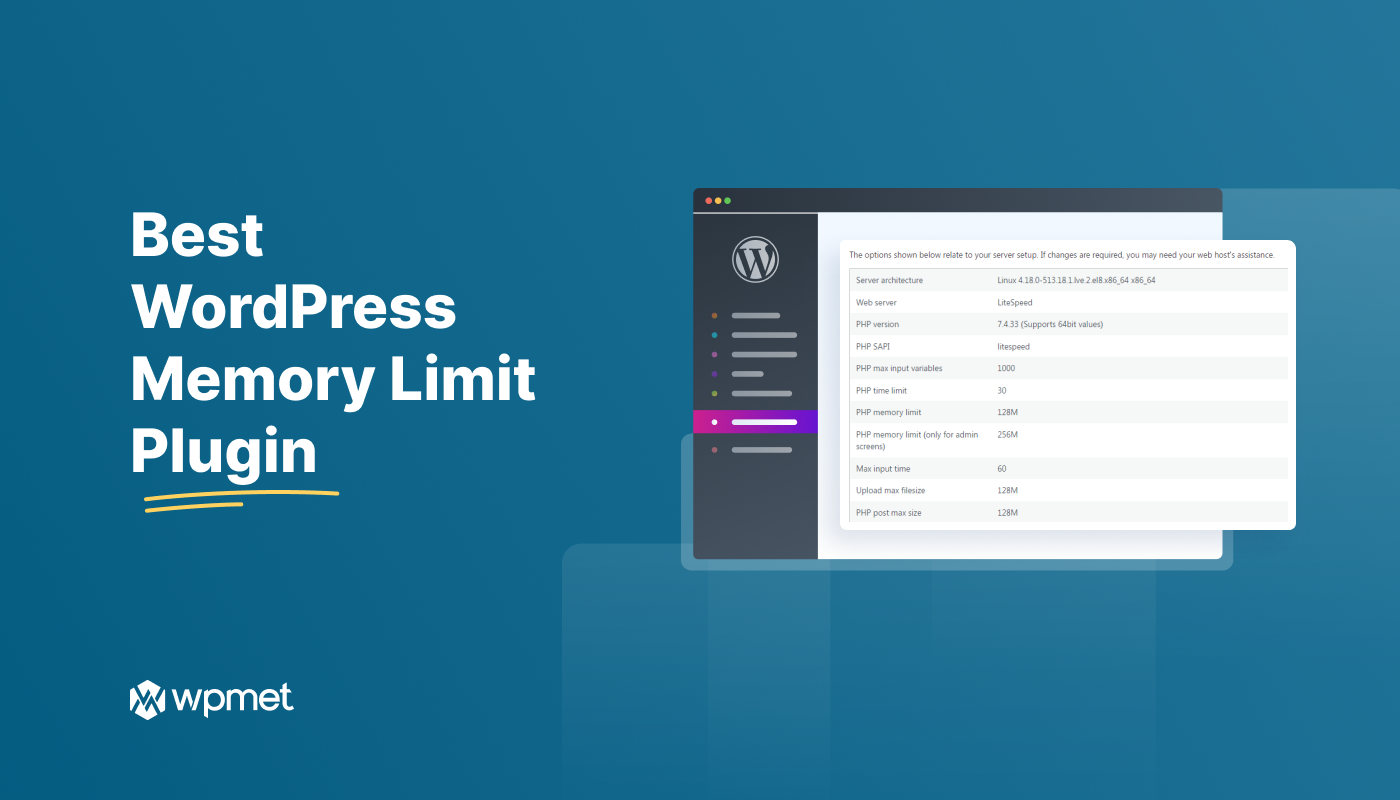
A slow WordPress site can be frustrating both for you and your visitors. One common cause is low memory. Luckily, there’s an easy fix: using a memory limit plugin.
A WordPress memory limit increase plugin can speed up your site by giving it more resources to work with. We’ve listed such WordPress limit adjustment plugins in this blog.
Let’s find the best one for you!
What is the ‘memory limit’ in WordPress?
The WordPress memory limit is the amount of RAM allocated to your website to process requests. This includes loading pages, handling database queries, and executing plugins.
Why does memory limit matter?
The default memory is 32MB.
For resource-intensive WordPress websites, you have to remain concerned about environment memory limits. For example, sites with lots of images, plugins, or traffic might exceed this limit. On top of that, if your WordPress site runs out of memory, you’ll see error messages. Like “Fatal error: Allowed memory size of… exhausted”.
Informative for you 👉👉👉 How to Increase WordPress Memory Limit
Best WordPress memory limit increase plugins
Whether you are looking for a WordPress memory management plugin, memory limit booster WordPress, or a related plugin, there are some standard plugins that can be a comprehensive solution for your site.
Check out the top options and pick one. 👇
WP Memory

WP Memory isn’t just about numbers – it’s the website’s memory manager. It checks your server’s muscles, monitors WordPress memory or ram usage, and tracks how much each page gulps down. Plus, this WP memory limit plugin catches hidden errors that can slow things down. So, the plugin allows you to say goodbye to memory limits and discover your creative power.
Features
- Check for high memory usage
- Include the result in the site health page
- No file editing is needed
- Can find solutions for low memory issues
- Can fix your blank screen and WordPress out-of-memory errors
What you need to know
| Best for | Drawback |
|---|---|
| To check WordPress memory limit or usage and related errors. | The plugin addresses memory-related errors but doesn’t give the reasons and solutions. |
Price
Platinum- $24 / 1 time
Standard- $17.99 / 1 time
Server IP & Memory Usage Display
This tool is helpful for quickly checking your website’s health. It was mainly built for IP address display and translation into different languages. The Server IP & Memory Usage plugin is a user-friendly and accessible plugin. Besides checking the memory limit, you can see the PHP version, Operating System, and so on.
Let’s see some top features.
Features
- Displays the WordPress memory limit
- Shows current WordPress memory usage
- You can translate the plugin into your own language
- Display the IP address and PHP version in the admin footer
What you need to know
| Best for | Drawback |
|---|---|
| To check memory usage. | Server IP & Memory Usage may not be compatible with certain versions of WordPress or server hosting services. |
Price
For the price, you have to contact the company.
Memory Meter

This is another Elementor memory limit booster WordPress plugin. It assists you in monitoring and optimizing your website’s performance by tracking memory usage. It provides real-time insights into how much memory your site is consuming. You can also identify potential bottlenecks and prevent crashes with this WordPress memory usage plugin.
Features
- Displays current WordPress memory or ram usage by file size and percentage
- PHP and WordPress memory limit display
- WordPress max memory limit display
- Memory usage shown in the JS console
What you need to know
| Best for | Drawback |
|---|---|
| To show memory usage and memory limit. | Need more free features in free version. |
Price
For the price, you have to contact the provider.
WP Tools

WP Tools is a complete WordPress plugin offering a dashboard with server statistics, error charts, page load times, and over 47 tools for efficient management. This WordPress plugin helps to increase memory limits, catch Javascript errors, optimize performance, and simplify tasks. The plugin can be your go-to solution for WordPress optimization.
Features
- Increase the WordPress PHP memory limit, maximum execution time limit, and maximum upload file size limit.
- Deactivate lazy load functionality
- Disk space analysis
- Multilingual support
What you need to know
| Best for | Drawback |
|---|---|
| To increase maximum limits and check WordPress web server performance. | Not for multisite. |
Price
The price starts at $17.99.
WP-Memory-Usage

The last plugin on the list of out best PHP memory limit plugin for WordPress is WP-Memory-Usage. It is also a robust WordPress tool that provides real-time insights into your website’s memory consumption. The plugin helps to display the PHP version, memory limits, manage performance, and so on. Thus you can maintain your WordPress environment and prevent potential memory-related issues.
Features
- Shows current memory consumption directly on your dashboard.
- Measure memory multiple times to see memory usage over time and find any patterns.
- Access essential details about your PHP environment.
- Lets you set the number of measurements and intervals to tailor monitoring to your needs.
What you need to know
| Best for | Drawback |
|---|---|
| Monitor and display memory usage. | It shows basic information. |
Price
Free plugin. You have to contact the provider for more details.
You may find it helpful ➡️ Tips to Speed Up Your Elementor Website 💡
FAQ
Recommended WordPress memory limit for a simple site with moderate traffic, plugins and themes is 128 MB. On the other hand, a large site with high traffic should have a memory limit of 256 MB.
To check memory limit, you need to navigate to Tools >> Site Health on the WordPress dashboard. After that, select “Info” and click “Server”. Now scroll down until you see PHP memory limit. From there, you can check memery limit of your WordPress site.
The minimum memory limit for WordPress is 32MB which is okay for a small site with few pages. However, this memory limit needs to be increased if you want to use more functional plugins and themes.
Select your WordPress memory limit plugin
Knowing which are top WordPress memory limit plugins is not enough! Remember, to optimize your website’s performance and prevent unexpected crashes, you have to consider factors like your site’s specific needs, ease of use, and compatibility with other plugins. Thus you can ensure that your website runs smoothly and efficiently.

Leave a Reply