


The best WordPress form builder plugin depends on how you build your site. If you design with Elementor, MetForm is the top pick because you build every form right inside the Elementor editor, with the same styling controls you already use. WPForms is the easiest choice for the block editor, Gravity Forms suits complex workflows, and Contact Form 7 is the best fully free option.
Below you get quick picks, a full breakdown of all 9 plugins, a comparison table, and answers to common questions.
Disclosure: MetForm is made by Wpmet, the team behind this blog. We judged it by the same criteria as every other plugin on this list.
Quick picks
If you only have a minute, here is the short answer.
| Plugin | Best for | Free plan | Paid from |
|---|---|---|---|
| MetForm | Elementor sites | Yes | $49/year |
| WPForms | Beginners on the block editor | Yes (Lite) | $99/year |
| Gravity Forms | Complex workflows and agencies | No | $59/year |
| Fluent Forms | Speed-focused sites | Yes | $79/year |
| Formidable Forms | Calculators and data apps | Yes | $79/year |
| Ninja Forms | Pay-per-add-on setups | Yes | $99/year |
| Forminator | Free payment and quiz forms | Yes | $15/month |
| Calculated Fields Form | Price and quote calculators | Yes | $53 |
| Contact Form 7 | Simple forms at zero cost | Yes (free only) | Free |
Starting prices can change. Confirm the latest pricing on each plugin site.
Why use a WordPress form builder plugin?
A form builder lets you collect leads, payments, bookings, and feedback without writing code. You drag fields onto a form, set rules, and every entry lands in your dashboard or email. A good one also blocks spam, works on every screen, and connects to the tools you already use, like Google Sheets or your email marketing app.
How we picked these plugins
We compared each plugin on the things that matter most when you build forms day to day:
- Ease of building: how fast you can go from blank page to a working form
- Design control: how closely forms match your site design without custom CSS
- Form types: support for multi-step, quiz, calculation, and payment forms
- Performance: how light the plugin stays on the front end
- Free plan value: how much works before you pay
The 9 best WordPress form builder plugins
1. MetForm
Best for: anyone who builds their site with Elementor. Skip if: you do not use Elementor.
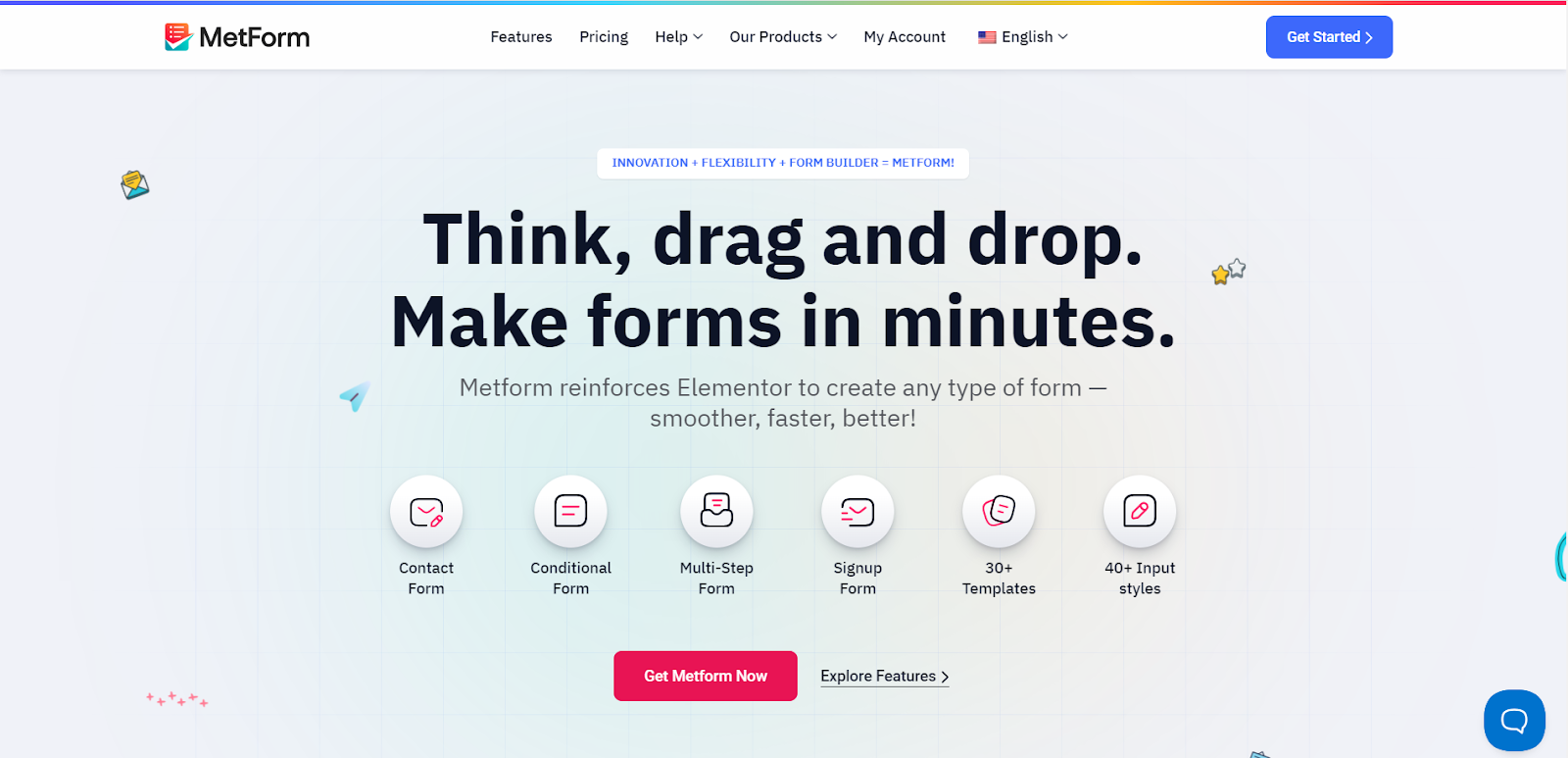
MetForm turns Elementor into a full form builder. You create the form inside the Elementor editor, so every field uses the same typography, colors, spacing, and responsive controls as the rest of your page. Your forms match your design from the first click, and you never switch to a separate builder screen.
It works with the free version of Elementor, so you do not need Elementor Pro. More than 600,000 sites use it, it holds a 4.7/5 rating on WordPress.org, and it won the Monster’s Award 2025 for Best Form Plugin.
Key features
- Drag-and-drop form building inside the Elementor editor, with 20+ field types
- 40+ ready-made form templates for contact, registration, booking, and more
- Multi-step forms that break long forms into easy steps
- Conditional logic to show or hide fields based on answers
- Quiz and survey forms, plus calculation forms for quotes and prices
- Form Analytics that shows traffic sources, devices, locations, and where visitors drop off or hit errors
- File uploads, including from Google Drive and Dropbox
- Digital signature field
- Send entries to Google Sheets, and connect other apps through the REST API
- Google reCAPTCHA spam protection and GDPR consent field
- Custom confirmation emails and scheduled form publishing
- Payment forms with multiple payment methods
- Shortcode support to place forms anywhere
Pricing
Free plan available. MetForm Pro starts at $49/year, with lifetime plans from $147. MetForm is also included in the Wpmet All-in-One bundle.
Pros: forms match your Elementor design with no CSS, built-in Form Analytics, strong free plan, 24/7 ticket support.
Cons: built for Elementor, so it is not the pick for block editor-only sites.

2. WPForms
Best for: beginners on the block editor. Skip if: you want forms styled inside Elementor.
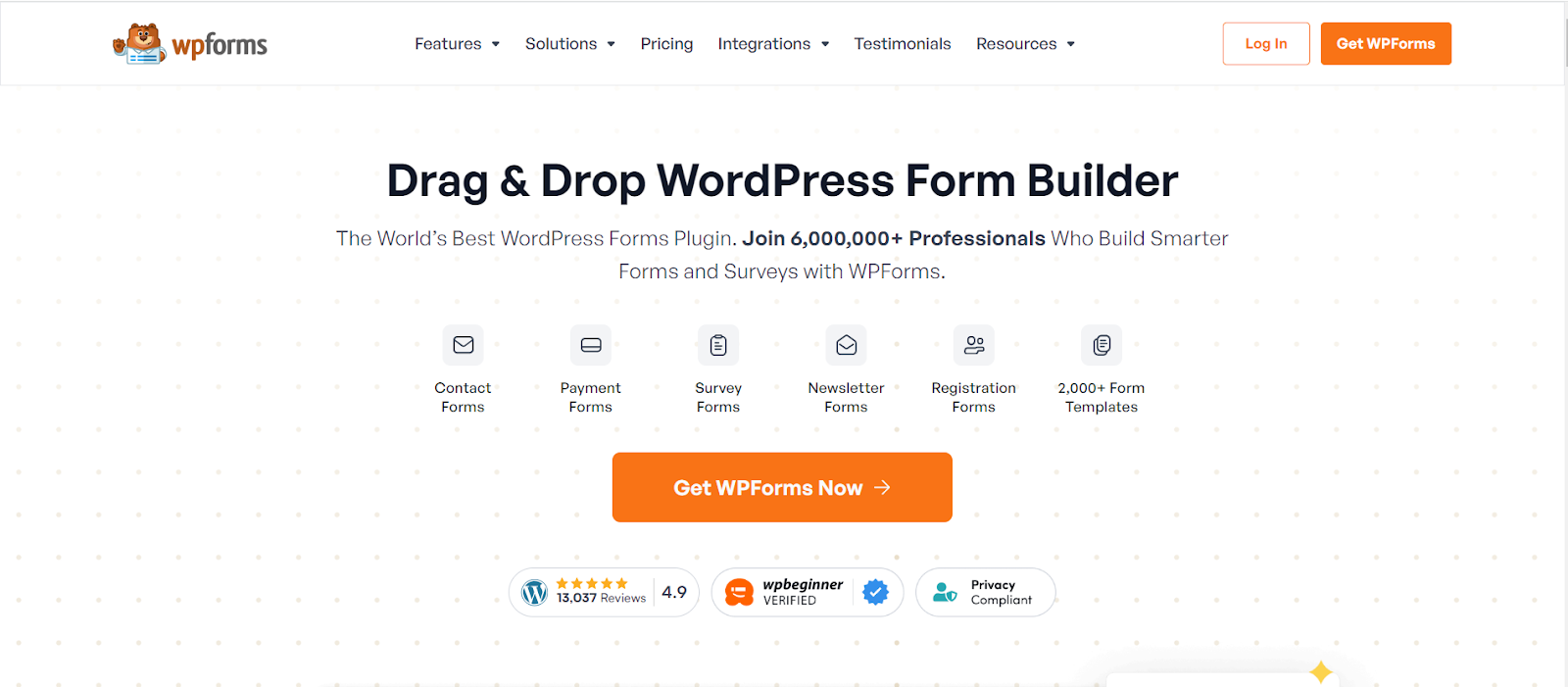
WPForms is the most installed form plugin, with 6 million+ active sites. Its own drag-and-drop builder is simple, and its template library is huge. Many key features, like conditional logic and most integrations, sit in paid plans.
Key features: drag-and-drop builder, large template library, Stripe and PayPal payments, conversational forms (paid), spam protection.
Pricing: free Lite version. Paid from $99/year.
Pros: very easy to learn, huge template library.
Cons: forms are built outside Elementor, best features are paid.
3. Gravity Forms
Best for: complex workflows, approvals, and agencies. Skip if: you need a free plan.
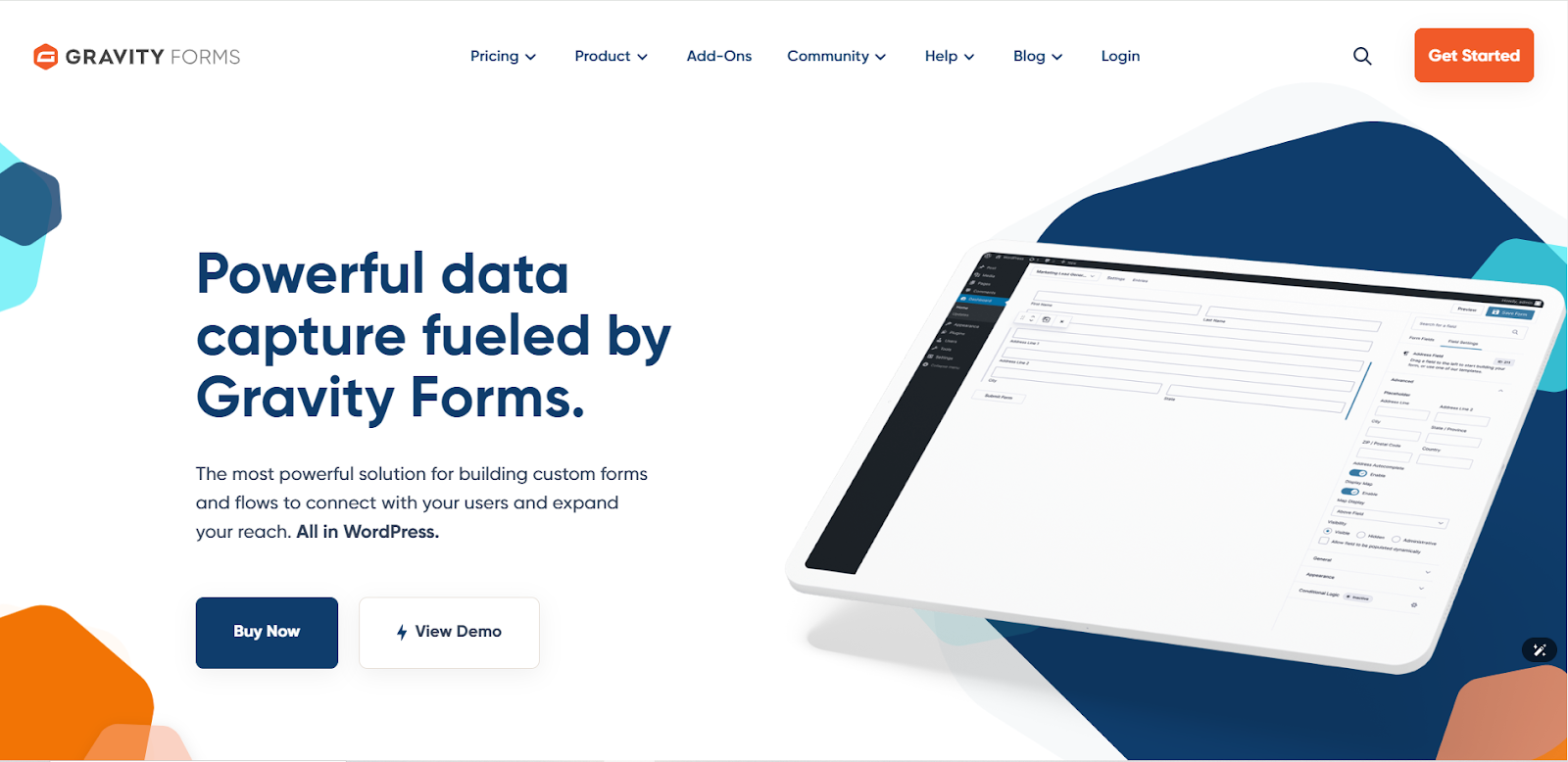
Gravity Forms is a long-standing premium plugin with deep conditional logic, multi-page forms, and a large add-on ecosystem. It is powerful but has no free version.
Key features: advanced conditional logic, multi-page forms, file uploads, calculations, add-ons for CRMs and payments.
Pricing: from $59/year. No free plan.
Pros: very flexible, mature add-on ecosystem.
Cons: no free plan, styling needs more work.
4. Fluent Forms
Best for: sites that care most about speed. Skip if: you want to design forms inside Elementor.
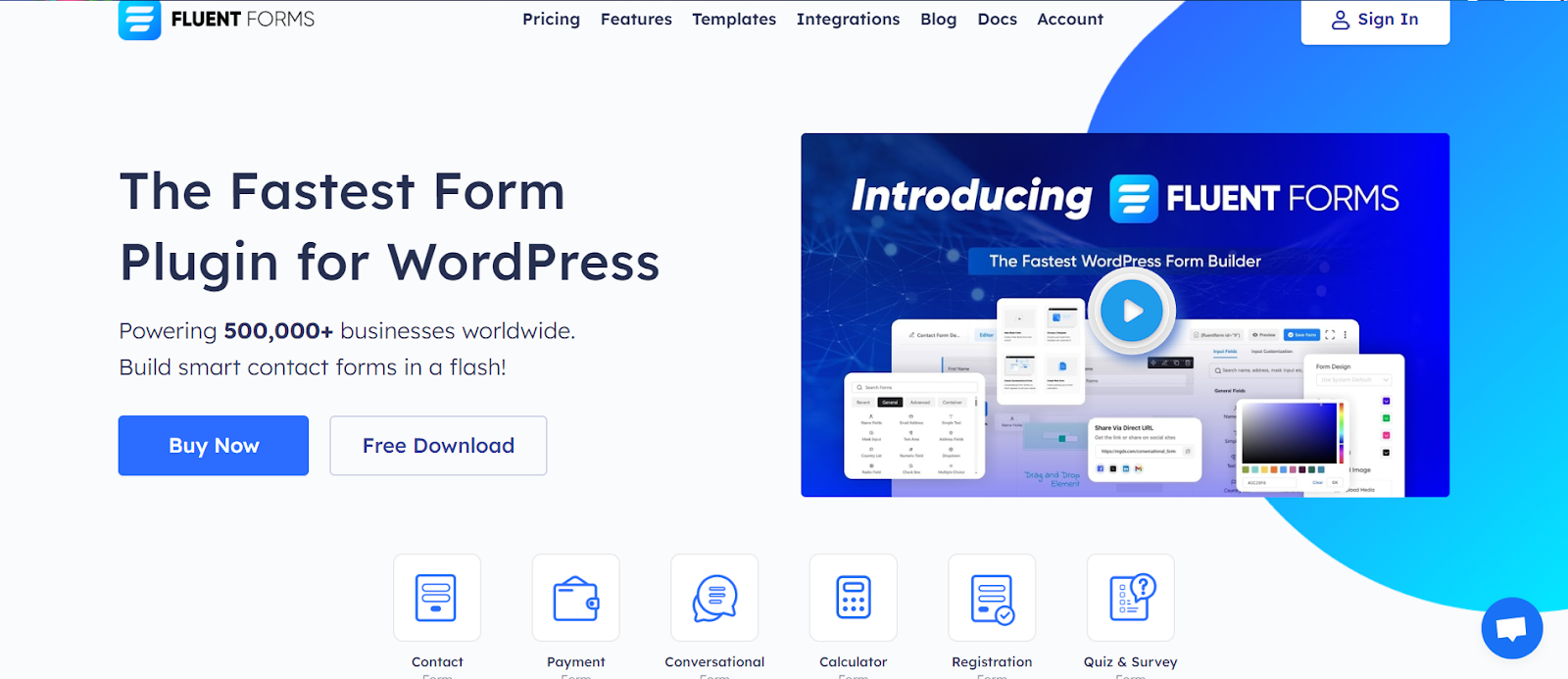
Fluent Forms is a lightweight builder with a generous free plan and many integrations.
Key features: fast drag-and-drop builder, conditional logic, multi-step forms, many integrations, payment fields.
Pricing: free plan. Pro from $79/year, lifetime from $279.
Pros: lightweight, strong free plan.
Cons: separate builder from your page design.
5. Formidable Forms
Best for: calculators, directories, and data-driven apps. Skip if: you only need a contact form.
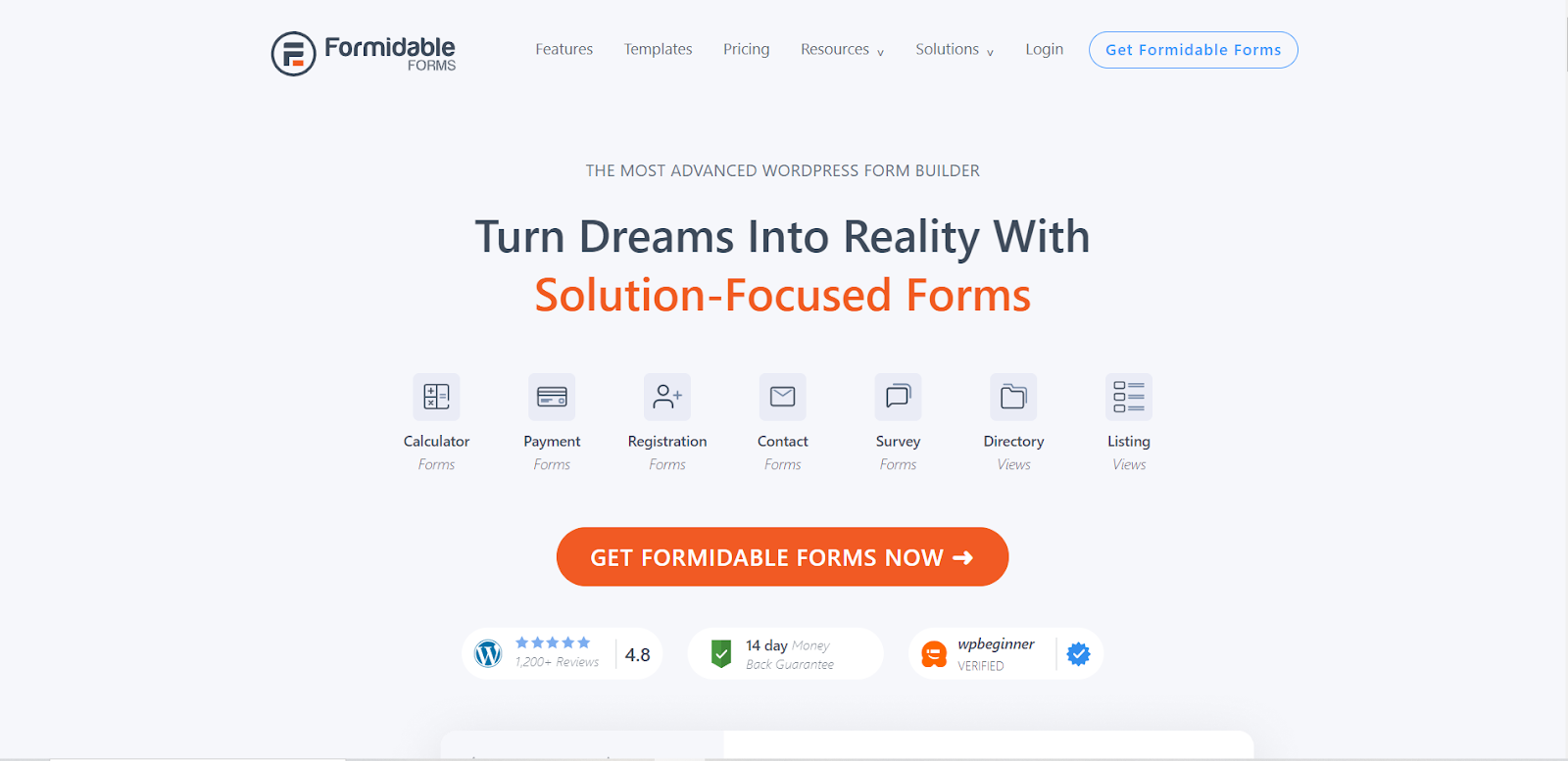
Formidable Forms goes beyond forms. You can build calculators, listings, and views that display entries on the front end.
Key features: advanced calculations, front-end views of entries, conditional logic, templates, payments.
Pricing: free plan. Paid from $79/year.
Pros: great for calculation-heavy forms.
Cons: learning curve for advanced features.
6. Ninja Forms
Best for: people who want to pay only for the add-ons they need. Skip if: you want everything in one plan.
Ninja Forms has a free core and sells features as add-ons or bundles.
Key features: drag-and-drop builder, add-on marketplace, conditional logic (add-on), payments (add-on).
Pricing: free core. Paid from $99/year.
Pros: flexible add-on model.
Cons: costs add up as you add features.
7. Forminator
Best for: free payment, quiz, and poll forms. Skip if: you want deep design control.
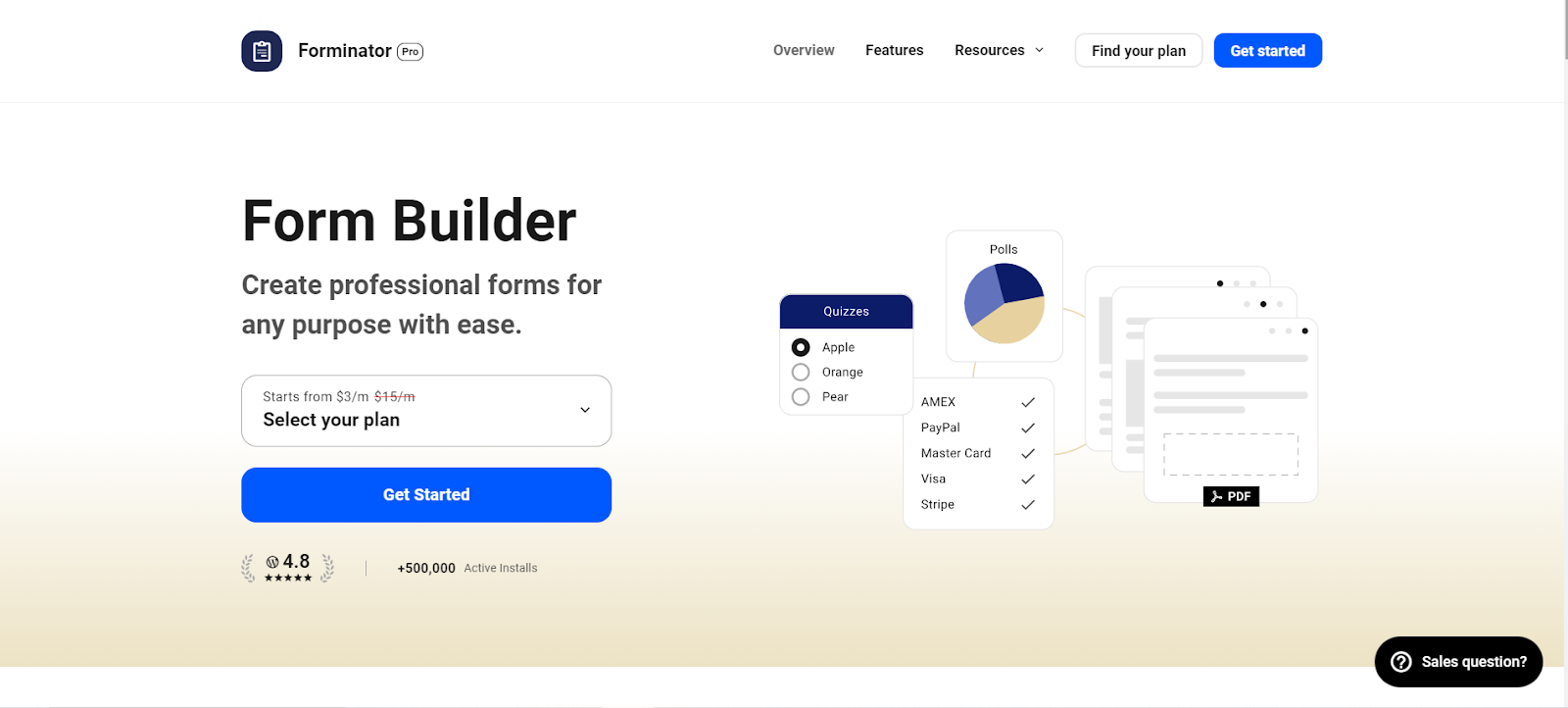
Forminator, by WPMU DEV, packs payments, quizzes, and polls into its free version.
Key features: Stripe and PayPal in the free plan, quizzes and polls, conditional logic, integrations.
Pricing: free plan. Pro from $15/month.
Pros: generous free features.
Cons: fewer styling options.
8. Calculated Fields Form
Best for: price, quote, and loan calculators. Skip if: you need general-purpose forms.
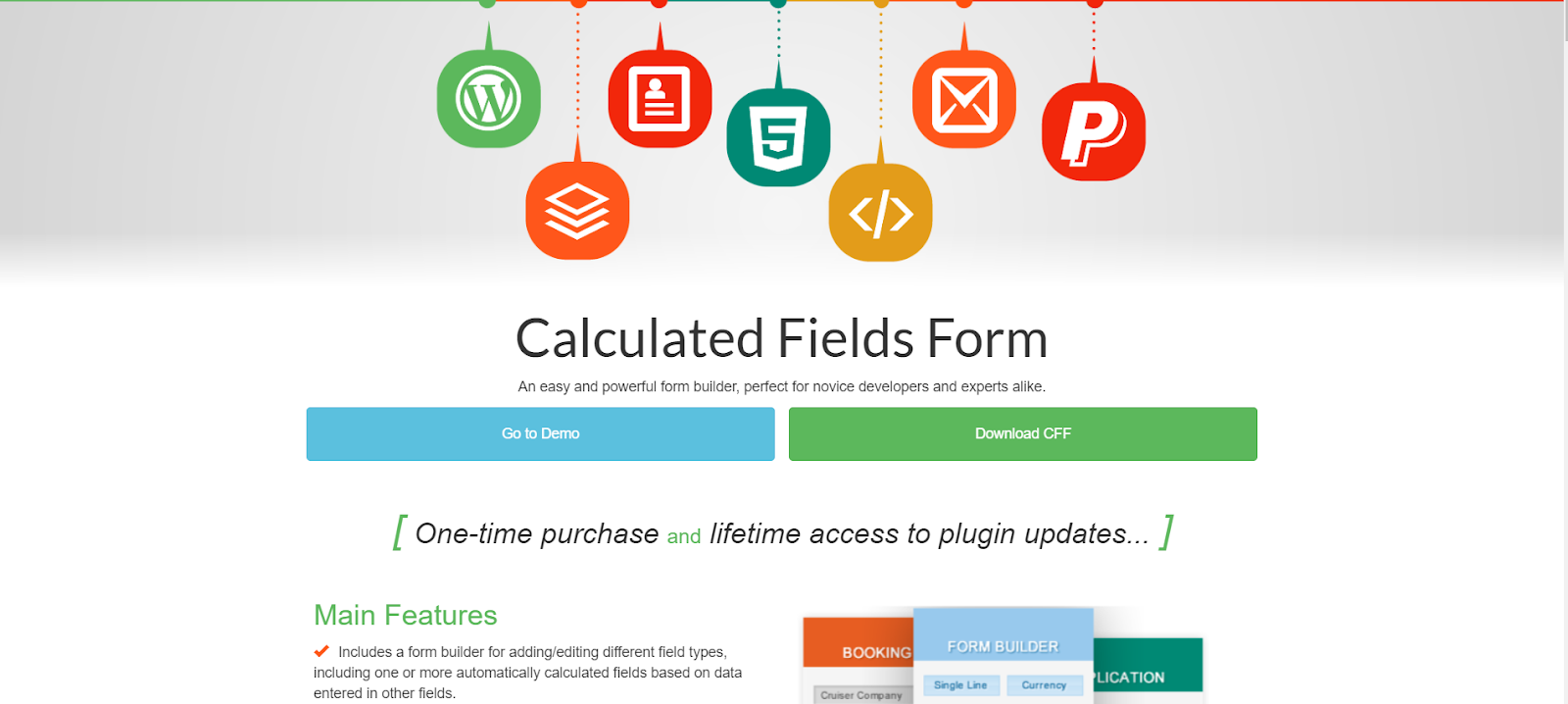
This plugin focuses on forms that calculate results as visitors type.
Key features: formula-based fields, calculator templates, conditional logic.
Pricing: free plan. Paid from $53.
Pros: strong calculation engine.
Cons: dated interface for regular forms.
9. Contact Form 7
Best for: simple contact forms at zero cost. Skip if: you want drag and drop or entry storage.
Contact Form 7 is free and installed on millions of sites. You build forms with simple markup, not drag and drop, and entries are emailed, not stored, unless you add another plugin.
Key features: free forever, lightweight, many free extensions.
Pricing: free.
Pros: free and reliable.
Cons: no visual builder, no entry storage by default.
Comparison table
MetForm is the only plugin on this list that lets you build the form itself inside the Elementor editor.
| Plugin | Build forms inside Elementor editor | Free plan | Paid from |
|---|---|---|---|
| MetForm | Yes | Yes | $49/year |
| WPForms | No (embed with widget or shortcode) | Yes | $99/year |
| Gravity Forms | No (embed with shortcode) | No | $59/year |
| Fluent Forms | No (embed with widget or shortcode) | Yes | $79/year |
| Formidable Forms | No (embed with widget or shortcode) | Yes | $79/year |
| Ninja Forms | No (embed with widget or shortcode) | Yes | $99/year |
| Forminator | No (embed with widget or shortcode) | Yes | $15/month |
| Calculated Fields Form | No (embed with shortcode) | Yes | $53 |
| Contact Form 7 | No (embed with shortcode) | Yes | Free |
Non-plugin alternatives
If you prefer a hosted form tool, Typeform is best for conversational one-question-at-a-time forms, HubSpot Forms suits teams already on HubSpot CRM, and Formstack fits enterprise workflows. These run outside WordPress and charge monthly.
How to choose the right form builder
Pick the plugin that fits how you build your site, then check features.
- Your page builder: on Elementor, choose a plugin you can build with inside Elementor, like MetForm.
- Form types: need multi-step, quiz, or calculation forms? Make sure they are in the plan you will buy.
- Spam protection: look for reCAPTCHA or honeypot support.
- Integrations: check Google Sheets, email marketing, and payment support.
- Insights: built-in analytics, like MetForm Form Analytics, shows why visitors leave a form.
- Support: paid plans should include real support.
Frequently asked questions
What is the best free WordPress form builder plugin?
For Elementor sites, MetForm has the strongest free plan because you build and style forms inside Elementor with no extra cost. For block editor sites, WPForms Lite and Fluent Forms are solid free picks. If you only need a basic contact form and do not mind simple markup, Contact Form 7 is completely free.
What is the best form builder for Elementor?
MetForm is the best form builder for Elementor because you create forms inside the Elementor editor itself. Every field uses Elementor styling and responsive controls, so forms match your design without custom CSS. It works with free Elementor, includes 40+ templates, and adds multi-step forms, conditional logic, and Form Analytics.
Do I need Elementor Pro to use MetForm?
No. MetForm works with the free version of Elementor. You can install MetForm, open any page in Elementor, and start building forms right away. MetForm Pro adds advanced features on top, but neither MetForm Free nor MetForm Pro requires an Elementor Pro license.
Which WordPress form plugin is best for payment forms?
MetForm is a great fit for Elementor sites that need payment forms, because you design the payment form inside Elementor and accept multiple payment methods. Forminator offers Stripe and PayPal in its free plan, and Gravity Forms handles complex payment workflows through paid add-ons.
Do form builder plugins slow down WordPress?
A well-built form plugin adds very little weight, especially when it loads its scripts only on pages with forms. Heavy add-ons and many integrations can add more. Test your form page in PageSpeed Insights after setup, and keep only the add-ons and integrations you actually use.
How can I see how my WordPress forms perform?
Most form plugins only count submissions. MetForm includes Form Analytics, which shows where your form traffic comes from, which devices and locations visitors use, and where they hit errors or drop off. That data helps you fix weak fields and raise completion rates.
Final verdict
If you build with Elementor, MetForm is the best WordPress form builder plugin for you. You design forms inside the editor you already know, get multi-step, quiz, calculation, and payment forms, and see real performance data with Form Analytics. Start with the free version, and upgrade when you need more.

Leave a Reply