


 English
  German
  Spanish
  Italian
  French
  Danish
  Portuguese
  Swedish
  Polish
  Korean
  Japanese

In the competitive field of e-commerce, getting your WooCommerce store noticed is vital. And without proper Search Engine Optimization (SEO) you can’t drive organic traffic and boost your brand awareness.
In this blog post, we’ll explore some of the best SEO plugins for WooCommerce. Let’s check the tools to select the suitable one that will help you optimize your store and attract more customers.
Quick Overview
Search Engine Optimization (SEO) for WooCommerce sites can help businesses grow faster.
Here’s how it helps:
✅ Higher rank in SERP.
✅ Reach more potential customers.
✅ Improved conversion rates.
✅ And ultimately, better sales.
In this article, we have listed the top WordPress SEO plugins to help you optimize your WooCommerce site for better results.
Know WooCommerce
WooCommerce is a WordPress-based platform for e-commerce sites. This open-source plugin is popular for creating and managing your online store effectively. With highly customizable features, you can sell physical and digital products, manage inventory, process payments, handle shipping, and more.
Why SEO is crucial for WooCommerce?
The visibility of your WooCommerce store relies heavily on search engines like Google. So, without proper Search Engine Optimization (SEO), it’s difficult to drive organic traffic.
SEO for WooCommerce stores increases the chances of higher rankings, leading to more potential customers, higher conversions, and improved sales.
When you optimize your WooCommerece site for search engines, it becomes easier to discover your products through relevant search queries. Also, pages that rank higher are generally perceived as more reliable by shoppers.
Overall, the goals of SEO for WooCommerce are to get more organic traffic, higher visibility, and ultimately, more sales.
Best SEO Plugins for WooCommerce
| SEO Plugins for WooCommerce | Features & Specialty |
|---|---|
| 1. GetGenie AI | AI-powered content optimization and keyword research are super easy now. It gives one WooCommerce Wizard and three more templates to generate SEO-optimized content. |
| 2. Rank Math SEO | Provides advanced WooCommerce features, including rich snippet support, product schema, and optimized sitemaps to improve SEO and user engagement. |
| 3. Yoast SEO | Offers a user-friendly interface with WooCommerce integration, providing product meta customization, XML sitemap generation, and SEO analysis for better search rankings and content visibility. |
| 4. SEOPress | Easy setup, product sitemaps, automatic rich snippets, Google Analytics integration, and structured data generation for improved SEO on WooCommerce sites. |
| 5. All in One SEO | Comprehensive SEO suite with WooCommerce support, including advanced product page optimization, schema markup, and easy integration with other plugins. |
| 6. Premium SEO Pack | Focuses on WooCommerce SEO with features like product schema, social media integration, and bulk optimization to improve product visibility and performance. |
| 7. Jetpack Boost | Speeds up WooCommerce stores by optimizing performance, reducing page load times, and enhancing user experience through better caching and image optimization. |
| 8. Google Keyword Planner | A keyword research tool to help you identify relevant search terms for your WooCommerce products, improving SEO targeting and organic reach. |
| 9. Ahrefs Site Audit | Provides in-depth SEO audits for WooCommerce sites, helping identify technical issues, improve product SEO, and optimize the site’s overall health. |
| 10. Asset CleanUp | Optimizes WooCommerce store performance by unloading unnecessary scripts and styles, reducing page size and speeding up load times. |
| 11. Perfmatters | A performance optimization tool that helps WooCommerce sites load faster by disabling unused features and improving page speed, crucial for SEO. |
| 12. Semrush | A strong SEO tool with WooCommerce-specific features, helping with keyword research, product SEO optimization, and competitor analysis for better rankings. |
| 13. Seed Keywords | A keyword discovery tool that helps generate seed keywords for WooCommerce product pages, offering insights into search trends and opportunities to optimize products for better SEO. |
| 14. Schema Pro | Helps add advanced schema markup to WooCommerce product pages, improving rich snippets and search engine visibility for products. |
| 15. Customer Reviews For WooCommerce | Collects and manages product reviews to enhance product visibility, trust, and SEO through customer feedback. |
| 16. WP Rocket | A caching plugin that boosts WooCommerce store speed, improving SEO rankings by reducing page load times and enhancing overall site performance. |
| 17. Google Site Kit | Provides Google Analytics, Search Console, and PageSpeed Insights integration to track WooCommerce store performance and SEO improvements. |
| 18. Moz Keyword Explorer | Helps WooCommerce store owners discover high-traffic keywords and optimize product listings to target the right audience and improve SEO performance. |
| 19. WooCommerce SEO by WooCommerce | Tailored SEO plugin for WooCommerce by WooCommerce. It helps optimize product pages, categories, and tags to boost search engine visibility. |
| 20. Squirrly SEO | Provides AI-driven SEO suggestions for WooCommerce product pages, helping optimize content, keywords, and meta tags for better SEO results. |
| 21. Redirection | Handles 301 redirects and monitors 404 errors, ensuring smooth navigation and no SEO penalties due to broken product links or pages in WooCommerce. |
| 22. Structured Content | Adds structured data to WooCommerce product pages, helping search engines understand product details better and improving the chances of rich snippets. |
| 23. Broken Link Checker | Detects broken links in WooCommerce stores to prevent negative SEO impact and improve user experience by fixing link errors. |
Now, check out our top list of SEO Plugins for WooCommerce:
1. GetGenie AI
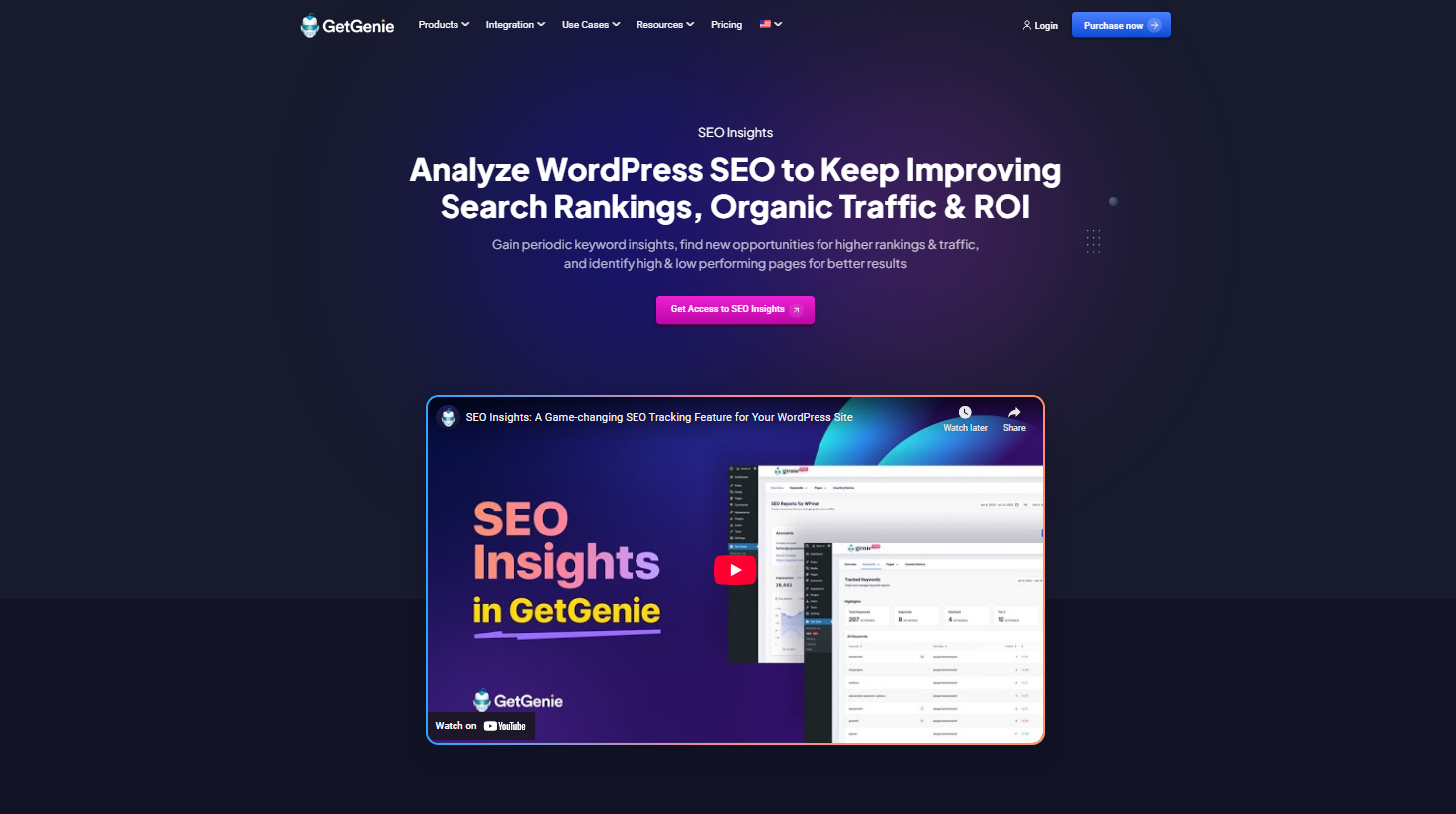
GetGenie AI is a powerful AI writing and SEO tool. It is popular for generating the best SEO-optimized content right inside the WordPress.
GetGenie’s WooCommerce Product Wizard helps you write SEO-optimized product title, short description, and long description with 37+ AI writing templates and 2500 free word credits per month.
Meanwhile, the SEO feature from this WordPress AI plugin gives an insights for keywords and traffic. It also offers keyword suggestions, helps you focus on the most relevant terms for your content, helps to do competitor analysis, gives instant content scores, and more.
This tool is ideal for those who need a boost in WooCommerce product content creation without sacrificing quality.
Pros & Cons
Pros: AI-powered content generation for SEO.
Cons: Content requires significant editing to give it a human-touch.
Pricing
You can try GetGenie AI’s free version easily. And the Starter plan starts at $10 per month.
2. Rank Math SEO
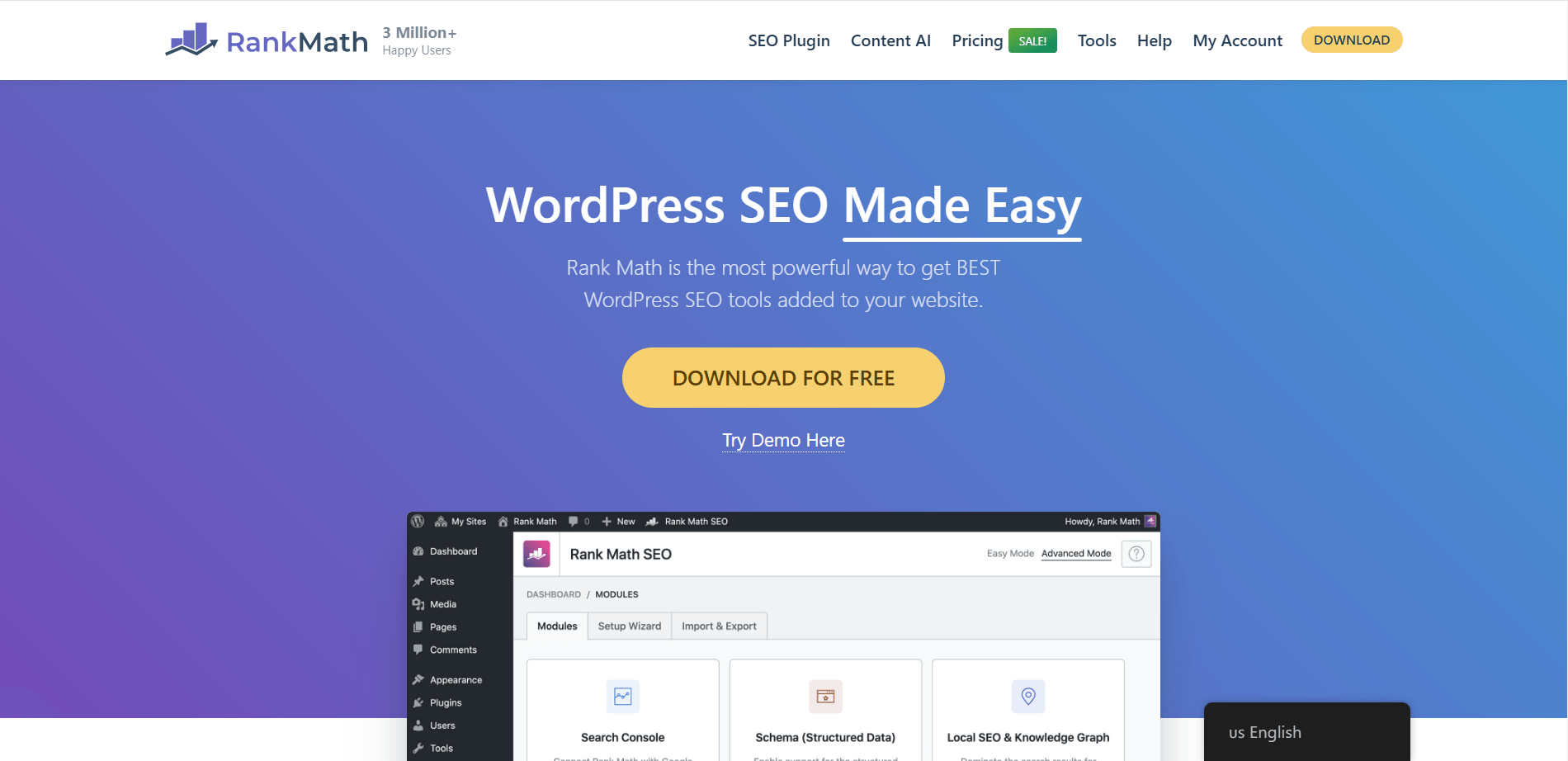
Rank Math is a well-known WooCommerce SEO plugin for WordPress. It is designed with comprehensive features and an added focus on optimizing WooCommerce product pages. It helps to improve search engine visibility by adding essential metadata and product schema to your products.
Rank Math also has integration with Divi’s Visual Builder. You can manage SEO settings like keywords and metadata without switching between the front and back end. This makes SEO tasks smoother while designing pages. So, if you use Divi, Rank Math WooCommerce integration is an even better choice.
Pros & Cons
Pros: Comprehensive features in the free version, excellent schema support.
Cons: Can be overwhelming for beginners, occasional plugin conflicts.
Pricing
The Pro price starts at $7.99 per month.
3. Yoast SEO
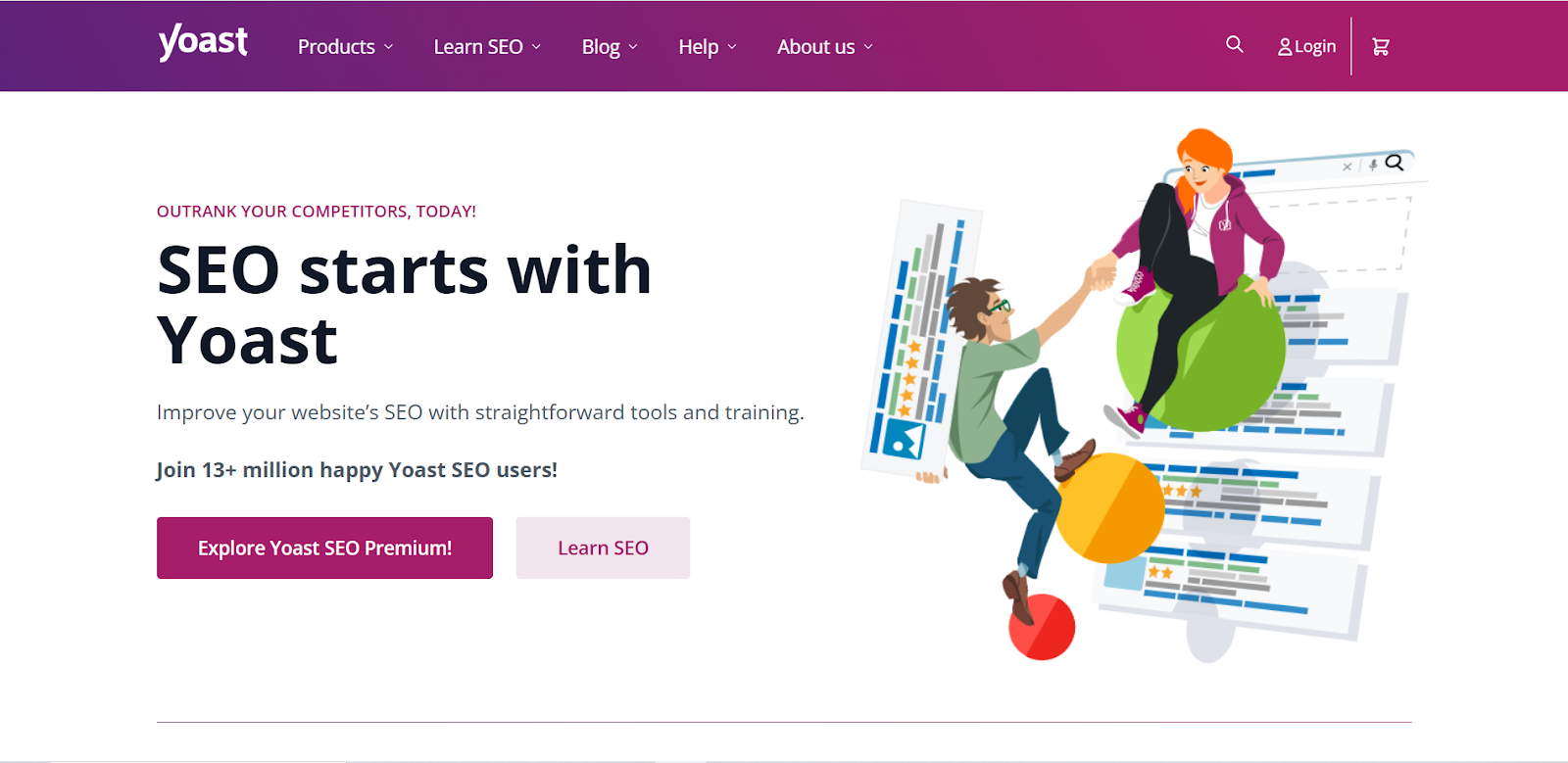
Yoast SEO is another good tool for WordPress that enhances the visibility of WooCommerce stores. It automates many important technical SEO practices, such as adding meta descriptions and page titles. You can easily preview how your page will appear on search engines and adjust the content accordingly.
Additionally, Yoast WooCommerce SEO plugin lets you set a focus keyword for each page and offers tips to optimize the content. Setting the canonical URLs, XML sitemaps, your site’s breadcrumbs, etc. is also quick with Yoast SEO.
Note: Yoast SEO and Yoast WooCommerce SEO both plugins are powered by Yoast. With Yoast WooCommerce SEO you’ll get extra tools and features for your WooCommerce store.
Pros & Cons
Pros: Beginner-friendly, strong content analysis and readability tools.
Cons: Limited free features, can slow down websites.
Pricing
The tool offers a free version. You can enjoy premium Yoast SEO from $99 per year. And Yoast WooCommerce SEO plugin starts at $79 per year.
4. SEOPress
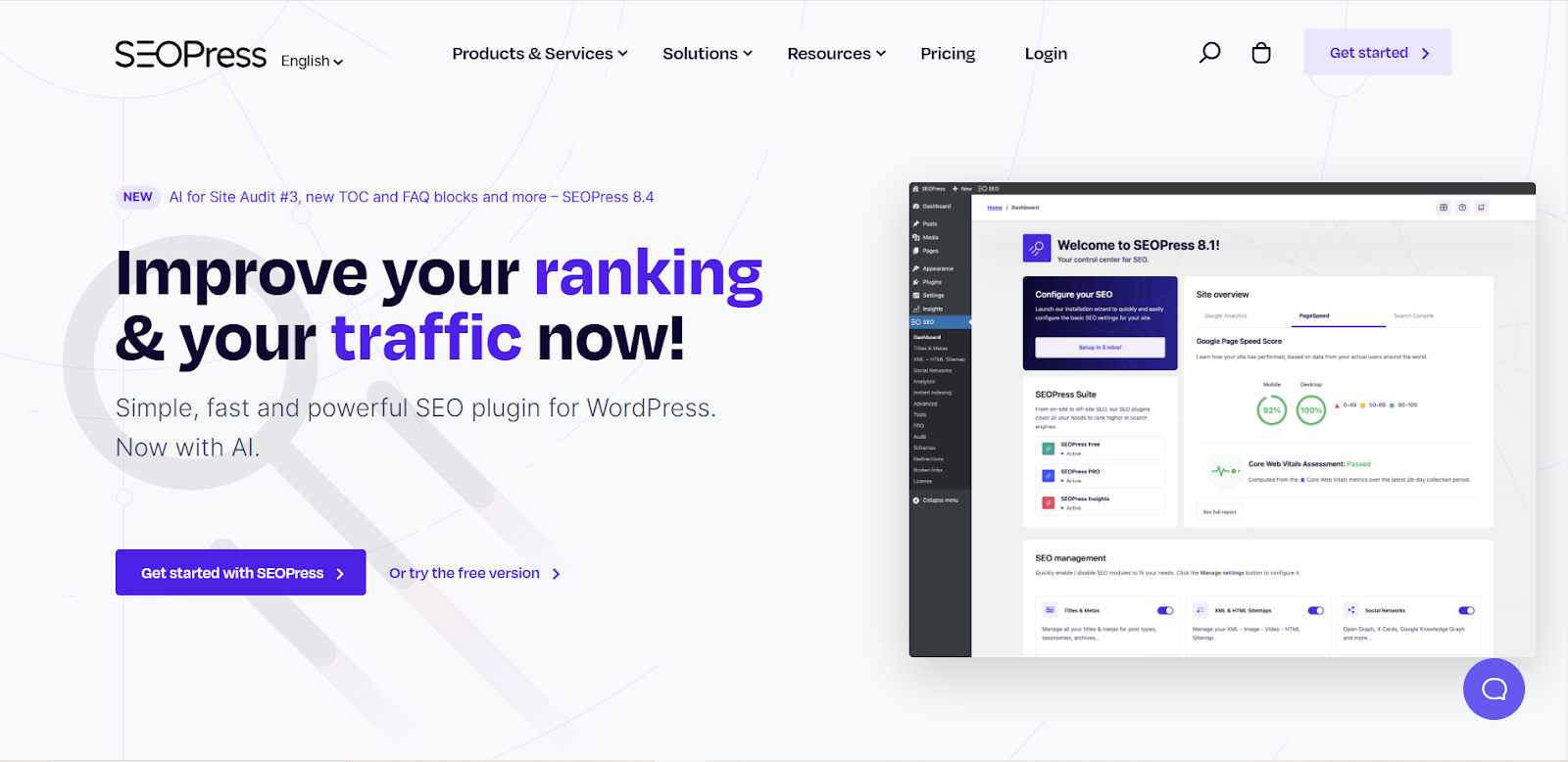
SEOPress is a handy SEO plugin that helps your WooCommerce sites boost visibility. The tool quickly sets up your site with a wizard and import settings from other SEO plugins. It is easy to migrate to SEOPress. Moreover, the modern tool facilitates generating XML sitemaps for products and images, adds rich snippets for better search results, tracks key eCommerce actions via Google Analytics to refine SEO strategies and so many other things.
Pros & Cons
Pros: Affordable, clean UI, and great for beginners.
Cons: Limited free version, smaller user base.
Pricing
The free version of SEOPress is available. You can enjoy the premium features starting at $49 per year.
5. All in One SEO
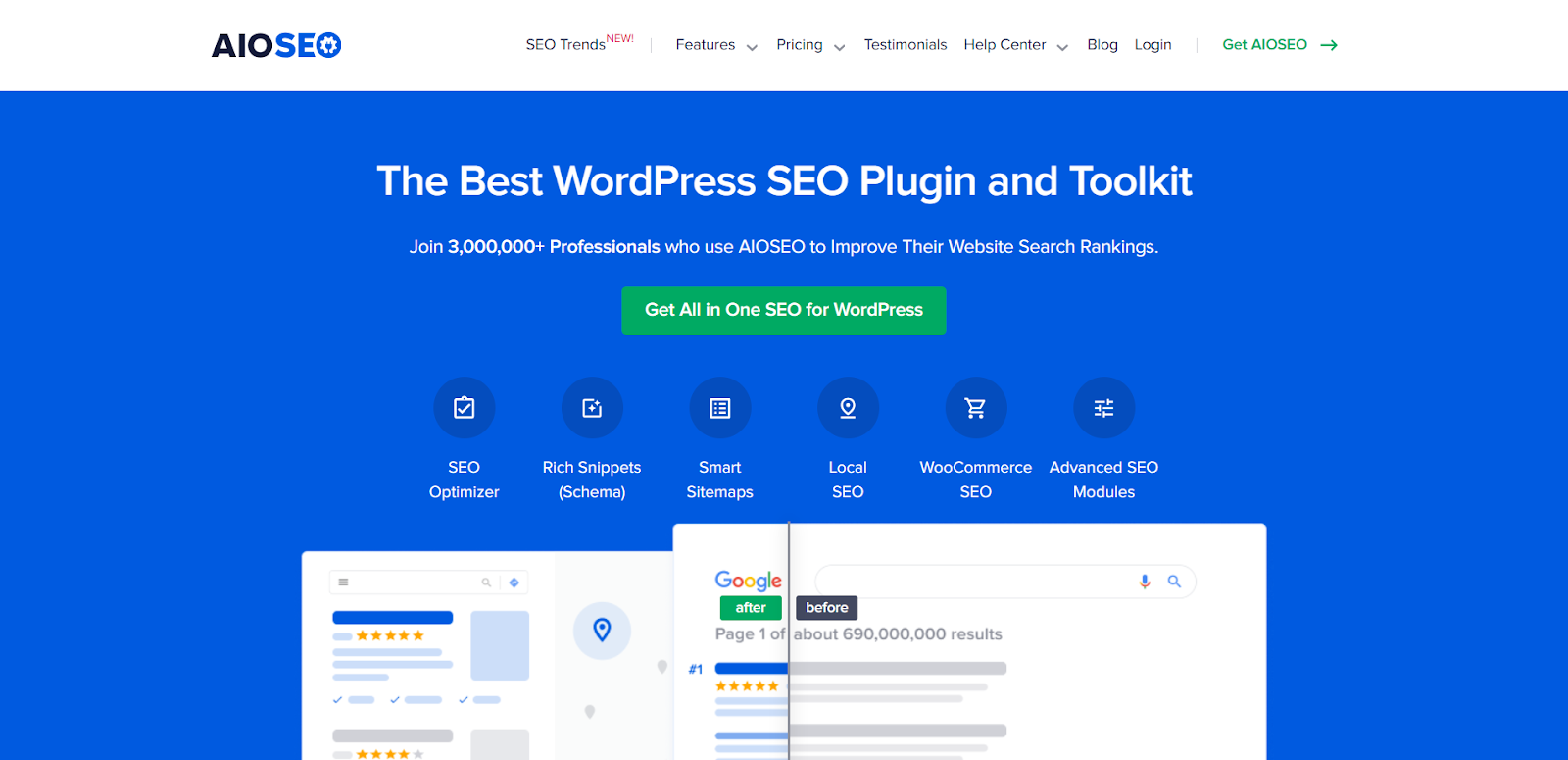
All in One SEO is a straightforward and easy-to-use plugin designed to cover all the essential aspects of SEO. It offers features like metadata management, XML sitemaps, and social media integration, making it suitable for beginners and small businesses. With built-in support for local SEO and WooCommerce, it’s a solid choice for a variety of website types. All in One SEO is especially popular for its simplicity and the fact that many of its key features come in the free version, making it accessible for new users. However, more advanced features like internal linking suggestions and content analysis are locked behind the premium version.
Pros & Cons
Pros: Simple, beginner-friendly with essential SEO features.
Cons: Limited features in free version, lacks advanced content optimization.
Pricing
The price starts at $124 per year.
6. Premium SEO Pack
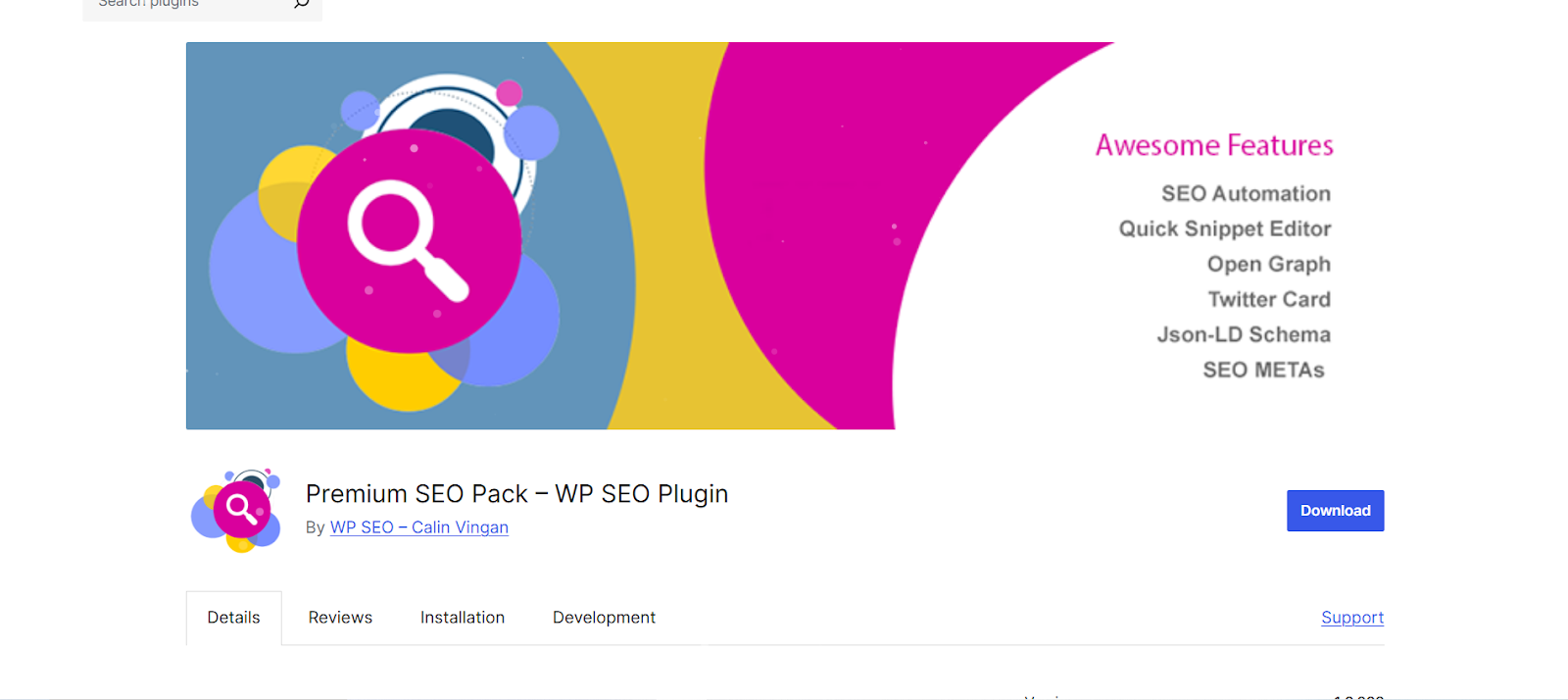
Who doesn’t want a more detailed approach to SEO? Here is a plugin that is full of essential SEO features. It provides tools for optimizing meta tags, improving site speed, and generating rich snippets. Premium SEO Pack provides advanced controls like 404 error monitoring, link management, and social media integration. If you feel comfortable with a more complex interface and want to improve the overall SEO performance of your WooCommerce site, you can try the Premium SEO Pack.
Pros & Cons
Pros: Multiple SEO tools in one, rich snippet support.
Cons: Expensive, cluttered UI.
Pricing
The cost of premium plugin starts from $39.99 per year.
7. Jetpack Boost
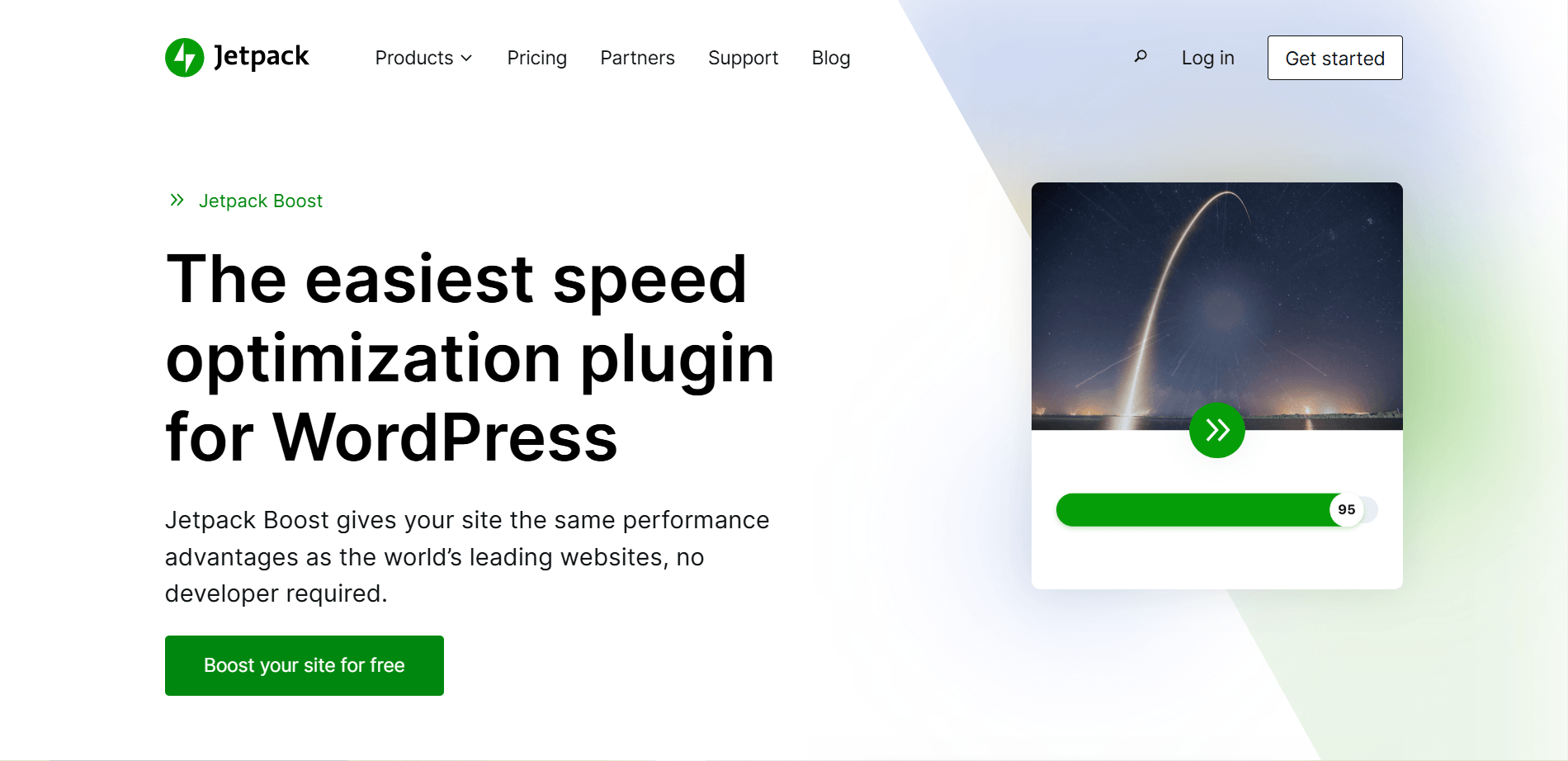
This is another performance-focused plugin that helps speed up your website by optimizing key areas like images, JavaScript, and CSS. The tool provides features like lazy loading, database optimization, and code minification, which are designed to better site load times and overall user experience. The plugin is lightweight, meaning it doesn’t add unnecessary bloat to your site. So it is a great choice to polish performance without affecting SEO.
Pros & Cons
Pros: Focuses on performance optimization (lazy loading, JS/CSS minification).
Cons: Lacks SEO features, depends on Jetpack.
Pricing
The cost of premium plugin starts from $19 per month.
8. Google Keyword Planner
Google Keyword Planner is a free tool yet effective tool. This tool guides you to find the exact keywords for your content based on Google’s search data. Google Keyword Planner gives you keyword ideas, search volume data, and competition levels, helping you choose the best keywords to target for SEO success. The tool is a great starting point for anyone looking to improve their keyword strategy.
Pros & Cons
Pros: Free, reliable Google data.
Cons: Limited to Google searches, needs a paid Google Ads account for full features.
Pricing
It’s a free tool and is available with Google Ads.
9. Ahrefs Site Audit

Ahrefs Site Audit is a robust SEO tool that scans your WooCommerce site to identify hidden technical issues that could impact your search rankings. It provides in-depth reports on things like broken links, missing meta tags, slow-loading pages, and other SEO problems. If you are seeking for an extensive, professional-grade SEO audit, Ahrefs Site Audit is beneficial for you. Its intense features and detailed insights have made it a standard SEO plugin.
Pros & Cons
Pros: In-depth site audits and backlink analysis.
Cons: Expensive, can be overwhelming for beginners.
Pricing
You can access Ahrefs Site Audit from $129 per month.
10. Asset CleanUp
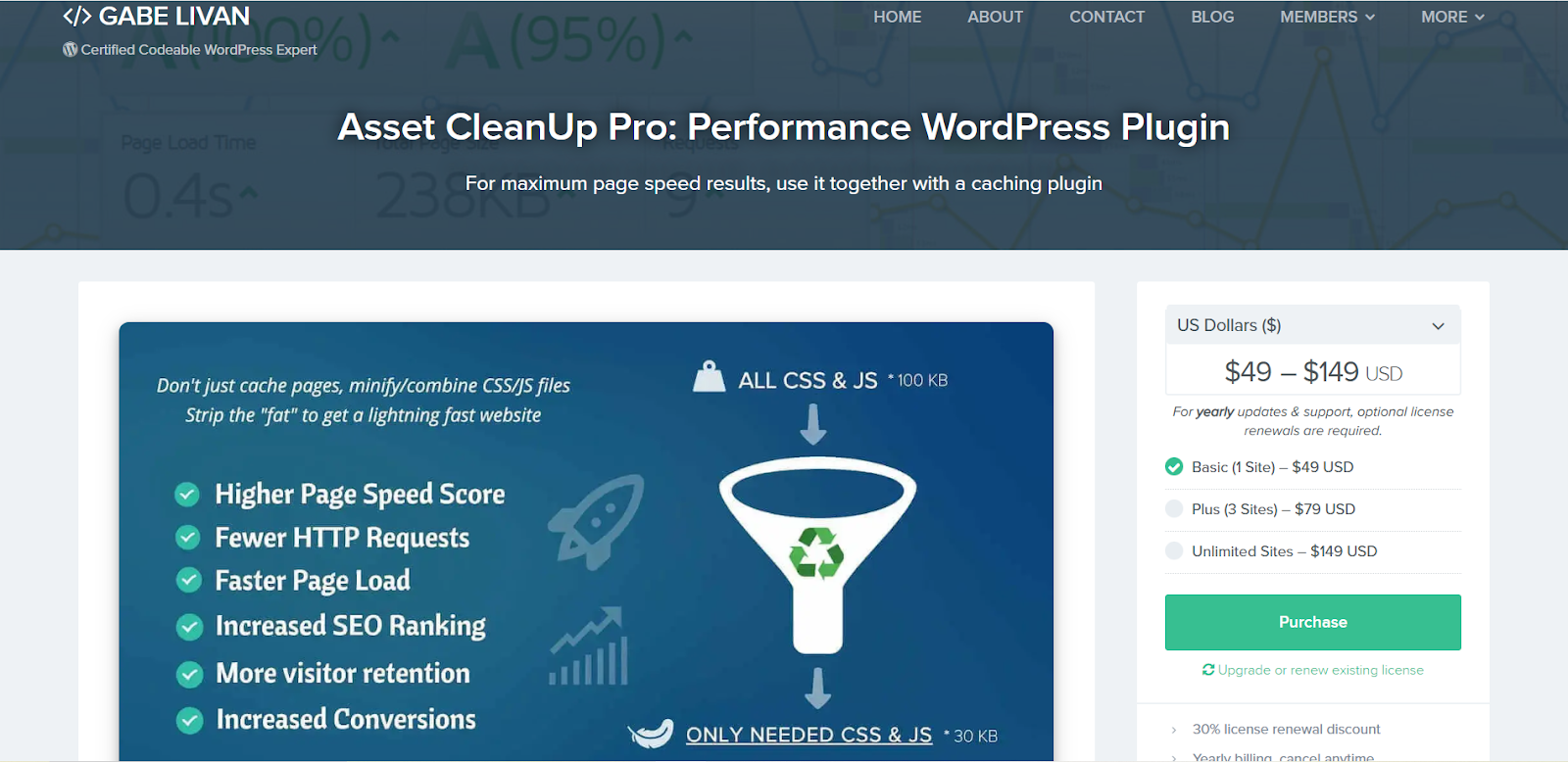
Asset CleanUp helps to reduce the number of unnecessary assets (CSS and JavaScript) that are loaded on each page. It allows you to disable specific scripts and styles on a per-page basis, which can significantly lessen page load times. Asset CleanUp is perfect for refining website performance without needing advanced technical knowledge.
Pros & Cons
Pros: Optimizes site speed by disabling unused assets.
Cons: A bit improper configuration, may break pages.
Pricing
The plugin is available at $49 per month. Also before purchasing Asset CleanUp you have option to try the free version of it.
11. Perfmatters
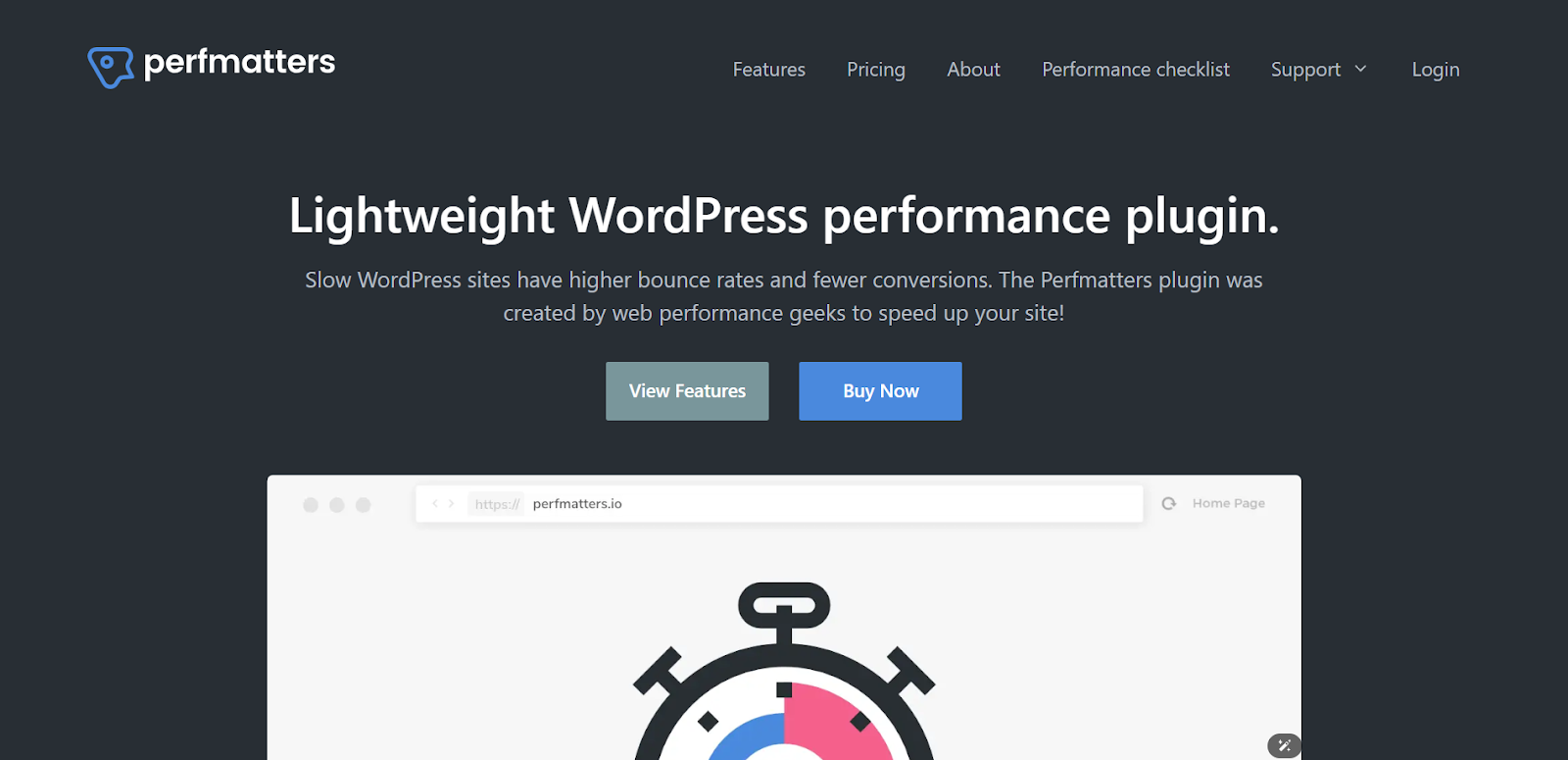
Perfmatters is a lightweight performance plugin designed to speed up your WordPress website. It helps optimize your site by disabling unnecessary WordPress features, such as emoji scripts, embeds, and WordPress REST API calls. Perfmatters also includes options for optimizing images and enabling lazy loading. Overall, Perfmatters is ideal for users who want to focus on performance without needing to install multiple complex plugins.
Pros & Cons
Pros: Lightweight, focuses purely on performance.
Cons: Limited to performance, lacks SEO features.
Pricing
The cost of the tool begins at $24 per year.
12. Semrush

Semrush is a complete SEO tool that provides a wide array of features, including keyword research, site audits, backlink analysis, and competitive research. It’s suitable for professional marketers and businesses who need in-depth SEO data to make strategic decisions. Semrush offers thorough insights into your competitors’ strategies, helping you find gaps and opportunities for growth.
Pros & Cons
Pros: Comprehensive SEO tools, great for competitor analysis.
Cons: Complex interface.
Pricing
Price starts at $117 per month.
13. Seed Keywords

Seed Keywords is a simple but effective tool for generating keyword ideas. It allows you to input a topic and receive a list of related search terms to target in your content. While it’s not as feature-rich as other paid tools, Seed Keywords is useful for generating concepts and identifying long-tail keywords. It’s a superb choice for new content creators or businesses on a budget.
Pros & Cons
Pros: Helps find long-tail keyword ideas.
Cons: Basic tool, lacks deeper keyword insights.
Pricing
Around $29 per month for the Starter Plan.
14. Schema Pro
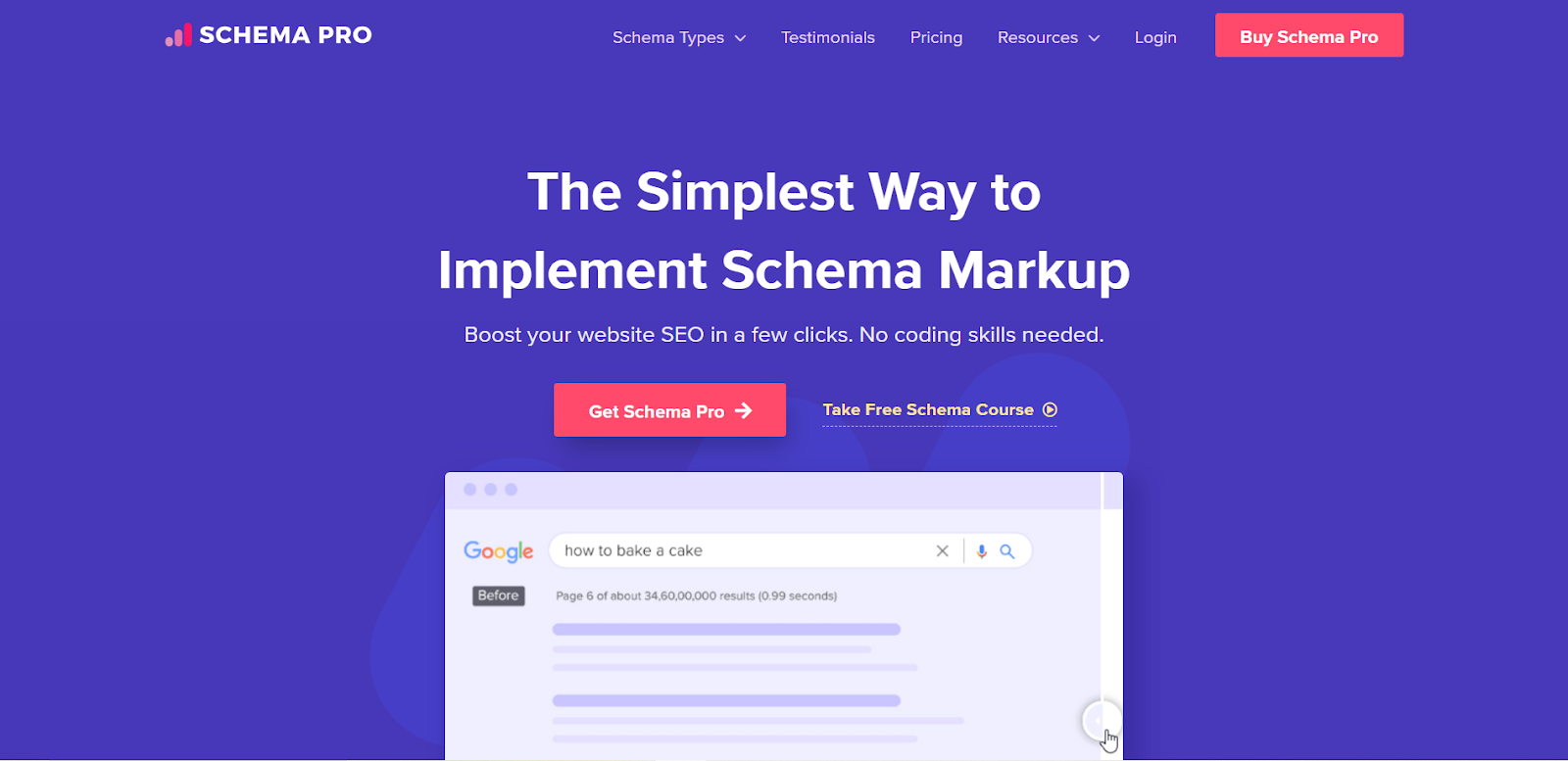
Schema Pro is a specialized plugin designed to add schema markup (structured data) to your website. Schema markup helps search engines understand your content better, which can improve your site’s visibility with rich snippets and other enhanced search results. Schema Pro supports multiple schema types, such as reviews, events, and recipes, making it versatile for different industries. It’s ideal for users who want to improve their search rankings and visibility with minimal effort.
Pros & Cons
Pros: Easy-to-use schema markup for improved SERP visibility.
Cons: Premium-only features, lacks full SEO suite.
Pricing
The starting price is $79 per year.
15. Customer Reviews For WooCommerce

Customer Reviews For WooCommerce is a plugin designed to help WooCommerce store owners gather and display customer reviews on their product pages. You can present positive reviews in an attractive way to build trust and improve conversion rates. The plugin allows you to customize the review system and send automated review reminders to you. This way the plugin indirectly benefits SEO by improving conversion rates. Customer Reviews For WooCommerce is simple to set up and integrates seamlessly with WooCommerce.
Pros & Cons
Pros: Simple integration with WooCommerce, improves trust.
Cons: Limited customization and basic features in the free version.
Pricing
The price of advanced features starts at $89 per year. Of, there is a free version of the tool.
16. WP Rocket
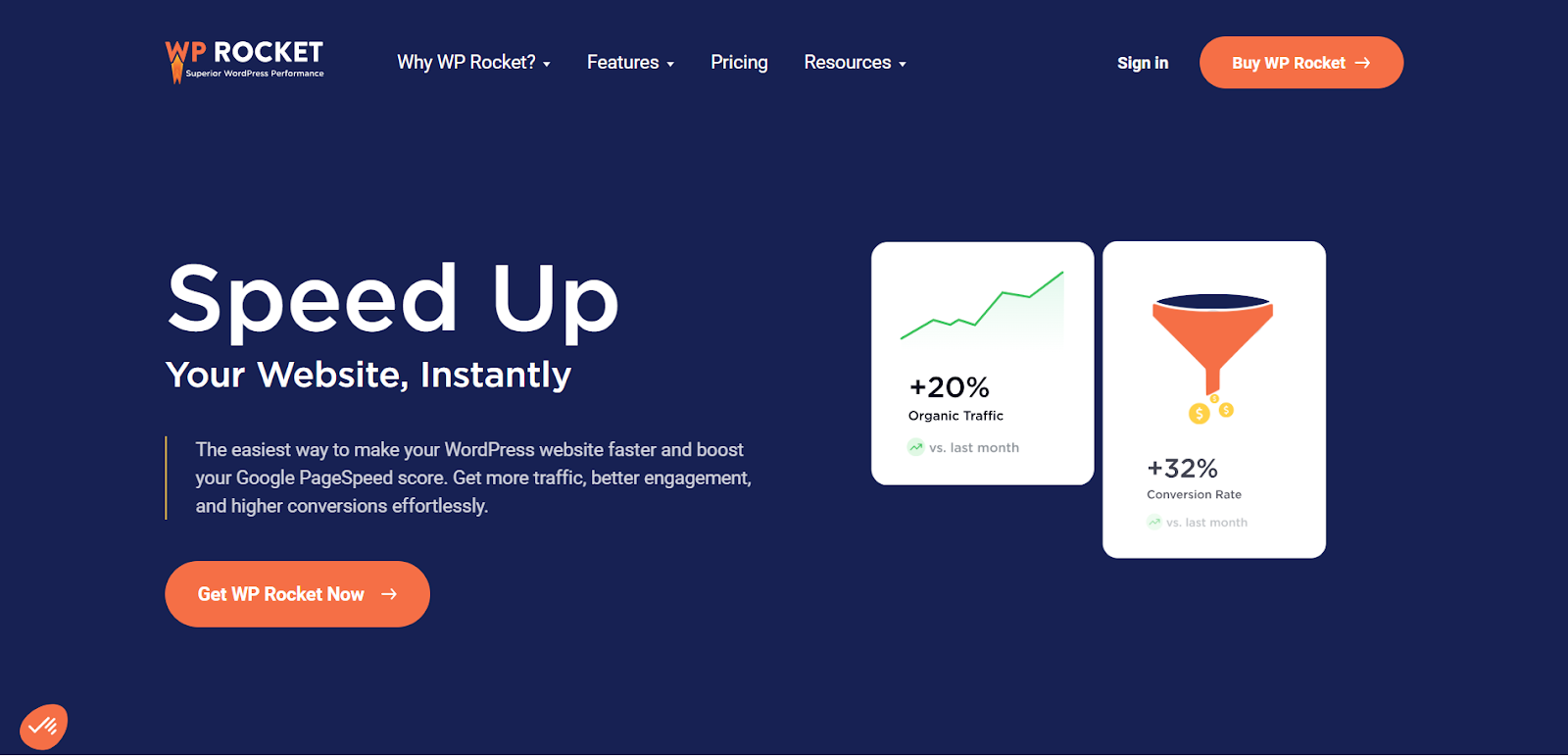
WP Rocket is a powerful caching and performance optimization plugin designed to speed up WordPress sites. It includes features like page caching, lazy loading of images, database optimization, and more, all aimed at reducing page load times and improving user experience. Thus, the plugin enhances the SEO of your WooCommerce website. However, WP Rocket is known for its ease of use, making it a great choice for beginners.
Pros & Cons
Pros: Advanced caching and performance optimization.
Cons: Doesn’t fully focus on SEO features.
Pricing
You can enjoy the premium features at $59 per year.
17. Google Site Kit
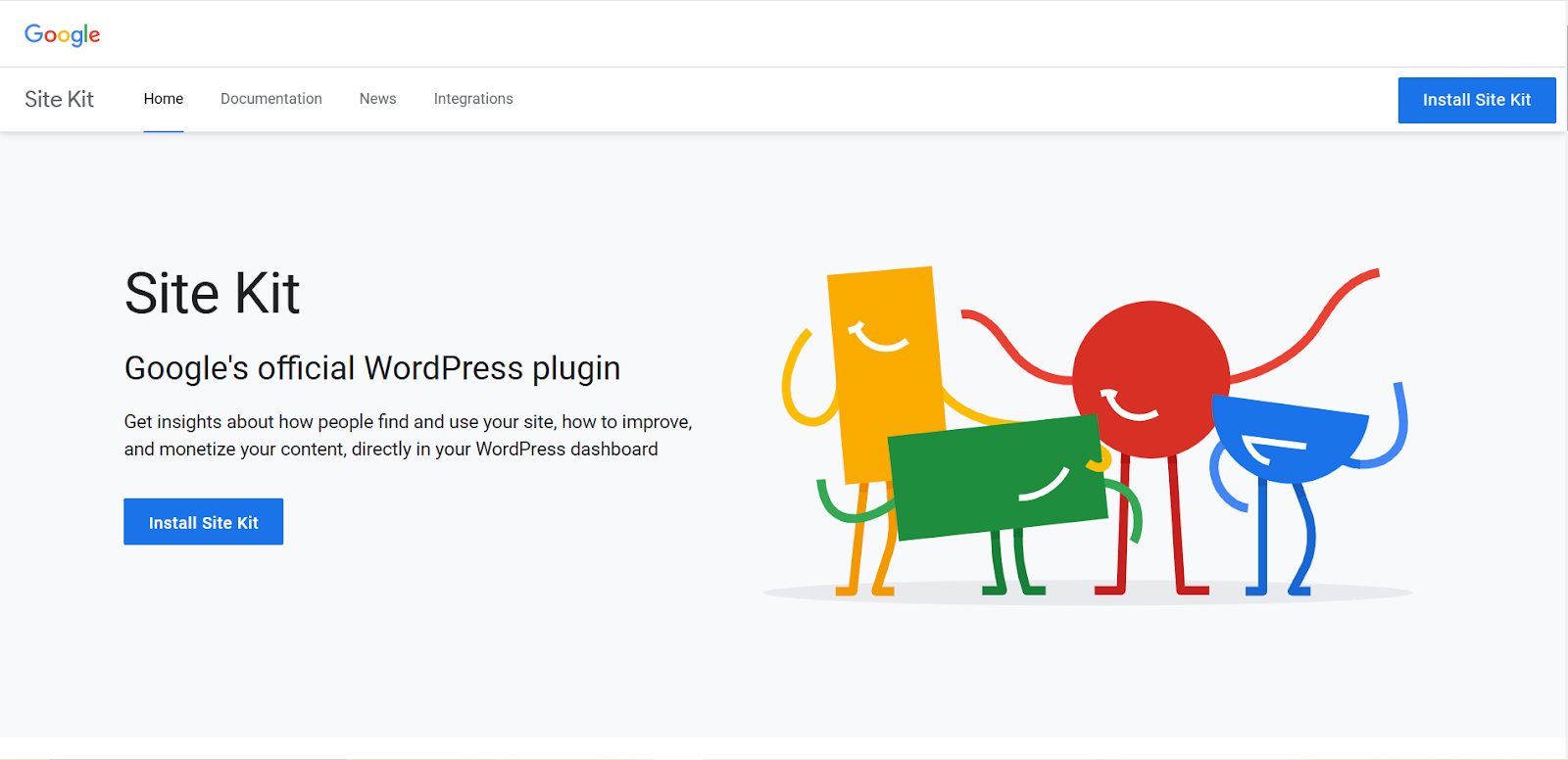
Google Site Kit is an official Google plugin that integrates several Google tools, including Google Analytics, Search Console, and PageSpeed Insights, directly into your WordPress dashboard. It provides valuable insights into your website’s traffic, performance, and search rankings. Google Site Kit is ideal for users who need to access key Google data without leaving their WordPress site.
Pros & Cons
Pros: Direct integration with Google services (Analytics, Search Console).
Cons: Lacks deep SEO functionality beyond basic metrics.
Pricing
The tool is free of cost.
18.Moz Keyword Explorer

Moz Keyword Explorer is a keyword research tool that guides you to find high-traffic, low-competition keywords to target in your content. It provides keyword suggestions, search volume estimates, and keyword difficulty scores, helping you refine your SEO strategy. Moz Keyword Explorer is especially effective for those new to SEO or small businesses looking to optimize their content without investing in expensive tools.
Pros & Cons
Pros: Reliable keyword research with SERP analysis.
Cons: Limited data in the free version.
Pricing
You can use the free version and access the pro version from $99 per year.
19. WooCommerce SEO by WooCommerce (Official Plugin)
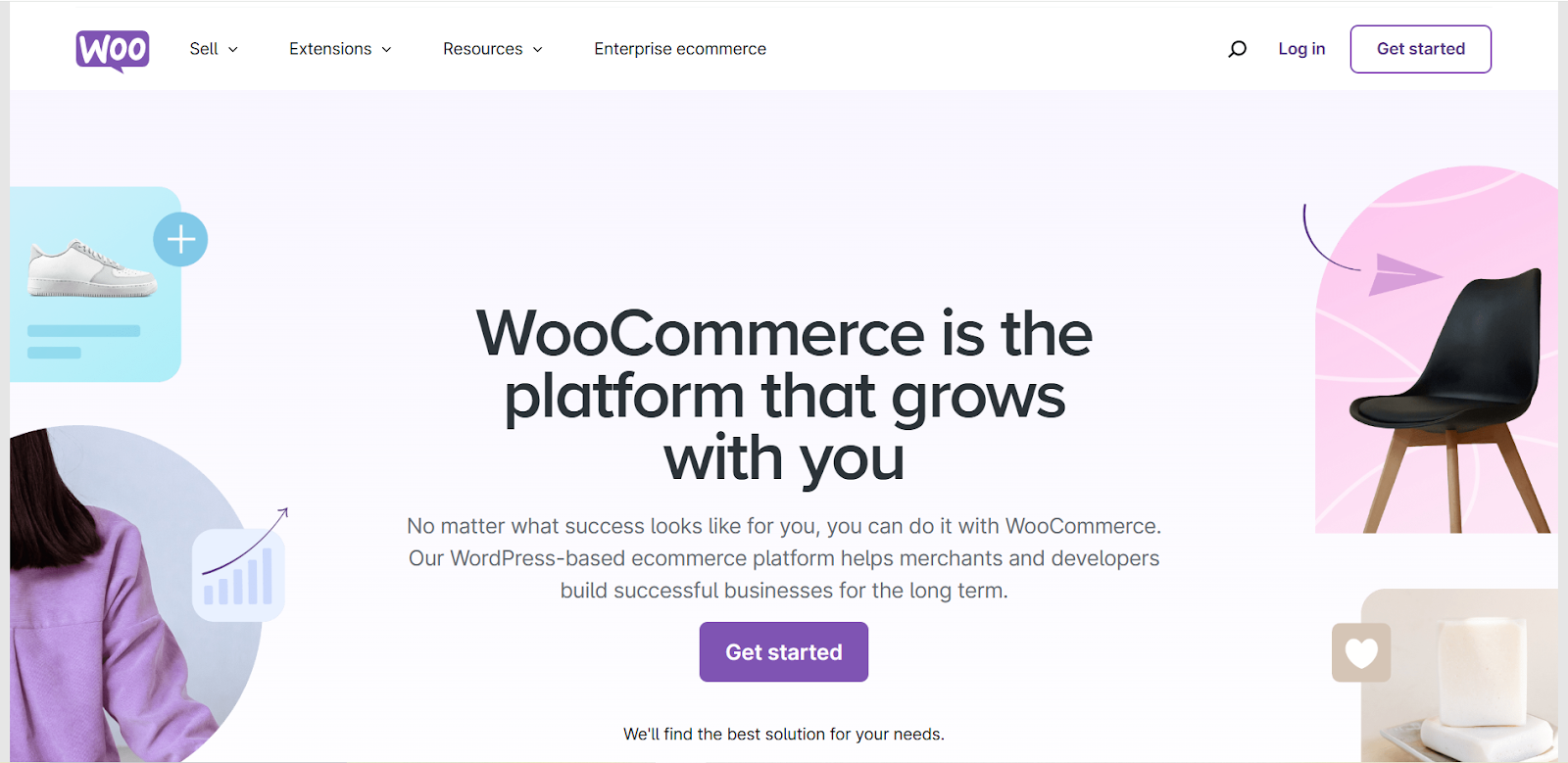
WooCommerce SEO by WooCommerce is a plugin designed specifically to optimize WooCommerce stores for search engines. It focuses on improving product pages, categories, and the overall shop structure. The plugin makes it easy to add SEO-friendly metadata and structured data to your products, helping you increase visibility in search results. It’s a solid choice for WooCommerce store owners looking for simple and effective SEO tools for WordPress.
Pros & Cons
Pros: Tailored SEO features for WooCommerce stores.
Cons: Limited features compared to other SEO plugins.
Pricing
There is a free version available and the pro version starts at $79 per year.
20. Squirrly SEO
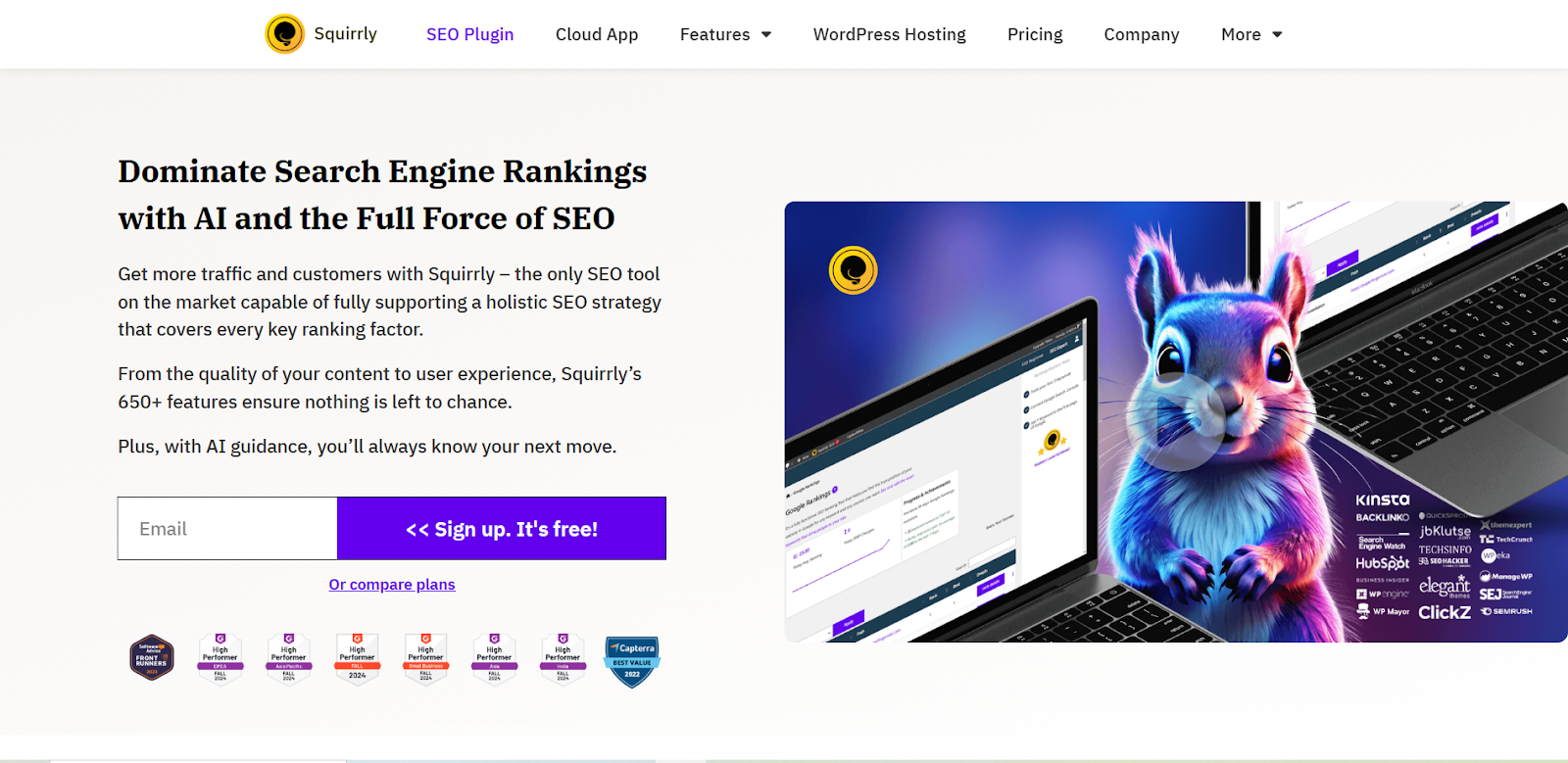
Squirrly SEO is a compact SEO plugin designed to help WordPress users improve their site’s search engine rankings without the need for expert knowledge. With a user-friendly interface, Squirrly provides real-time SEO suggestions, keyword optimization, content analysis, and performance tracking to ensure your website stays optimized and competitive. Whether you’re new to SEO or an experienced professional, Squirrly makes it easy to boost your site’s visibility and drive more organic traffic.
Pros & Cons
Pros: AI-driven SEO recommendations for real-time optimization.
Cons: Requires constant user interaction, may be distracting.
Pricing
The pro plugin is available from $9 per month and you can also use the free version.
21. Redirection

Redirection is a simple and effective plugin for managing 301 redirects and fixing 404 errors on your WordPress site. It’s particularly useful when you need to redirect broken URLs or pages that have moved, ensuring that search engines and users are sent to the correct page. Redirection is easy to use and helps prevent 404 errors from negatively affecting your SEO. Redirection is mainly focused on URL redirects.
Pros & Cons
Pros: Easy-to-use tool for managing 301 redirects and fixing 404 errors.
Cons: No advanced SEO tools, limited to redirection management.
Pricing
This standard redirect manager is a free tool.
22. Structured Content

Structured Content is a plugin that helps to structure website content. That means you can add schema markup (structured data) to your WordPress site smoothly. The plugin enables search engines to understand your content better, leading to enhanced search visibility with rich snippets. Structured Content provides an intuitive enriched to implement schema types like articles, recipes, and reviews, improving how your content appears in search results. Overall, the tool assists in WooCommerce SEO optimization through structured information.
Pros & Cons
Pros: Simplifies adding structured data (schema markup).
Cons: Limited to schema functionality, lacks broader SEO features.
Pricing
It’s a free plugin.
23. Broken Link Checker

Do you know broken links negatively impact the SEO and user experience of WordPress sites? Yes, this is true, and with this last plugin on our list, you can find and fix broken links easily. Broken Link Checker scans your site for external and internal broken links and eases the process of updating or removing broken links. For your large WooCommerce store, this plugin is particularly useful to maintain a healthy and error-free site.
Pros & Cons
Pros: Detects and assists in fixing broken links for SEO.
Cons: Risk of IP blocking due to frequent link checks.
Pricing
To access premium features, you can initially choose the Basic plan. It begins at $15 per month.
Check out this wonderful tool 👉 Your Magical AI SEO and Content Assistant
Choose Your Plugin Now
By implementing the right SEO Plugins for WooCommerce, you can significantly improve your WooCommerce store’s visibility in SERP. These plugins offer a diversity of features to optimize product pages, improve site speed, and enhance user experience, all of which contribute to better search rankings and growing organic traffic.
Remember to choose the tools that accurately fit your specific needs and budget. With consistent effort and the standard WooCommerce SEO and performance plugins, you can effectively boost your store’s SEO and achieve your e-commerce goals.

Leave a Reply