




 Polish
  English
  German
  Spanish
  Italian
  French
  Danish
  Portuguese
  Swedish
  Korean
  Japanese
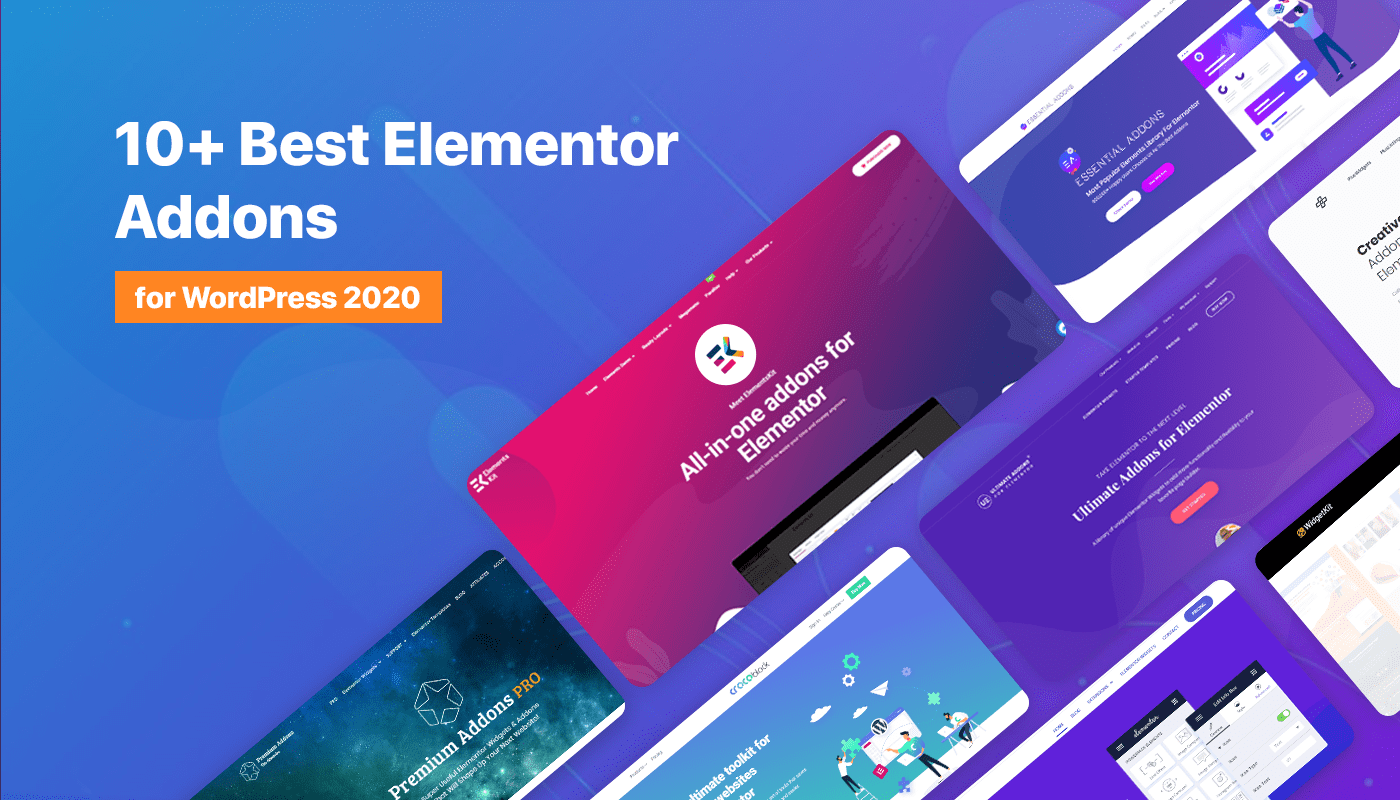
Możesz zwiększyć wydajność narzędzia do tworzenia stron Elementor za pomocą niesamowitych dodatków.
Z ponad 8,8 milionami użytkowników i używanym w 13,2% witryn WordPress, Elementor to potężne narzędzie do tworzenia stron. Ponieważ coraz więcej osób chce jego funkcji, jesteśmy tutaj, aby udostępnić ponad 10 najlepszych dodatków. Tych dodatków, w sumie 131, dodają dodatkowe opcje projektowania i funkcje do Elementora. Dołącz do nas i odkryj, jak te dodatki mogą ulepszyć Twoje doświadczenie w projektowaniu stron internetowych!
Sprawdźmy więc krótką listę najlepszych dodatków lub wtyczek do WordPress Elementor!
Najlepszy Elementor Dodatki Lista:
| Wtyczki | Active Installation on WordPress org | Base Price |
|---|---|---|
| Zestaw elementów | 1 milion+ | Yearly $39, Lifetime $119 |
| Niezbędne dodatki | 2 million+ | Yearly $49, Lifetime $249 |
| CrocoBlock | Nie dotyczy | Yearly $199 , Lifetime $750 |
| Szczęśliwe dodatki | 400,000+ | Yearly $39 , Lifetime $149 |
| Dodatki premium do Elementora | 700,000+ | Yearly $49 , Lifetime $299 |
| Najlepsze dodatki do Elementora | 200,000+ | Yearly $59 , Lifetime $299 |
| Dodatki Plusa | 100,000+ | Yearly $39 , Lifetime $149 |
| Powerpack | 90,000+ | Yearly $49 , Lifetime $199 |
| Pakiet elementów | 100,000+ | Yearly $49 , Lifetime $99 |
| HT mega | 90,000+ | Yearly $49 , Lifetime $139 |
| Mistrzowskie dodatki | 30,000+ | Yearly $39 , Lifetime $129 |
| Dodatki LiveMesh dla Elementora | 50,000+ | Yearly $29 , Lifetime $89 |
| Widgetkit | 10,000+ | Yearly $78 , Lifetime $199 |
Na podstawie tych specyfikacji odkryłem i porównałem Elementor Dodatki
| Moduły: Niektóre dodatki Elementor nie mają żadnej opcji włączania/wyłączania modułów. Upewnij się, że wybrane dodatki mają tę funkcję włączoną, abyś mógł kontrolować swój moduł. Funkcje: Wybierz swoje dodatki, które mają listę najnowszych funkcji, aby zapewnić lepszą obsługę. Poza tym należy pamiętać, że aby uzyskać profesjonalny wygląd, musi zawierać te typowe funkcje: efekty paralaksy, slajdy, wpisy na blogu, widżety Woo-commerce, narzędzie do tworzenia nagłówków i stopek, przyklejoną treść i karuzelę multimediów. Wydajność: Twoja witryna musi być naprawdę dobrze wykonana, upewnij się, że wszystko jest dobrze zorganizowane. Ceny: strategia cenowa musi być dostosowana do funkcji. |
Przegląd najlepszych dodatków do Elementora – bezpłatnych i premium
1. Zestaw elementów
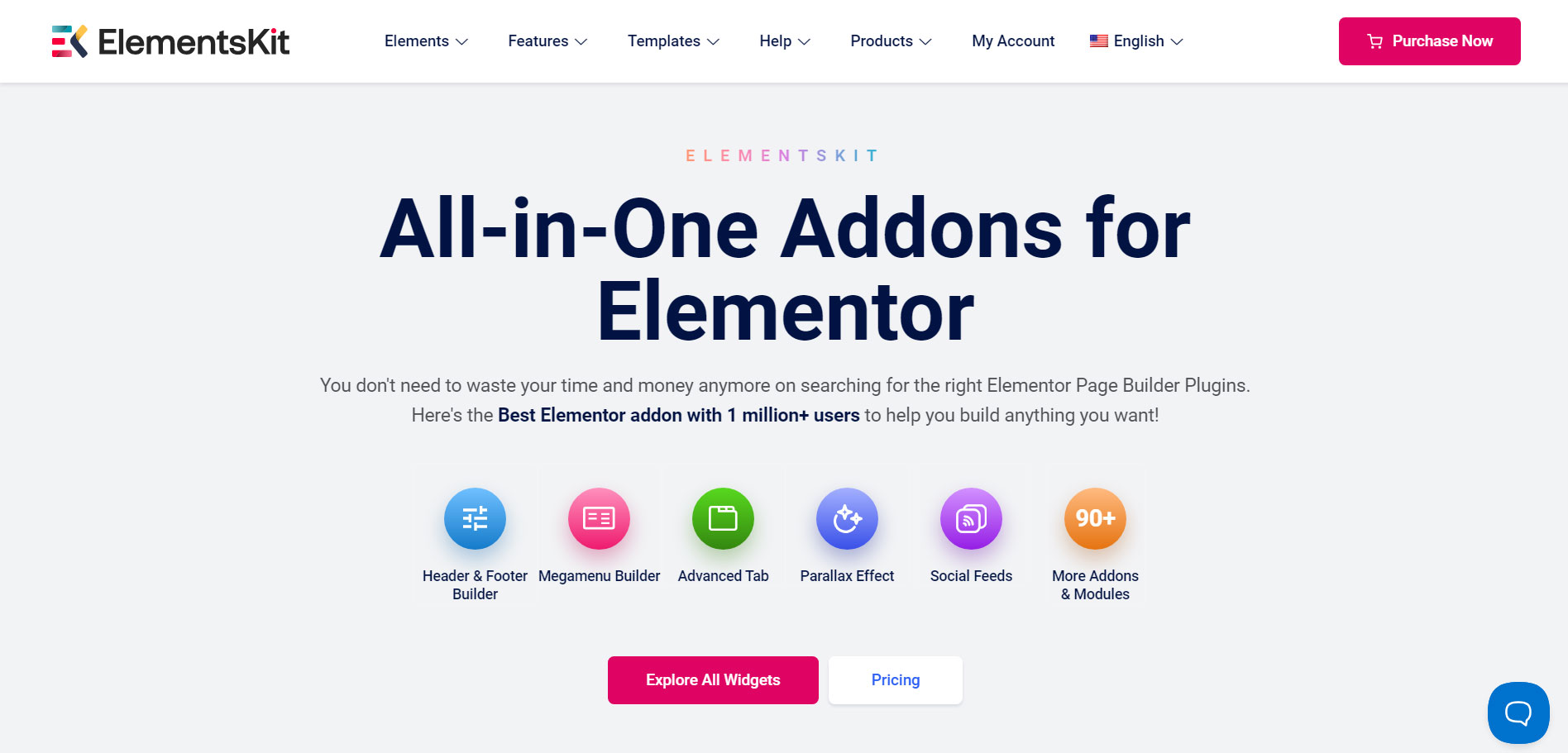
ElementsKit is the most popular Elementor addon with 2 millon+ users. For a long time now it has become the first choice of the WordPress users when it comes to choosing perfomance, design, and feature rich Elementor addon.
Najlepszą częścią tych dodatków jest to, że możesz uzyskać więcej niż 90+ Free and Premium elements, 8+ exclusive modules, 98+ Gotowe strony główne, 791+ Premade Section Layouts.
Key features like the Header & Footer Builder, Mega Menu Builder, WooCommerce widgets, and advanced styling options like parallax effects and sticky content make it a standout choice.
Obejmuje to w pełni konfigurowalne narzędzia do tworzenia stron typu „przeciągnij i upuść” oraz przyjazne dla początkujących, które możesz utworzyć bez znajomości kodowania w ciągu minuty.
Kontroluj każdy moduł i widżet, włączając lub wyłączając je z poziomu zaplecza. Co więcej, istnieje wiele innych niesamowitych funkcji, z którymi się zapoznasz.
Fully customizable, beginner-friendly, and equipped with RTL and multi-browser compatibility, ElementsKit also provides unlimited activations and 24/7 expert support. Combining features from multiple addons, it’s the ultimate toolkit for Elementor users.
- Comprehensive Modules with Elementor: Includes Header Footer Builder, Mega Menu Builder, Layout Kit, and more.
- Pre-designed Templates & Elements: 90+ free and premium elements, 98+ homepage templates, and 791+ ready sections.
- Advanced Mega Menu Features: Vertical Mega Menu and customization options for content width, gap, alignment, icons, badges, and more.
- Enhanced Interactivity & Effects: One Page Scroll, Sticky Content, Parallax Effects, and Lightbox Support.
- Gallery & Multi-language Support: Elementor Gallery Pack, Image Gallery, RTL Support, and cross-browser compatibility.
- Responsive & User-friendly: Fully responsive, unlimited activations, and 24/7 expert support.
Sprawdźmy ceny!
| Rocznie | Dożywotni |
|---|---|
| $39 for 1 website | $119 for 1 website |
| $87 for 5 websites | $259 for 5 websites |
| $179 for Unlimited websites | $489 for Unlimited websites |
2. Niezbędne dodatki
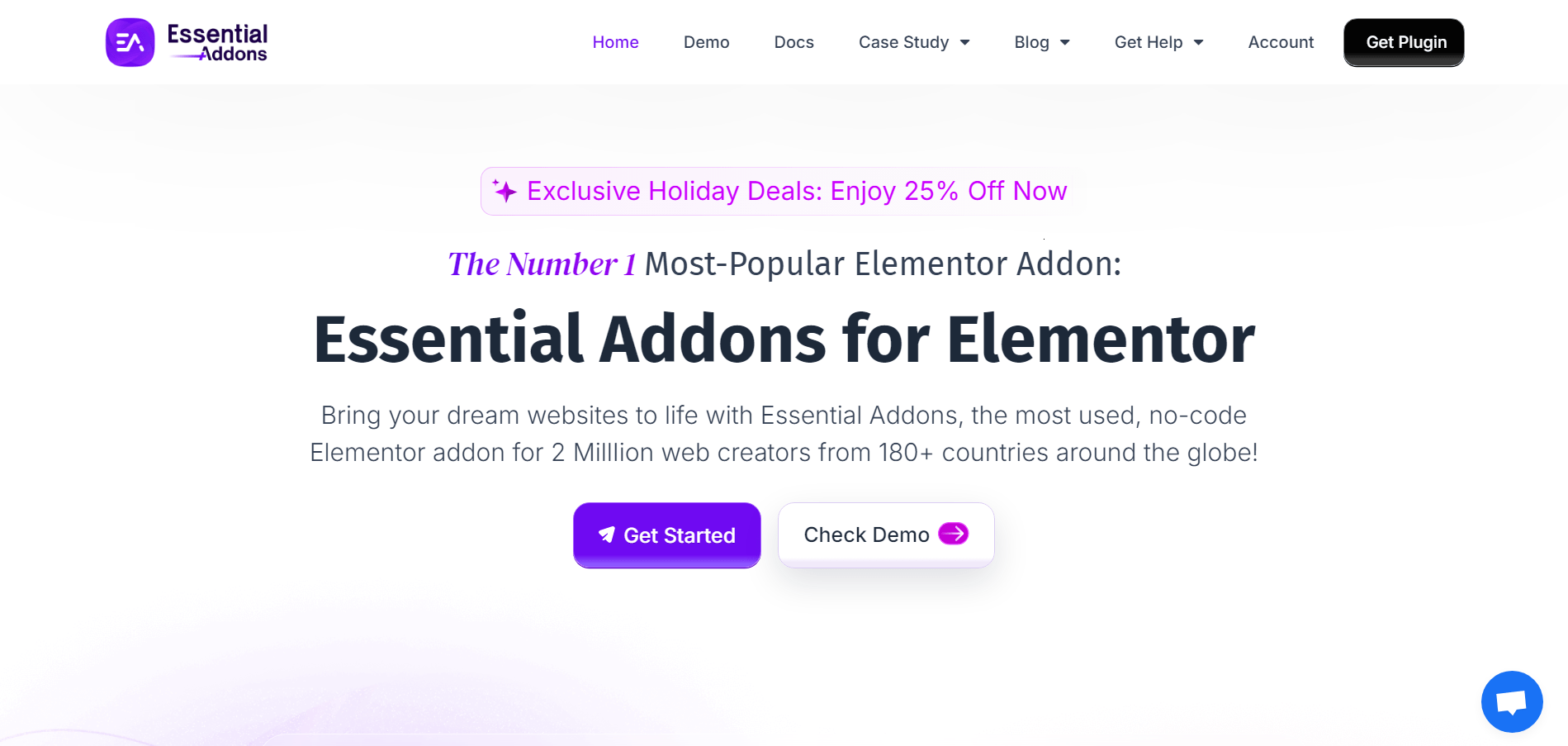
Another popular Elementor Addons that comes to the list with 2 million+ active installations is Essential Addons. Out of the Elementor addons available in the market, Essential addons for Elementor is one of the best.
Currently they are providing 55+ free and 40+ pro features, including Info Box, Image Accordion, Advanced Tab, Instagram Feed, Particle Effects, Advanced Tooltip, Logo Carousel, Form Style’s, Content Toggle and many others.
Wersja premium Essential Addons oferuje więcej niż 100+ ready-made blocks. Możesz go bardzo łatwo zaimportować i dostosować.
Modules can be controlled from the Back-End. You can see reviews from their customer. So, give Essential addons for Elementor a shot!
Jakie są najważniejsze funkcje, które sprawiają, że niezbędne dodatki są wyjątkowe?
- 55+ free and 40+ pro Elements
- 100+ ready-made blocks
- Całkowicie konfigurowalny
- Nieograniczona aktywacja
- Opcja kontroli elementów
- Darmowe i profesjonalne rozszerzenia
- Wsparcie premium
Sprawdźmy ceny!
| Rocznie | Dożywotni |
|---|---|
| $49 for 1 websites | $249 for Unlimited websites |
| $99 for Unlimited websites | – |
3. CrocoBlock
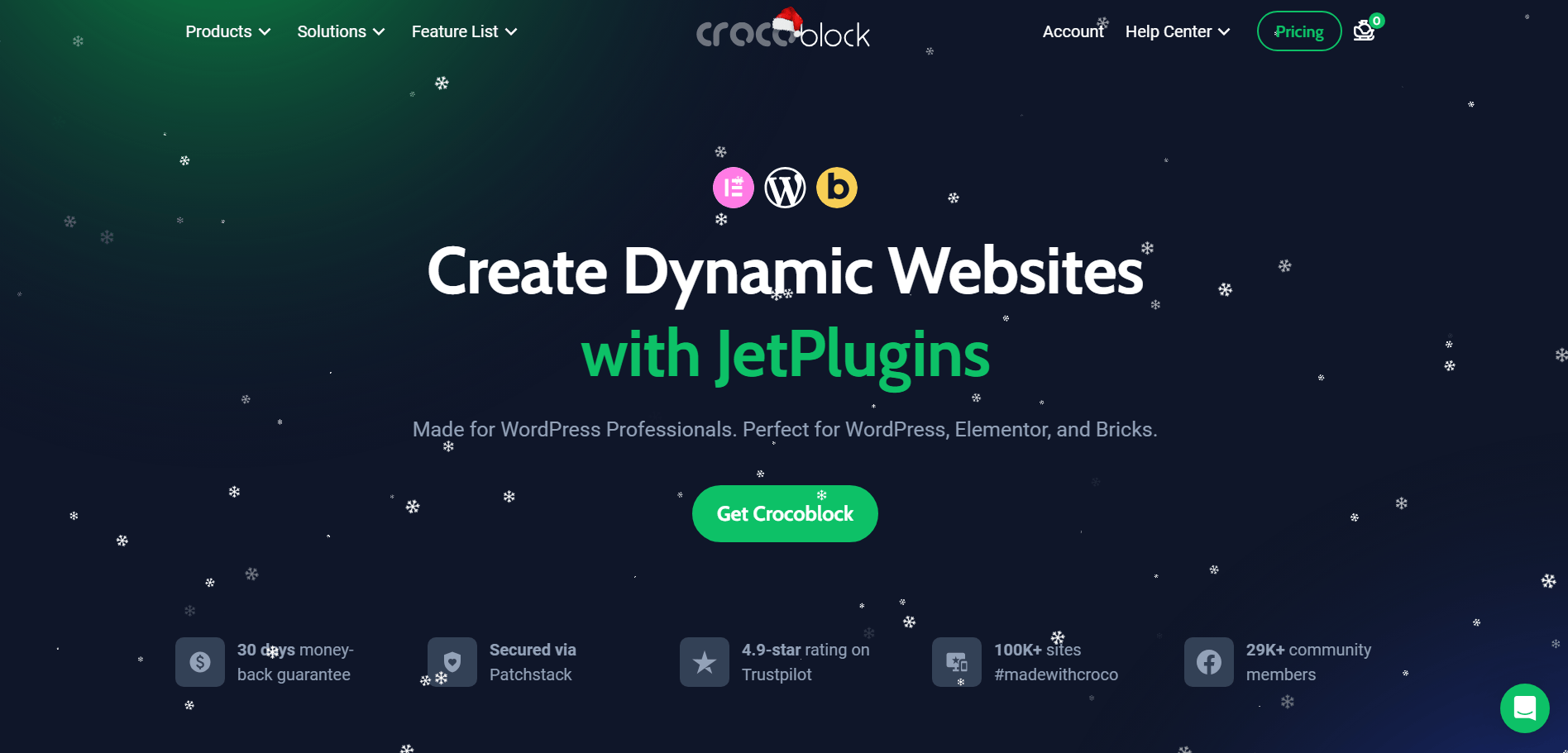
Crocoblock to najlepsze rozwiązanie do tworzenia witryn, zawierające zestaw wtyczek dostarczany w pakiecie. Możesz uzyskać wszystkie wtyczki na pierwszy rzut oka lub możesz je kupić osobno.
Możesz także uzyskać ich usługi w ramach subskrypcji i wypróbować na localhost.
Co więcej, możesz dostosować swoją witrynę za pomocą jej obrazu, blogów, podstawowych widżetów projektowych i nie tylko.
Jakie są najważniejsze funkcje, które sprawiają, że dodatki CrocoBlock są wyjątkowe?
- 18 wtyczek Premium Jet
- 47 pakietów szablonów
- 150 widżetów
- Ponad 60 stylowych szablonów wyskakujących okienek
- W pełni konfigurowalny każdy element
Sprawdźmy ceny!
| Rocznie | Dożywotni |
|---|---|
| $199 for one project | $750 for 500 projects |
| $399 for Unlimited projects | $999 for Unlimited projects |
4. Happy Addons for Elementor
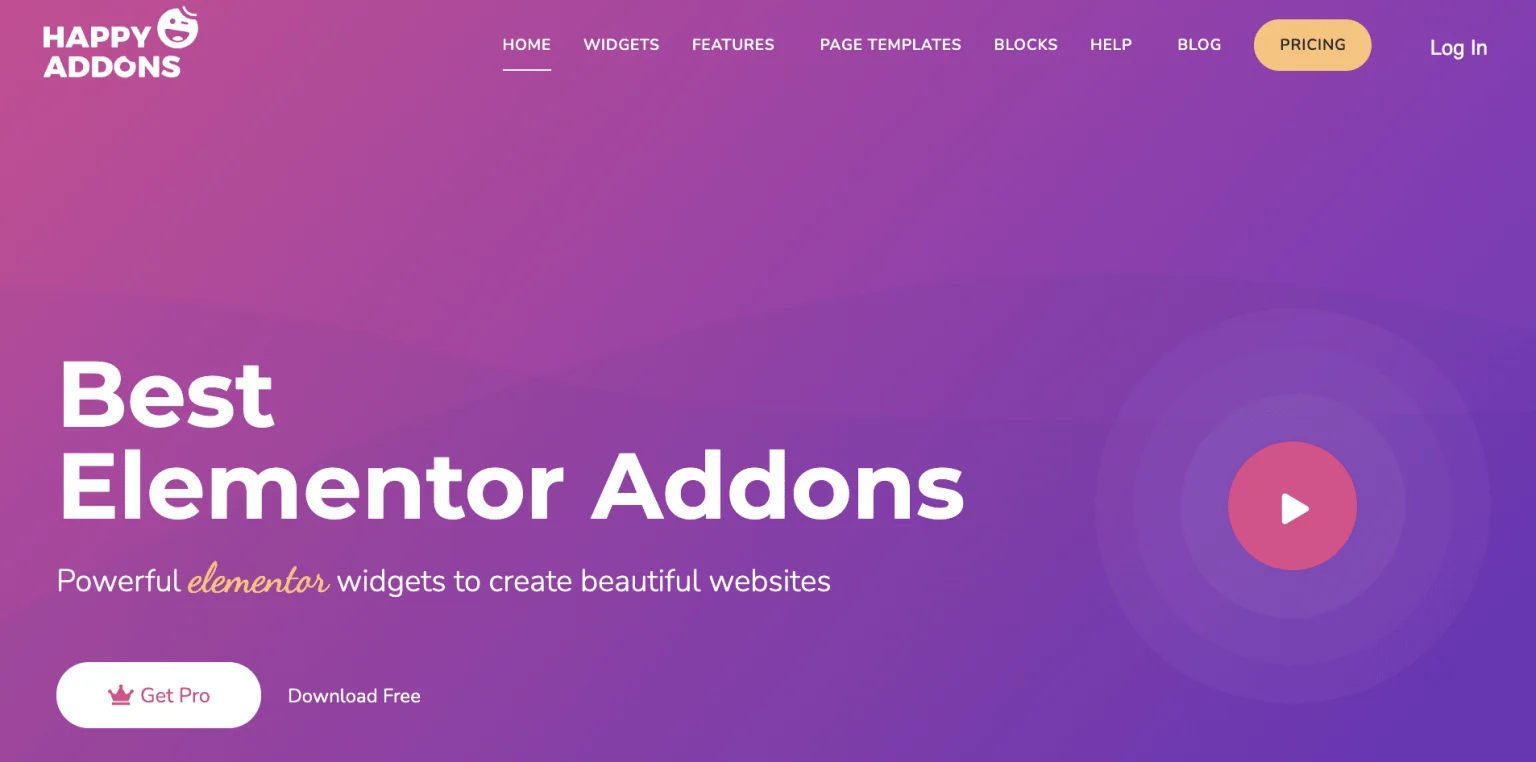
Zgrabna, konfigurowalna i imponująca kolekcja widżetów Elementor.
Darmowa wersja zawiera ponad 20 ulepszonych funkcji rozwiązywania typowych problemów Elementora.
Happy Addons to jeden z najszybciej rozwijających się dodatków Elementor z pięknymi projektami i przydatnymi widżetami. Zawiera ponad 90 widżetów i wiele innych funkcji, które pomagają tworzyć pięknie wyglądające strony docelowe.
Jakie są najważniejsze funkcje, które sprawiają, że Happy Addons są wyjątkowe?
- 60+ free and 65+ pro widgets
- 400+ ready blocks and templates
- Ponad 20 funkcji do rozwiązywania problemów
- Kopiuj-wklej na żywo
- Dedykowane wsparcie
Sprawdźmy ceny!
| Rocznie | Dożywotni |
|---|---|
| $39 for 1 website | $149 for 1 website |
| $69 for 5 websites | $269 for 5 websites |
| $99 for 100 websites | $389 for 100 websites |
| $189 for 1000 websites | $549 for 1000 websites |
5. Premium Addons for Elementor
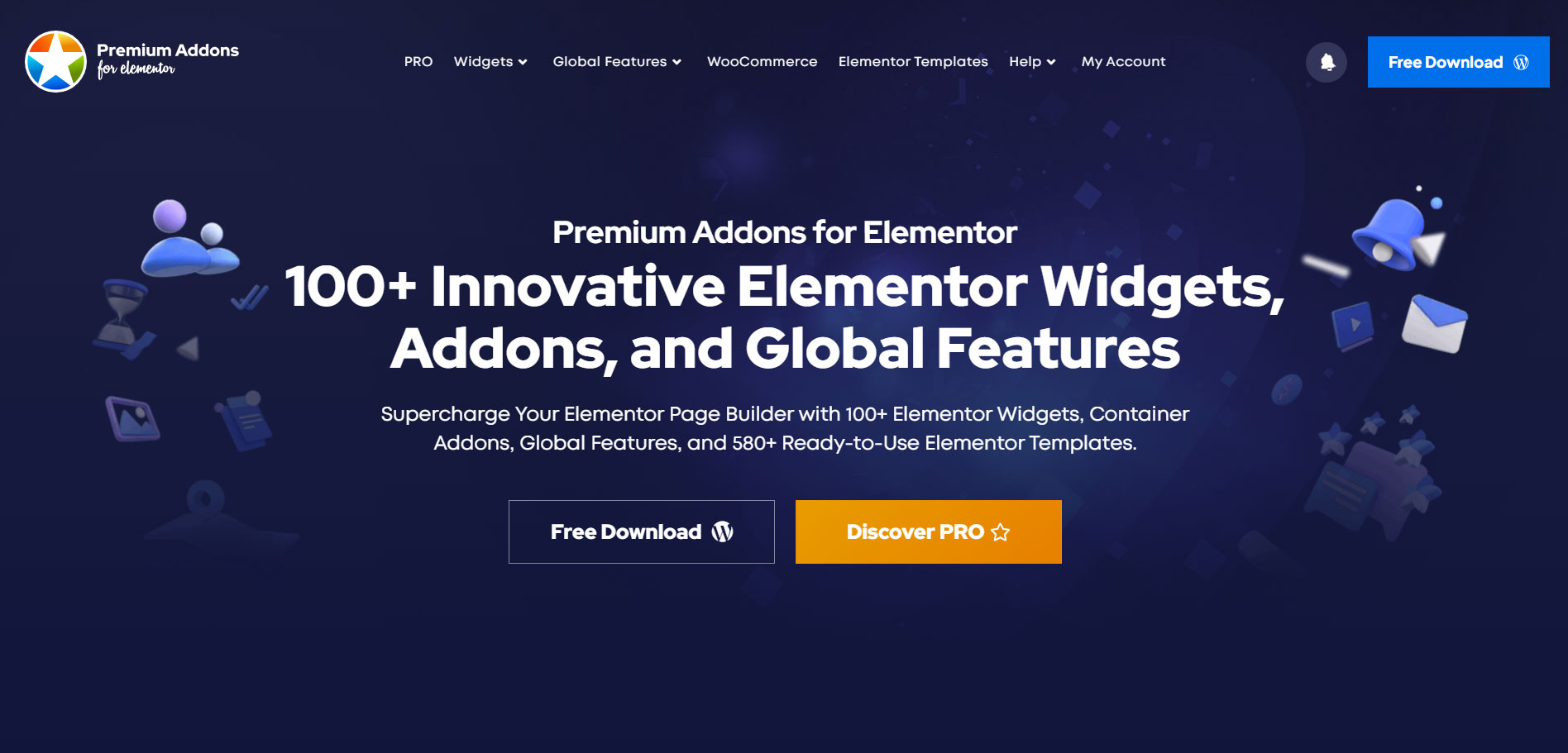
Dodatki premium do Elementora to najwyższej klasy dodatek do Elementora, który możesz pobrać. Nie daj się zwieść, widząc nazwę tytułu. Ten dodatek zapewnia zarówno elementy bezpłatne, jak i premium. Ponieważ premium nie zawsze oznacza płatne, zamiast tego premium oznacza coś wysokiej jakości.
Darmowa wersja zawiera ponad 20 widżetów Fee Elementor, w tym przewijanie w pionie, siatkę, karuzelę, baner, Mapy Google i inne.
Pomimo wersji darmowej dostępna jest wersja Premium Ponad 30 widżetów takie jak porównanie obrazów, siatka multimediów, tabela cen i wiele innych.
Jakie są najważniejsze funkcje, które sprawiają, że dodatki premium są wyjątkowe?
- Ponad 20 darmowych widżetów
- Ponad 30 widżetów premium
- Przewijanie obrazu
- Responsywny 100%
- Widget Tabela cen Elementor
Sprawdźmy ceny!
| Rocznie | Dożywotni |
|---|---|
| $49 for 1 website | $299 for unlimited websites |
| $99 for unlimited websites | – |
6. Ultimate Add-ons for Elementor
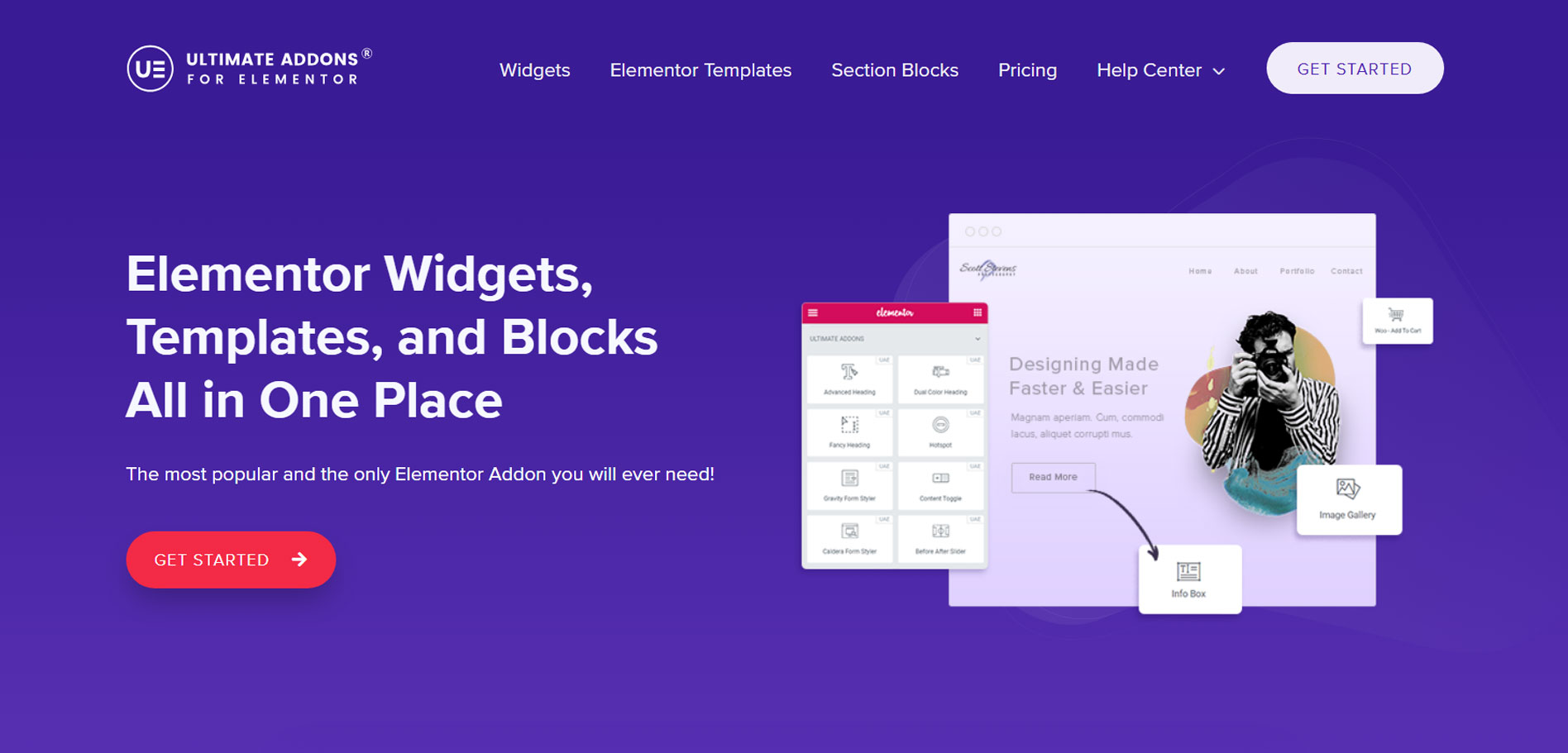
Zawiera Ultimate Addons Ponad 50 gotowych szablonów startowych, które można zaimportować kilkoma kliknięciami.
Obecnie oferują ponad 40 widżetów Elementor, które pomogą Ci budować profesjonalne strony internetowe szybciej niż kiedykolwiek wcześniej.
Otrzymasz różne style formularzy, trzy widżety Woo-commerce Off Canvas i wiele innych.
Jakie są najważniejsze funkcje, które sprawiają, że dodatki Ultimate są wyjątkowe?
- Ponad 40 widżetów elementorowych
- Widżety WooCommerce
- 100+ website templates
- Wsparcie RTL
- Wsparcie indywidualne
- Ponad 55 szablonów dla początkujących agencji
- Wtyczka portfela WP
Sprawdźmy ceny!
| Rocznie | Dożywotni |
|---|---|
| $59 for 1 website | $299 for 1 website |
| $79 for 10 websites | $399 for 10 websites |
| $89 for 1000 websites | $499 for 1000 websites |
7. The Plus Addons
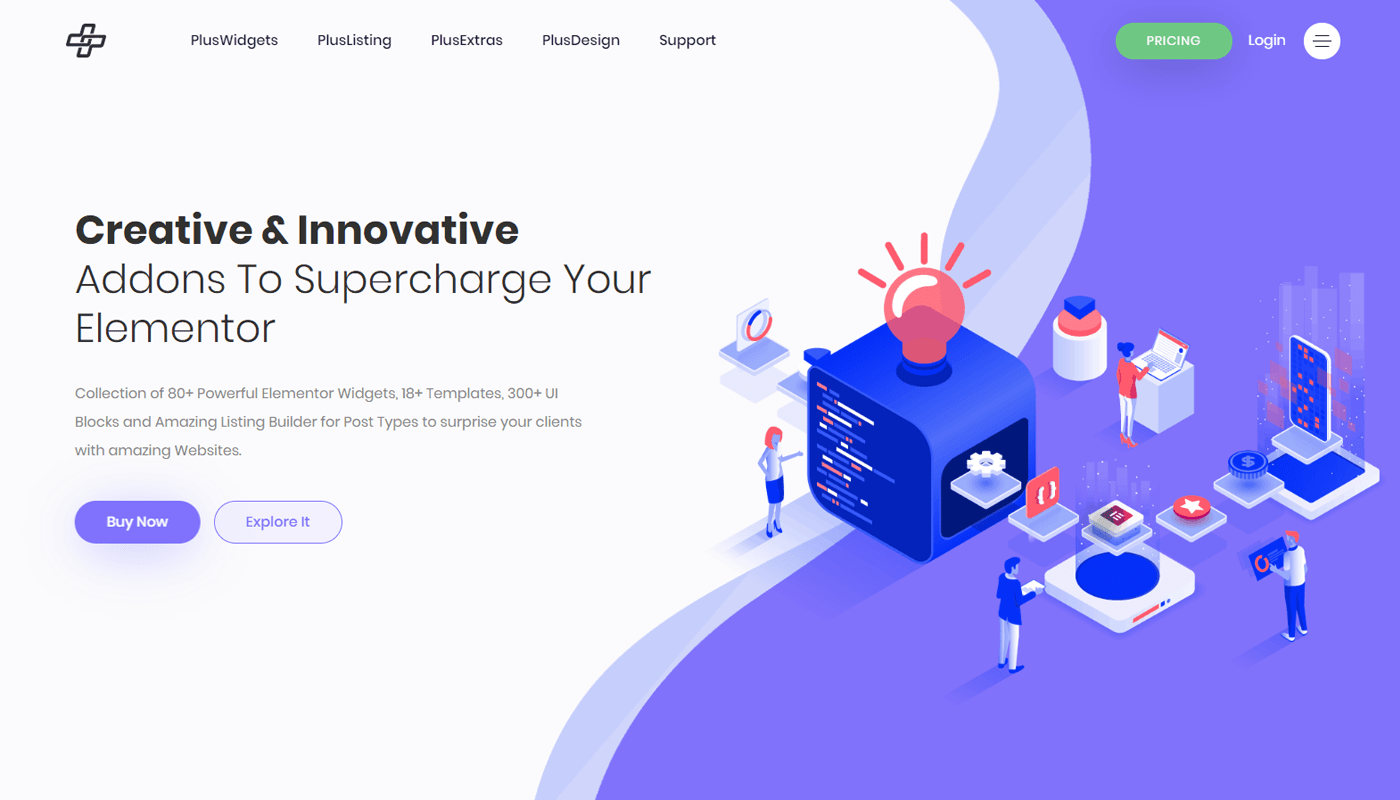
Jeśli szukasz czegoś nowego i kreatywnego, powinieneś przyjrzeć się ich funkcjom.
Ich ponad 80 nowych widżetów Elementor obejmuje oś czasu, banery reklamowe, karuzele, wykresy kołowe, Hotspot i wiele innych.
Oni też mają Ponad 18 szablonów aby zbudować swoją niesamowitą stronę internetową.
Jakie są najważniejsze funkcje, które sprawiają, że dodatki Elements Plus są wyjątkowe?
- 120+ widgets
- Przyklejone kolumny
- Przechyl efekty 3D
- Kompatybilny z WooCommerce
- Łatwość użycia
- Ekstremalnie szybko
- Standardy kodowania
Sprawdźmy ceny!
| Rocznie | Dożywotni |
|---|---|
| $39 for 1 website | $149 for 1 website |
| $79 for 5 websites | $249 for 5 websites |
| $169 for ultimate websites | $499 for ultimate websites |
8. Powerpack
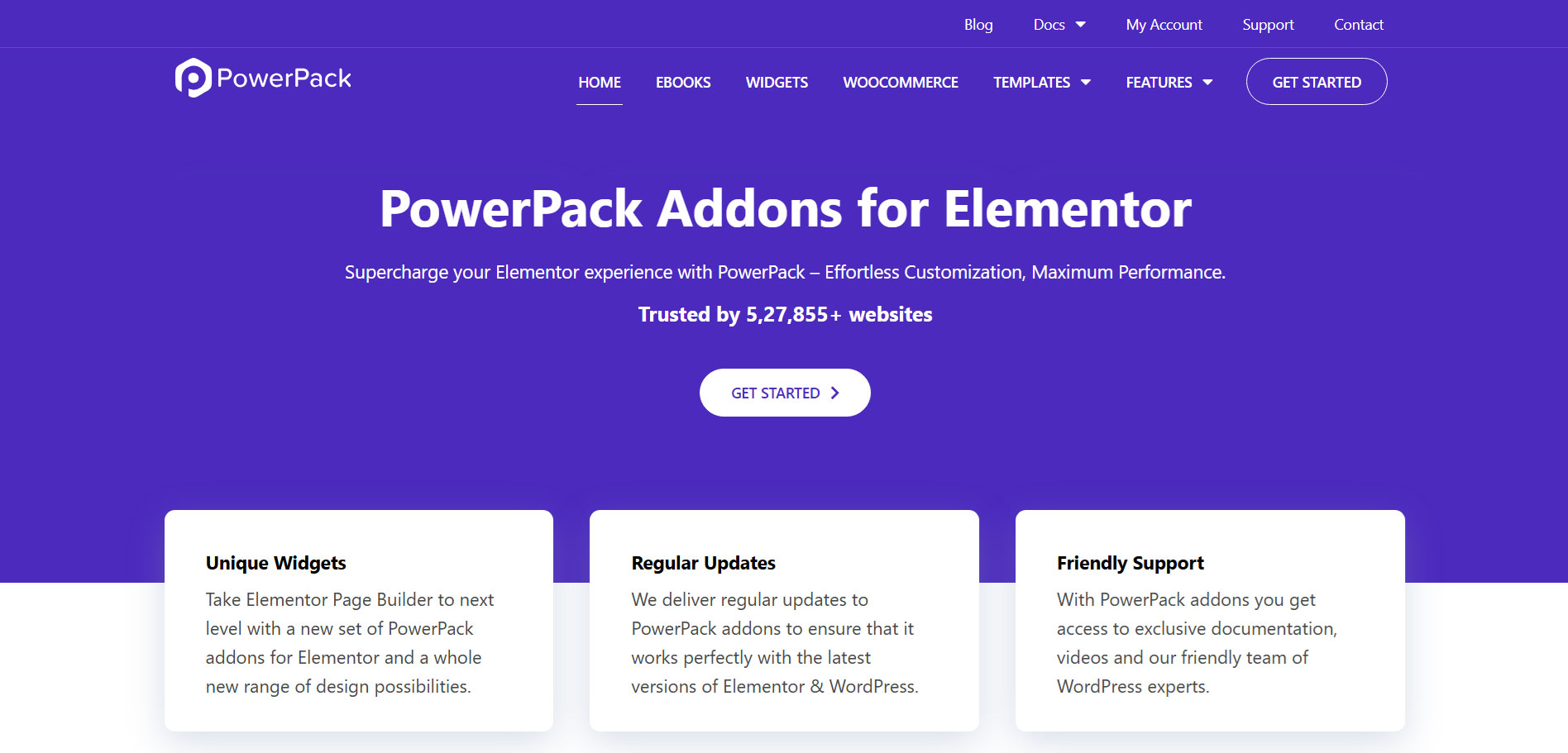
Powerpack to najlżejszy i najszybciej ładujący się dodatek do Elementora z ponad 70 widżetami, zarówno w wersji darmowej, jak i profesjonalnej.
Te widżety Elementora zostały zaprojektowane z naciskiem na kreatywność i użyteczność.
Częściej skupiają się na tworzeniu unikalnych funkcji. Możesz sprawdzić ich wersję demonstracyjną na żywo, aby zobaczyć dokładnie, jak wyglądają.
Jakie są najważniejsze cechy, które czynią Powerpack wyjątkowym?
- Ponad 70 widżetów Elementora
- 150+ ready templates
- Kreator stopek nagłówka
- Zaawansowane warunki wyświetlania
- Marka białej etykiety
- Kopiuj wklej między domenami
Sprawdźmy ceny!
| Rocznie | Dożywotni |
|---|---|
| $49 for 1 website | $199 for 1 website |
| $99 for 25 websites | $299 for 25 websites |
| $149 for 1000 sites | $399 for 1000 sites |
| $199 for ultimate websites | $499 for ultimate websites |
9. Element Pack
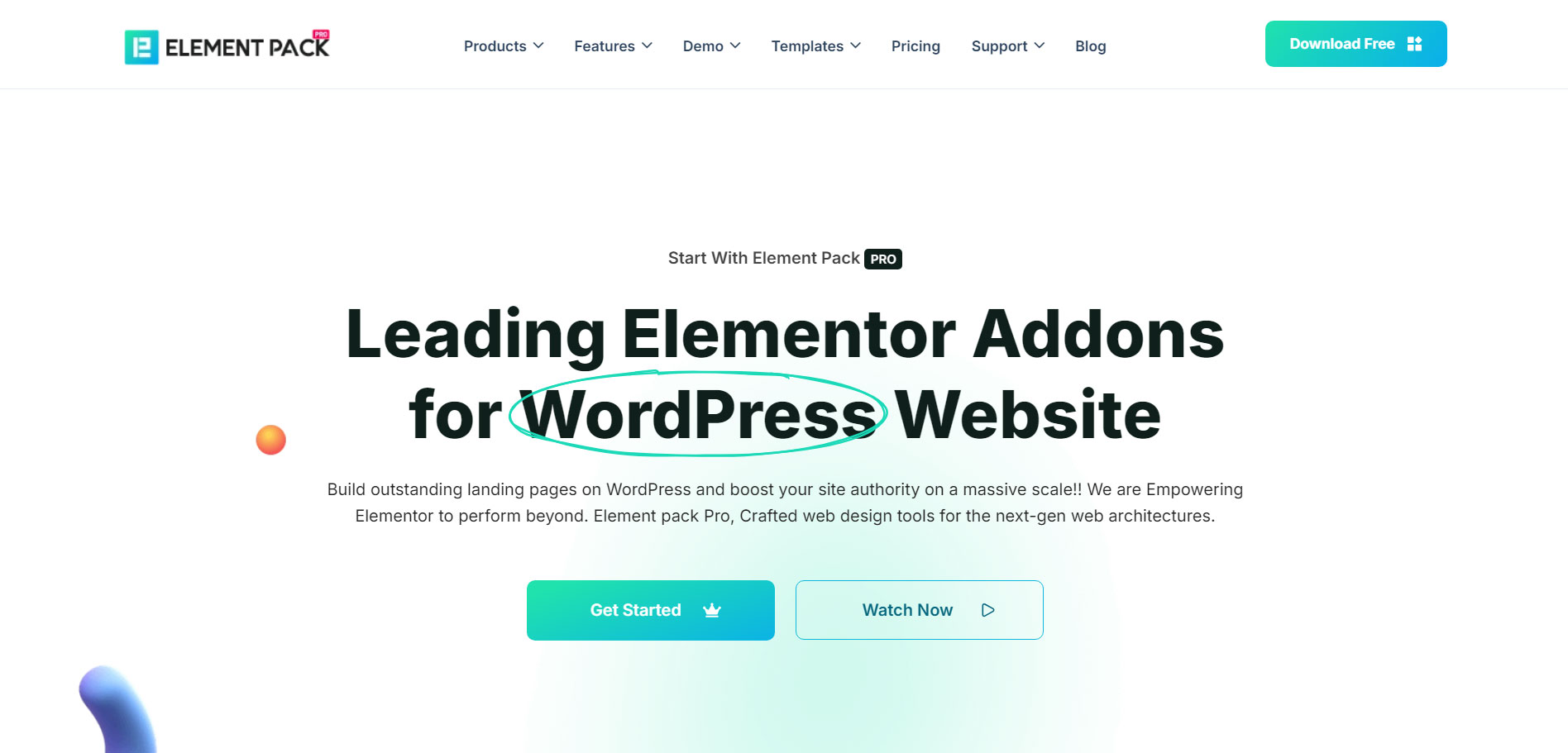
Element Pack Pro is a feature-rich plugin for Elementor, designed to elevate your website-building experience.
Element Pack Pro is a powerful collection of 290+ widgets crafted to enhance the functionality of the Elementor.
With its extensive library of widgets, templates, and extensions, Element Pack Pro empowers users to create highly functional and visually stunning WordPress websites effortlessly. Whether you’re a beginner or a seasoned designer, this plugin offers tools to streamline your workflow and enhance creativity.
Jakie są najważniejsze cechy, które czynią Powerpack wyjątkowym?
- 290+ Widgets & Extensions
- 400+ Ready Page Templates
- Widżety WooCommerce
- 300+ Headers and Footers
- Cross-Domain Copy-Paste
- Fully responsive design elements
Sprawdźmy ceny!
| Rocznie | Dożywotni |
|---|---|
| $49 for 1 website | $99 for 1 website |
| $99 for 5 websites | $249 for 5 websites |
| $199 for ultimate websites | $699 for ultimate websites |
11. Master Addons
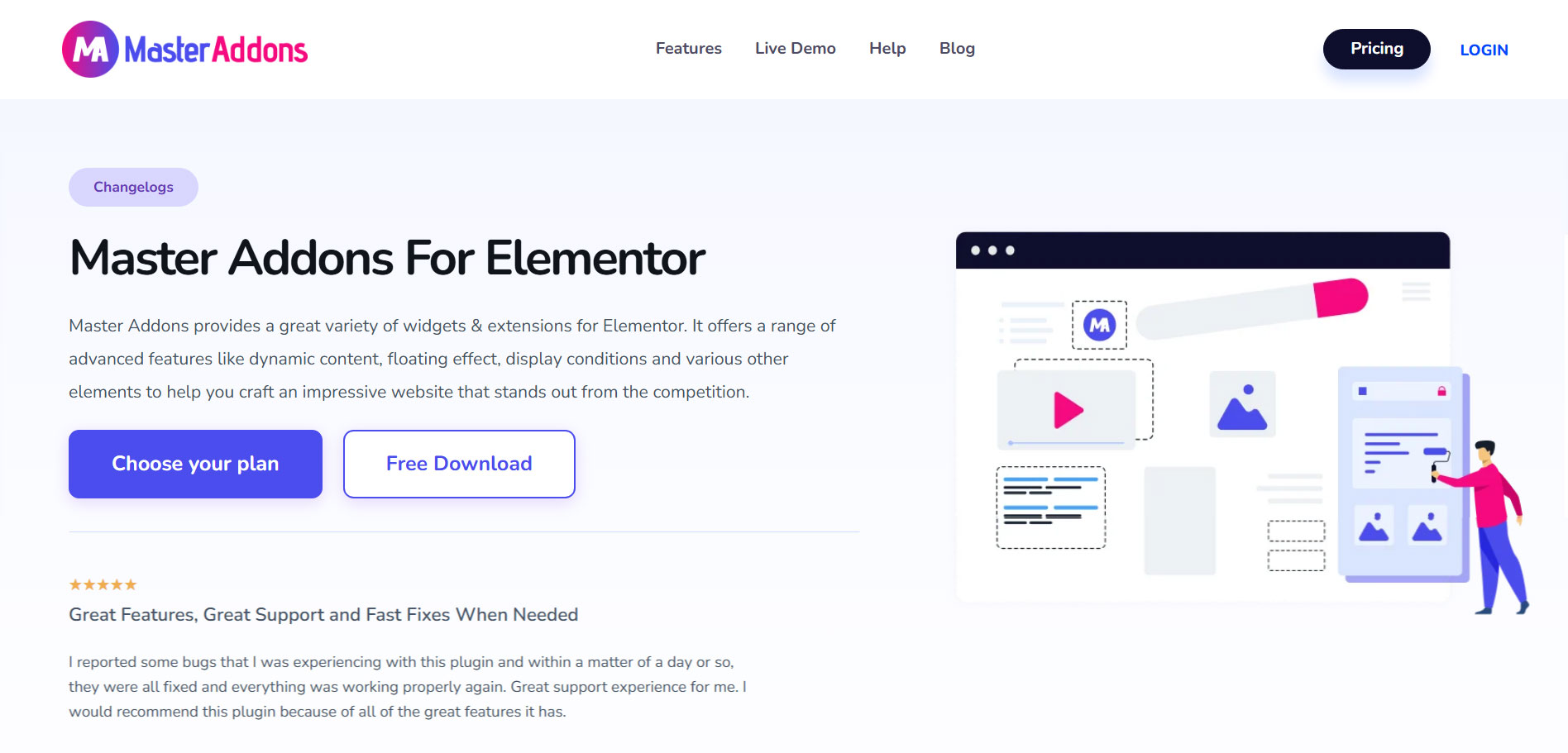
Master Addons is another powerful Addons with 70+ widgets that will give you a professional looking Web-page.
Wersja darmowa zawiera kilka widżetów, takich jak Animowane nagłówki, podwójny nagłówek, zaawansowany akordeon, zakładki, pasek postępu itp.
Elementy formularza obejmują formularz kontaktowy 7, formularz Ninja i formularze WP. Możesz także zdobyć mnóstwo gotowych sekcji i stron.
Jakie są najważniejsze funkcje, które sprawiają, że Master Addons są wyjątkowe?
- 70+ Elements
- Super responsywny
- niestandardowe CSS
- Pozycjonowanie
- Kontener Ekstra
- Transformuje
Sprawdźmy ceny!
| Rocznie | Dożywotni |
|---|---|
| $39 for 1 website | $129 for 1 website |
| $99 for 3 websites | $199 for 3 websites |
| $299 for 1000 websites | $599 for 1000 websites |
12. LiveMesh Addons for Elementor
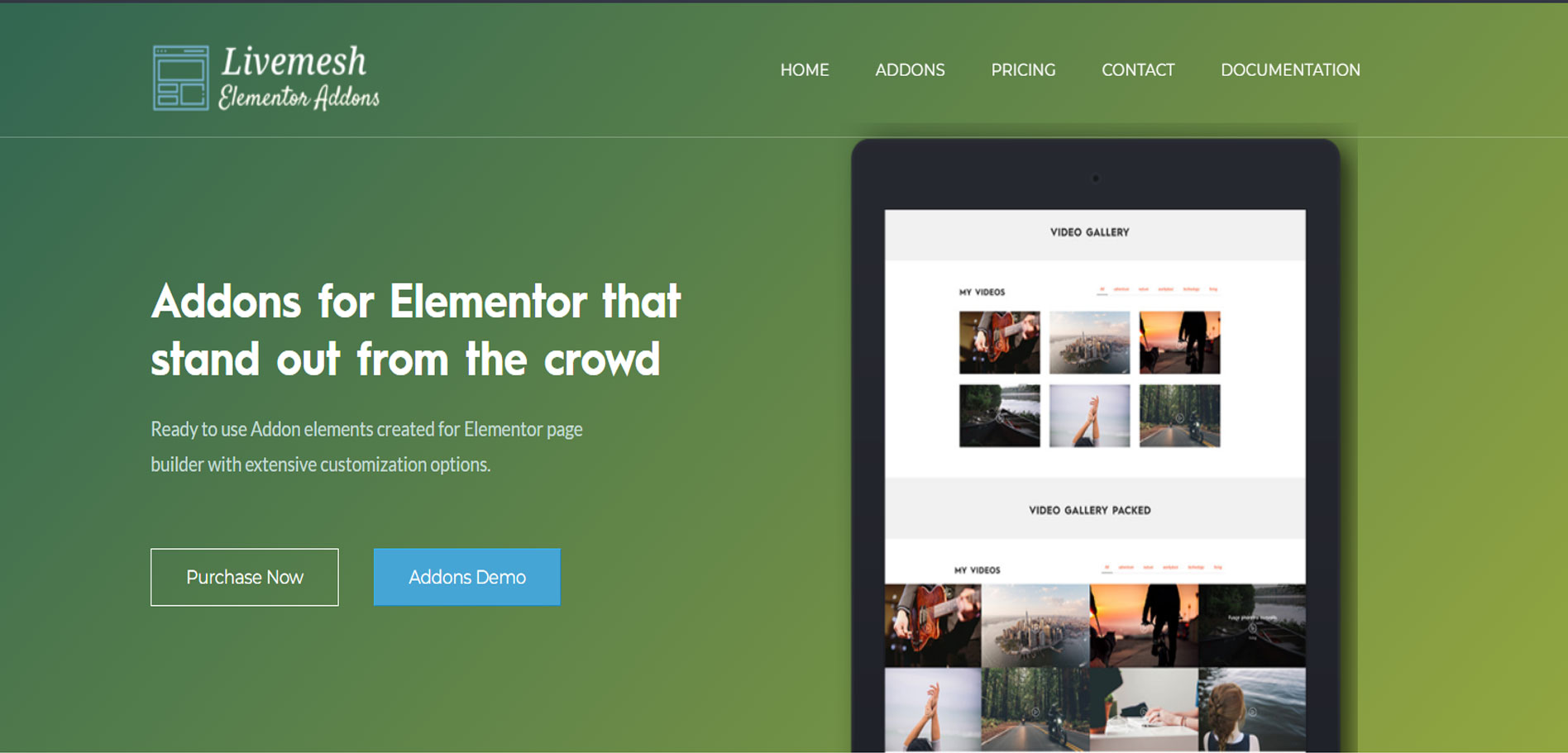
Wysoce funkcjonalne i dobrze oceniane dodatki Elementor do WordPress.
Darmowa wersja zawiera ponad 13 nowych widżetów z atrakcyjnymi stylami nagłówków.
Ta wtyczka zawiera widżety do niemal wszystkiego, czego potrzebujesz do zbudowania profesjonalnej strony internetowej bez konieczności przełączania się na motyw premium takie jak wykresy słupkowe, profile zespołów, liczniki, wykresy kołowe, referencje, lista klientów i wiele innych.
Jakie są najważniejsze funkcje, które sprawiają, że dodatki LiveMesh są wyjątkowe?
- Ponad 25 dodatków
- Dodatki najwyższej jakości
- Obsługa Lightboxa
- Galeria obrazów
- Dedykowane forum wsparcia
Sprawdźmy ceny!
| Rocznie | Dożywotni |
|---|---|
| $29 for 1 website | $89 for 1 website |
| $59 for 5 websites | $149 for 5 websites |
| $99 for 25 websites | $199 for 25 websites |
13. Widgetkit
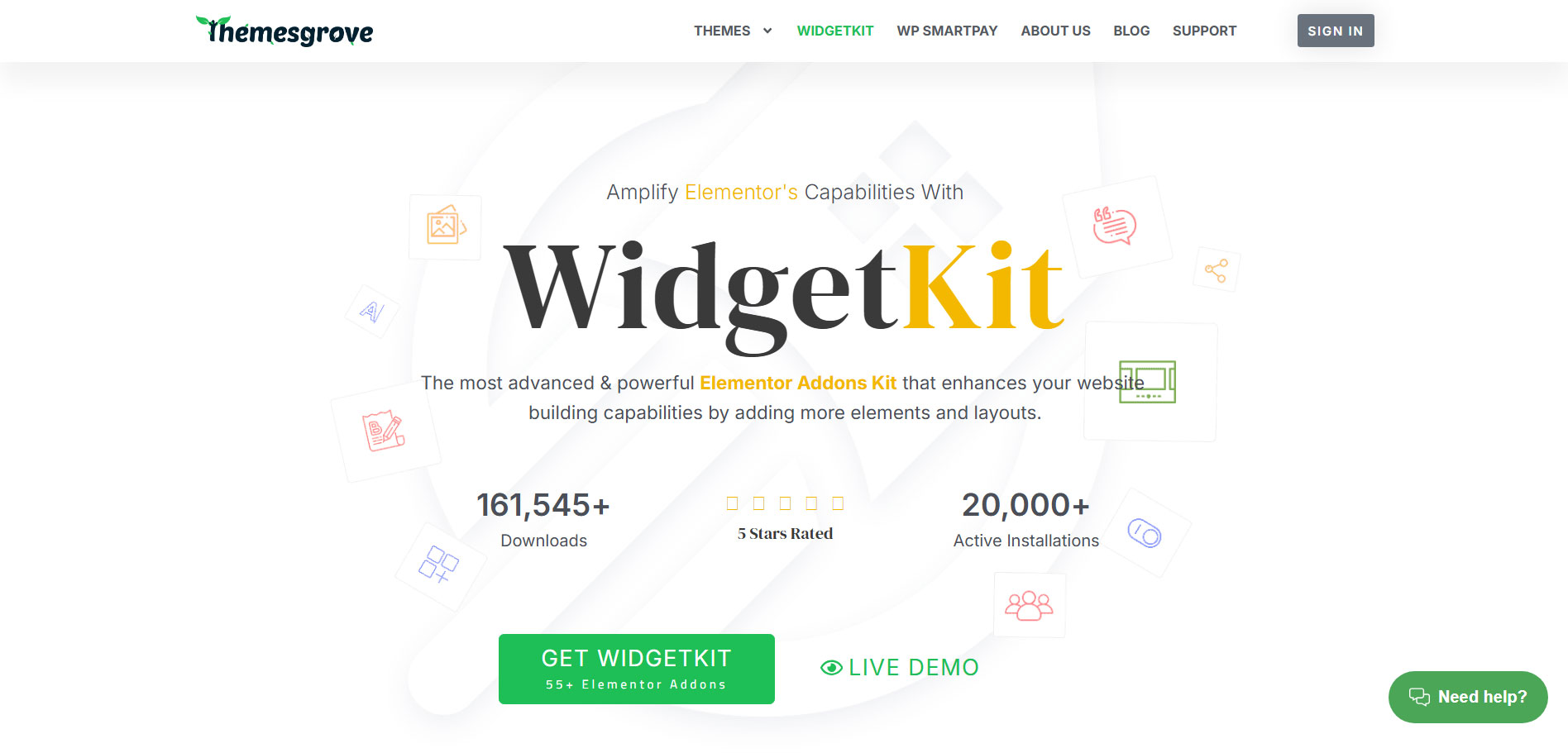
WidgetKit zapewnia niewiarygodnie szybki, interaktywny i skalowalny system projektowania z kolekcją potężnych elementów, które pozwalają w bardzo łatwy sposób zbudować dowolną prostą lub złożoną stronę internetową.
There are more than 55+ functional elements that come with WidgetKit that includes Animated Headlines, Button, Call to Action, Image box and others.
Wersja Pro zawiera dodatkowe moduły, takie jak zakładka Zaawansowane, baner, pasek wiadomości, najnowszy post itp.
Jakie są najważniejsze funkcje, które sprawiają, że Widgetkit Unikalny?
- 28+ Free and 27+ Pro Elements
- Strona docelowa premium 10+
- Kompatybilny z WooCommerce
- Zaawansowane dostosowywanie
- Całkowicie responsywny
Sprawdźmy ceny!
| Rocznie | Dożywotni |
|---|---|
| $39 for 1 website | $129 for 1 website |
| $99 for 3 websites | $199 for 3 websites |
| $299 for 1000 websites | $599 for 1000 websites |
Które dodatki do Elementora są najlepsze?
Cóż, tak naprawdę to Ty decydujesz, który dodatek odpowiada Twoim potrzebom. Dołożyliśmy wszelkich starań, aby połączyć najlepsze dodatki lub wtyczki Elementor z kluczowymi funkcjami i pakietami cenowymi, które oferują.
ElementsKit ma jednak potencjał, aby wyróżniać się jako najlepsze wtyczki lub dodatki do Elementora ze względu na atrakcyjne funkcje w konkurencyjnym pakiecie cenowym. Poza tym zapewnia również niezawodny zespół wsparcia. Naszym zdaniem najlepszym dodatkiem lub wtyczką do Elementora jest ElementsKit.



Dodaj komentarz