






Implementing a robust WordPress Zoho CRM integration means effortlessly automating and speeding up essential functions across sales and support. With tools like PopupKit Pro, the setup is truly pain-free.
Let’s learn how to Integrate Zoho and PopupKit.
Zoho Integration with PopupKit #
Warunki wstępne:
You must have the PopupKit Pro version, as it includes the necessary Webhook feature.
STEP 1: Access to WordPress #
Log in to your WordPress dashboard, navigate to PopupKit. and select the Integrations tab.
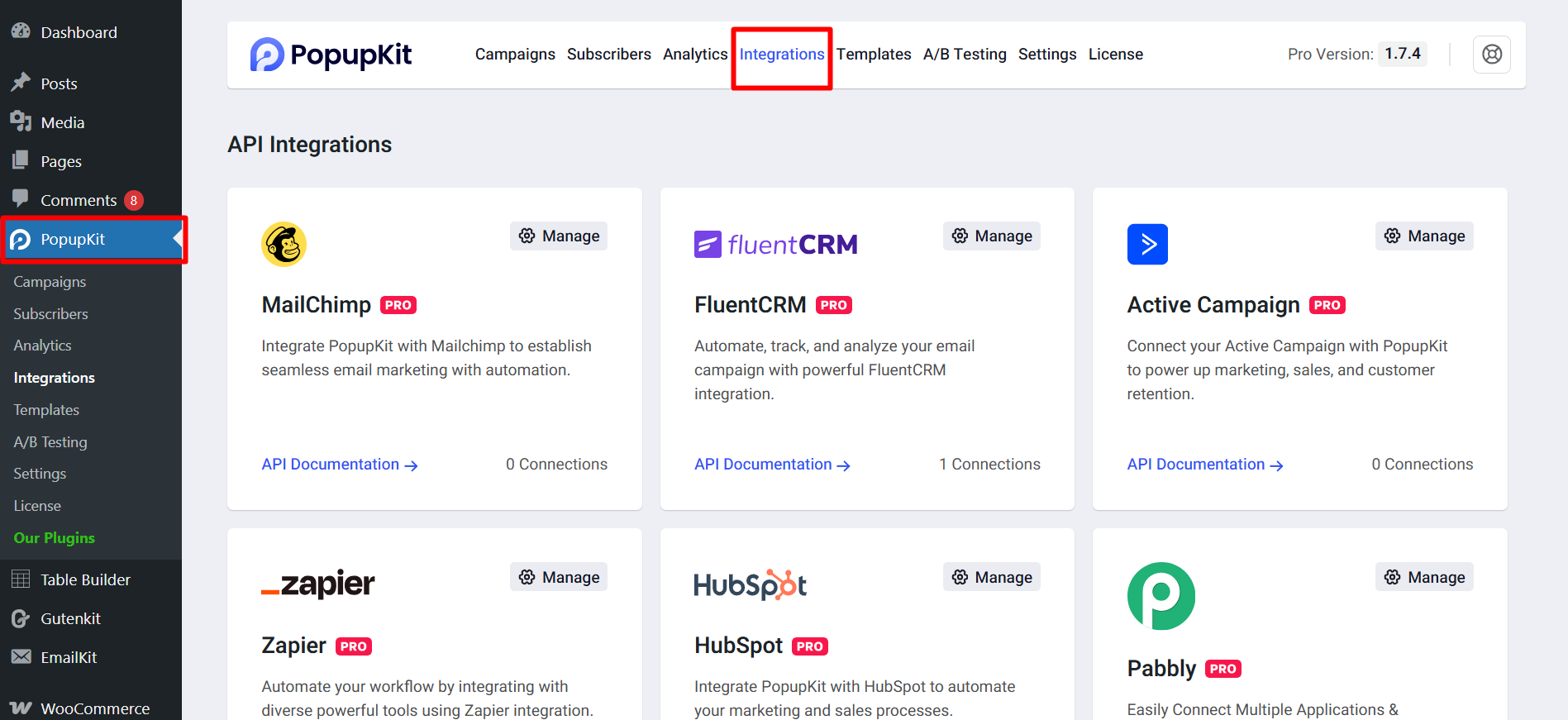
Find Zoho CRM and click on the manage settings icon.
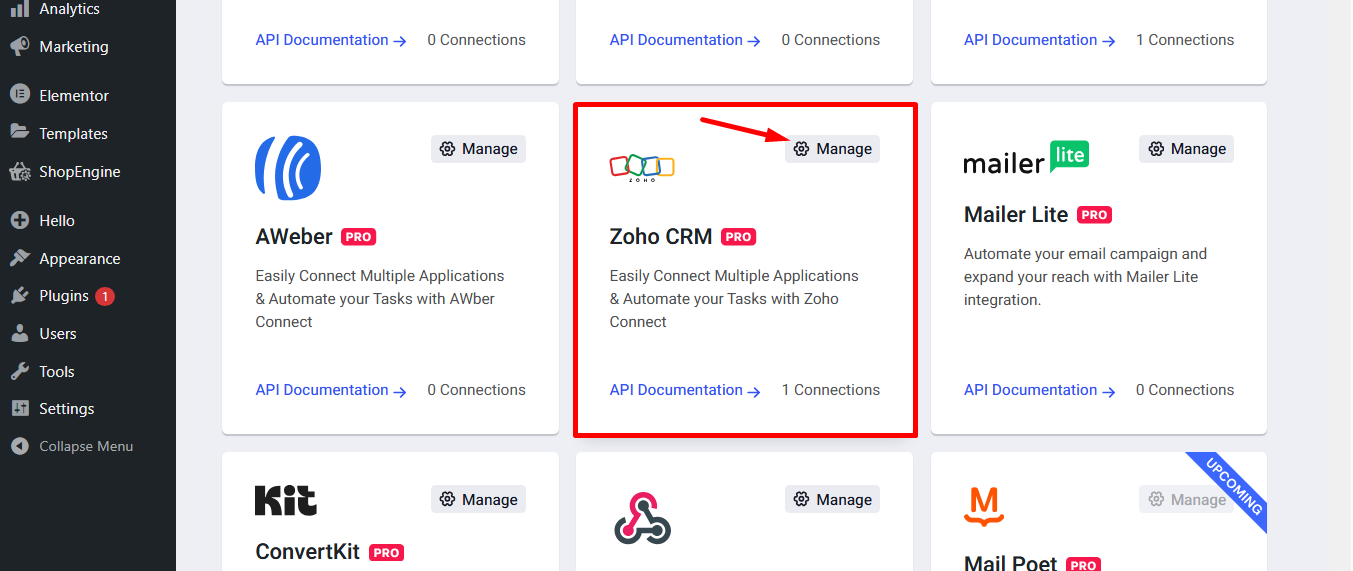
Click on the Get Credentials button. It’ll redirect you to your Zoho account.
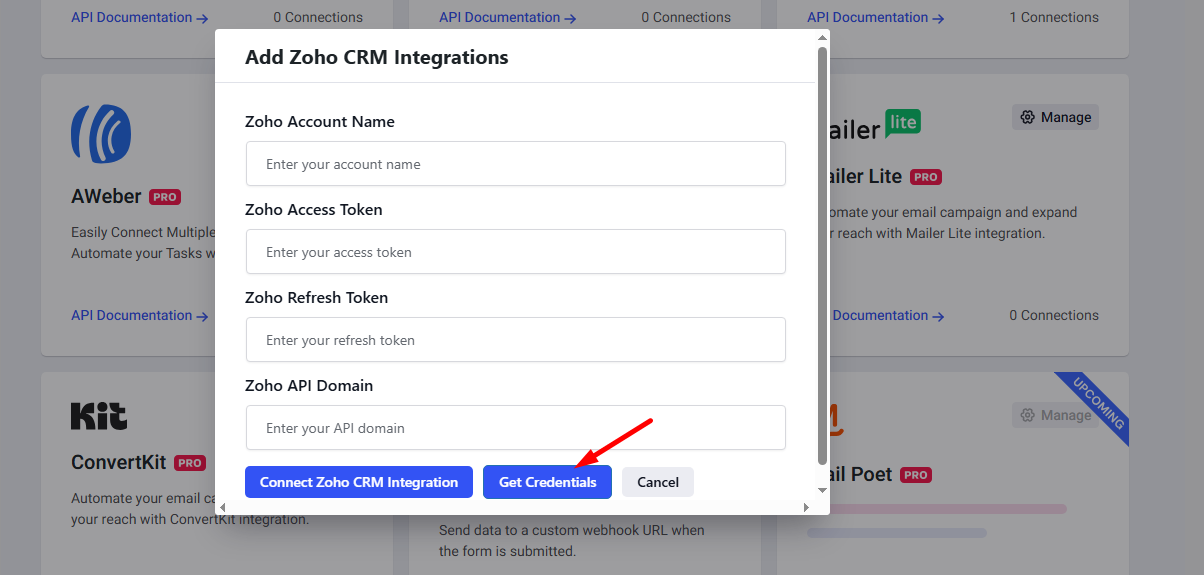
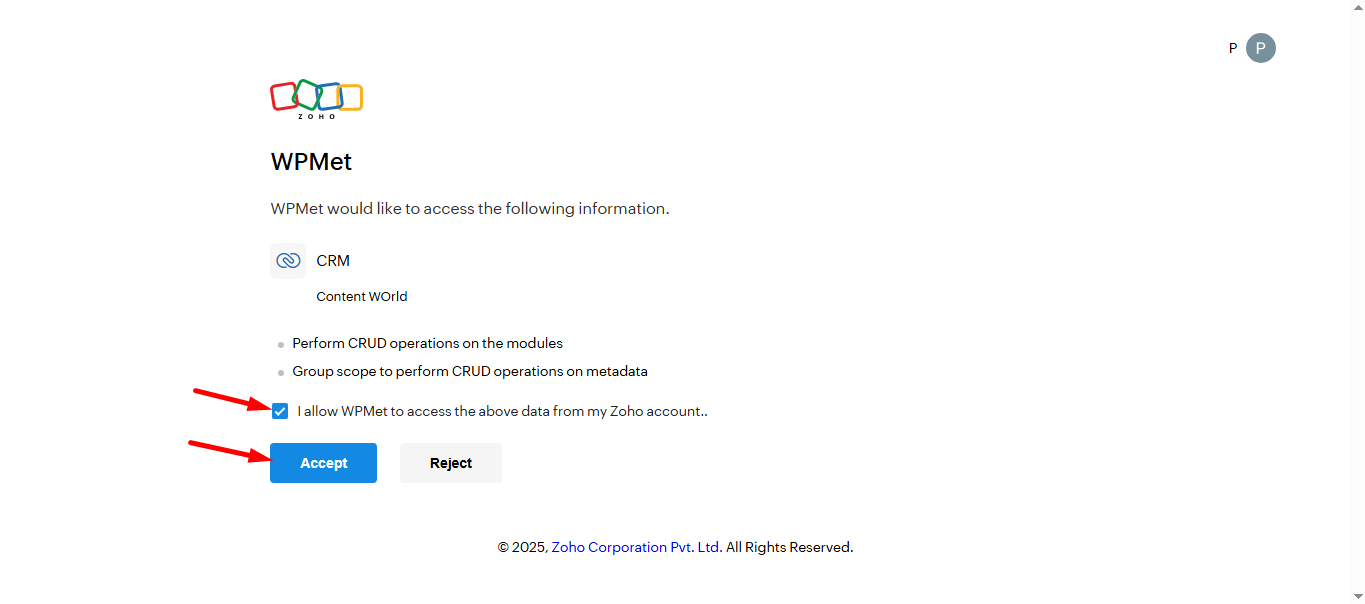
Make sure you’ve a account already and logged in.
Allow the access permission and click on the accept button.
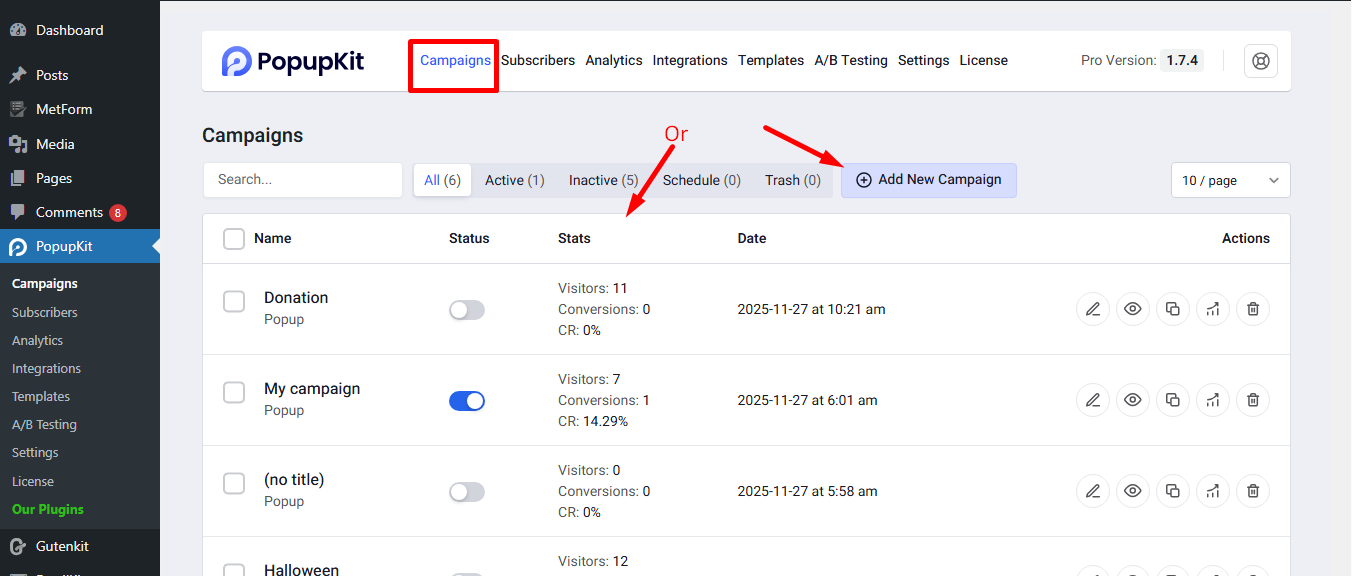
Create a new campaign or choose from the active campaigns.
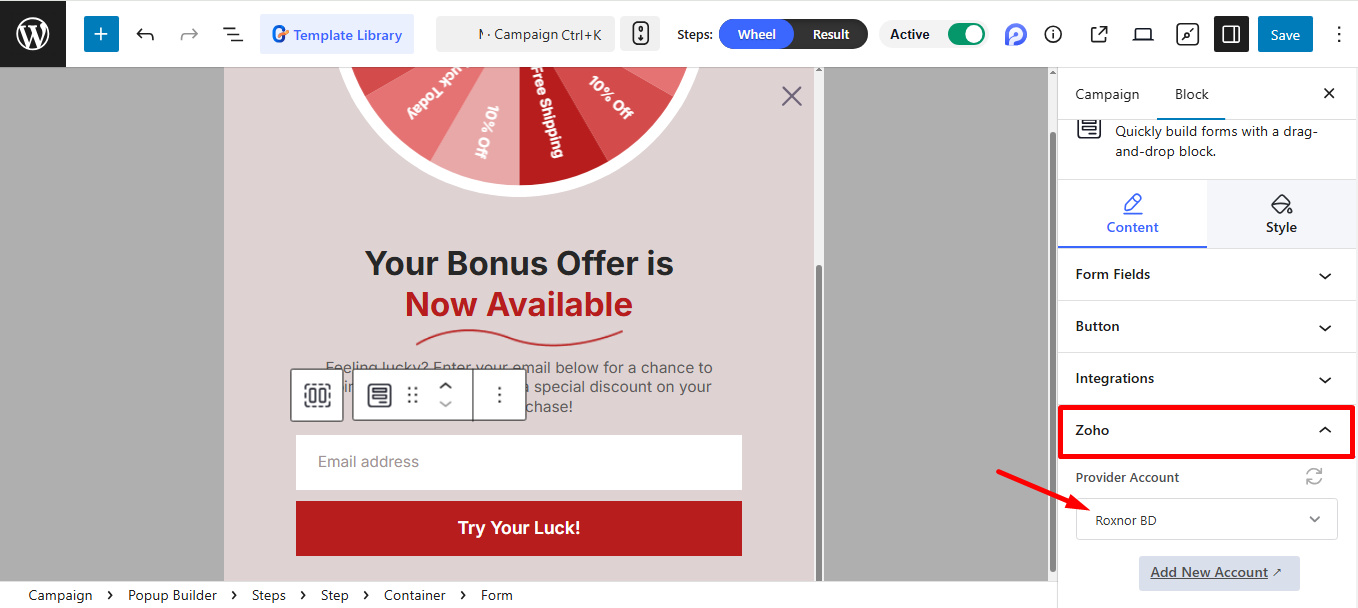
Select the provider account where you want the form data to be securely stored, and then click ‘Save’.
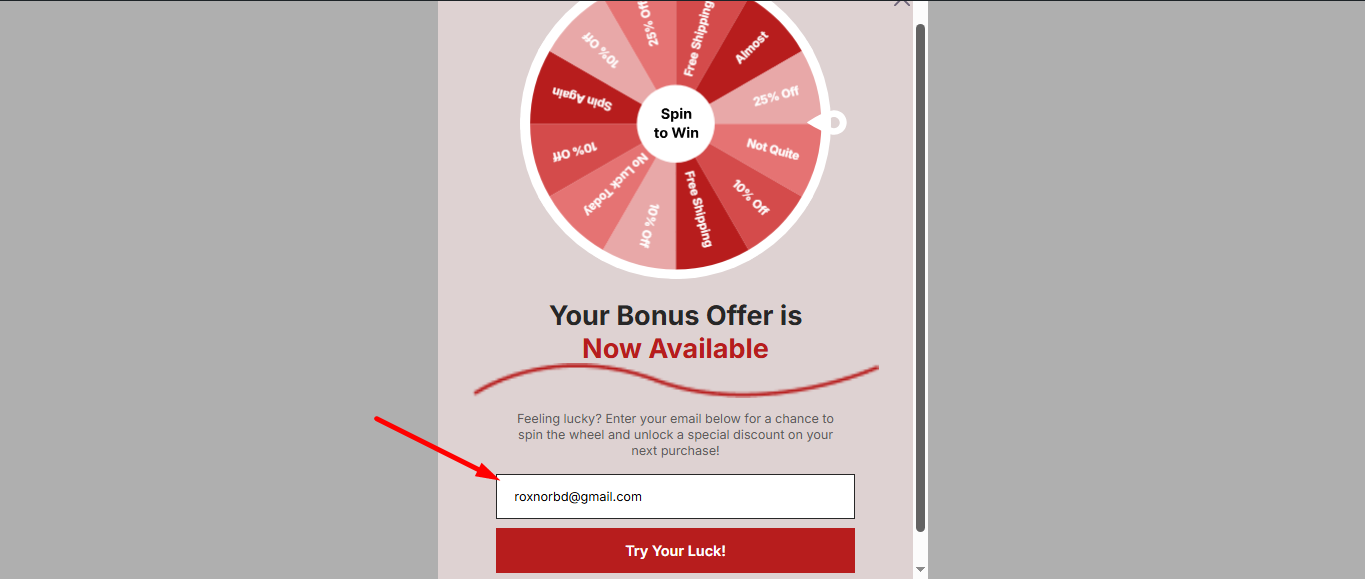
Review the popup, and confirm your setup by submitting.
Now, your WordPress lead generation and Zoho CRM are perfectly synchronized. Start capturing, nurturing, and converting leads with ultimate efficiency!


