


 Korean
  English
  German
  Spanish
  Italian
  French
  Danish
  Portuguese
  Swedish
  Polish
  Japanese
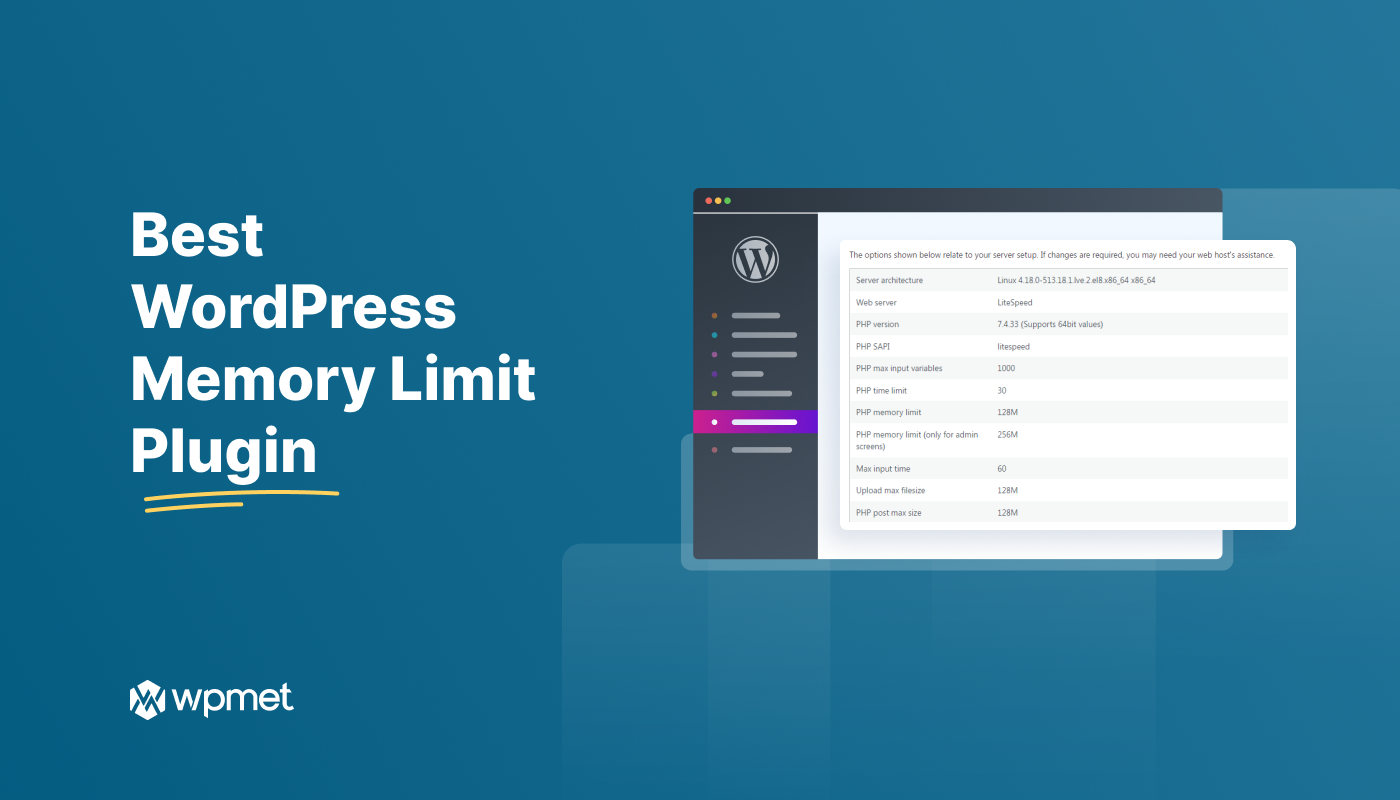
느린 WordPress 사이트는 귀하와 방문자 모두에게 실망스러울 수 있습니다. 일반적인 원인 중 하나는 메모리 부족입니다. 다행히도 간단한 해결책이 있습니다. 메모리 제한 플러그인을 사용하는 것입니다.
WordPress 메모리 한도 증가 플러그인은 작업할 리소스를 더 많이 제공하여 사이트 속도를 높일 수 있습니다. 이 블로그에서 이러한 WordPress 한도 조정 플러그인을 나열했습니다.
당신에게 가장 적합한 것을 찾아보겠습니다!
WordPress의 '메모리 제한'은 무엇인가요?
WordPress 메모리 제한은 요청을 처리하기 위해 웹사이트에 할당된 RAM의 양입니다. 여기에는 페이지 로딩, 데이터베이스 쿼리 처리, 플러그인 실행이 포함됩니다.
메모리 제한은 왜 중요한가요?
기본 메모리는 32MB입니다.
리소스를 많이 사용하는 WordPress 웹사이트의 경우 환경 메모리 제한에 대해 걱정해야 합니다. 예를 들어, 이미지, 플러그인 또는 트래픽이 많은 사이트는 이 제한을 초과할 수 있습니다. 게다가 WordPress 사이트의 메모리가 부족하면 "치명적 오류: 허용된 메모리 크기가… 소진되었습니다"와 같은 오류 메시지가 표시됩니다.
Informative for you 👉👉👉 WordPress 메모리 제한을 늘리는 방법
최고의 WordPress 메모리 한도 증가 플러그인
WordPress 메모리 관리 플러그인, 메모리 한도 부스터 WordPress 또는 관련 플러그인을 찾고 있다면, 귀하의 사이트에 대한 포괄적인 솔루션이 될 수 있는 몇 가지 표준 플러그인이 있습니다.
최고의 옵션을 확인하고 하나를 선택하세요. 👇
WP 메모리

WP Memory는 숫자에 관한 것이 아닙니다. 웹사이트의 메모리 관리자입니다. 서버의 근육을 확인하고, WordPress 메모리 또는 RAM 사용량을 모니터링하고, 각 페이지가 얼마나 많이 소모하는지 추적합니다. 게다가, 이 WP 메모리 제한 플러그인은 속도를 늦출 수 있는 숨겨진 오류를 포착합니다. 따라서 이 플러그인을 사용하면 메모리 제한에 작별 인사를 하고 창의력을 발견할 수 있습니다.
특징
- 메모리 사용량이 높은지 확인하세요
- 사이트 상태 페이지에 결과를 포함하세요
- 파일 편집이 필요 없습니다
- 메모리 부족 문제에 대한 솔루션을 찾을 수 있습니다
- 빈 화면과 WordPress 메모리 부족 오류를 해결할 수 있습니다.
당신이 알아야 할 것
| 가장 좋습니다 | 약점 |
|---|---|
| WordPress 메모리 제한이나 사용량 및 관련 오류를 확인하세요. | 해당 플러그인은 메모리 관련 오류를 해결하지만 그 이유와 해결책은 제공하지 않습니다. |
가격
플래티넘- $24 / 1회
Standard- $17.99 / 1회
서버 IP 및 메모리 사용량 표시
이 도구는 웹사이트의 상태를 빠르게 확인하는 데 유용합니다. 주로 IP 주소 표시 및 다양한 언어로의 번역을 위해 만들어졌습니다. Server IP & Memory Usage 플러그인은 사용자 친화적이고 접근하기 쉬운 플러그인입니다. 메모리 제한을 확인하는 것 외에도 PHP 버전, 운영 체제 등을 볼 수 있습니다.
몇 가지 주요 기능을 살펴보겠습니다.
특징
- WordPress 메모리 제한을 표시합니다
- 현재 WordPress 메모리 사용량을 보여줍니다
- 플러그인을 귀하의 언어로 번역할 수 있습니다
- 관리자 바닥글에 IP 주소와 PHP 버전을 표시합니다.
당신이 알아야 할 것
| 가장 좋습니다 | 약점 |
|---|---|
| 메모리 사용량을 확인하세요. | 서버 IP 및 메모리 사용량은 특정 버전의 WordPress 또는 서버 호스팅 서비스와 호환되지 않을 수 있습니다. |
가격
가격은 회사에 문의하셔야 합니다.
메모리 미터

이것은 또 다른 Elementor 메모리 한도 부스터 WordPress 플러그인입니다. 메모리 사용량을 추적하여 웹사이트 성능을 모니터링하고 최적화하는 데 도움이 됩니다. 사이트에서 얼마나 많은 메모리를 소비하는지에 대한 실시간 통찰력을 제공합니다. 또한 이 WordPress 메모리 사용량 플러그인을 사용하여 잠재적인 병목 현상을 식별하고 충돌을 방지할 수도 있습니다.
특징
- 파일 크기 및 백분율에 따른 현재 WordPress 메모리 또는 RAM 사용량을 표시합니다.
- PHP 및 WordPress 메모리 제한 표시
- WordPress 최대 메모리 제한 표시
- JS 콘솔에 표시된 메모리 사용량
당신이 알아야 할 것
| 가장 좋습니다 | 약점 |
|---|---|
| 메모리 사용량과 메모리 한도를 표시합니다. | 무료 버전에 더 많은 무료 기능이 필요합니다. |
가격
가격은 공급업체에 문의해야 합니다.
WP 도구

WP Tools는 서버 통계, 오류 차트, 페이지 로드 시간, 효율적인 관리를 위한 47개 이상의 도구가 있는 대시보드를 제공하는 완전한 WordPress 플러그인입니다. 이 WordPress 플러그인은 메모리 제한을 늘리고, Javascript 오류를 포착하고, 성능을 최적화하고, 작업을 간소화하는 데 도움이 됩니다. 이 플러그인은 WordPress 최적화를 위한 최적의 솔루션이 될 수 있습니다.
특징
- WordPress PHP 메모리 제한, 최대 실행 시간 제한 및 최대 업로드 파일 크기 제한을 늘립니다.
- 레이지 로드 기능 비활성화
- 디스크 공간 분석
- 다국어 지원
당신이 알아야 할 것
| 가장 좋습니다 | 약점 |
|---|---|
| 최대 한도를 늘리고 WordPress 웹 서버 성능을 확인하세요. | 다중 사이트용이 아닙니다. |
가격
가격은 $17.99부터 시작합니다.
WP-메모리-사용

WordPress용 최고의 PHP 메모리 제한 플러그인 목록의 마지막 플러그인은 WP-Memory-Usage입니다. 또한 웹사이트의 메모리 소비에 대한 실시간 통찰력을 제공하는 강력한 WordPress 도구입니다. 이 플러그인은 PHP 버전, 메모리 제한, 성능 관리 등을 표시하는 데 도움이 됩니다. 따라서 WordPress 환경을 유지하고 잠재적인 메모리 관련 문제를 방지할 수 있습니다.
특징
- 대시보드에 현재 메모리 사용량을 직접 표시합니다.
- 시간에 따른 메모리 사용량을 확인하려면 메모리를 여러 번 측정하고 패턴을 찾으세요.
- PHP 환경에 대한 필수 세부정보에 접근합니다.
- 사용자의 필요에 맞춰 모니터링을 맞춤화하기 위해 측정 횟수와 간격을 설정할 수 있습니다.
당신이 알아야 할 것
| 가장 좋습니다 | 약점 |
|---|---|
| 메모리 사용량을 모니터링하고 표시합니다. | 기본 정보를 보여줍니다. |
가격
무료 플러그인입니다. 자세한 내용은 제공자에게 문의해야 합니다.
You may find it helpful ➡️ Elementor 웹사이트 속도를 높이는 팁 💡
자주하는 질문
적당한 트래픽, 플러그인 및 테마가 있는 간단한 사이트에 권장되는 WordPress 메모리 한도는 128MB입니다. 반면, 트래픽이 많은 대규모 사이트의 메모리 한도는 256MB여야 합니다.
메모리 제한을 확인하려면 WordPress 대시보드에서 도구 >> 사이트 상태로 이동해야 합니다. 그런 다음 "정보"를 선택하고 "서버"를 클릭합니다. 이제 PHP 메모리 제한이 보일 때까지 아래로 스크롤합니다. 거기에서 WordPress 사이트의 메모리 제한을 확인할 수 있습니다.
WordPress의 최소 메모리 한도는 32MB로, 페이지가 몇 개뿐인 작은 사이트에는 적합합니다. 그러나 더 많은 기능의 플러그인과 테마를 사용하려면 이 메모리 한도를 늘려야 합니다.
WordPress 메모리 제한 플러그인을 선택하세요
어떤 WordPress 메모리 제한 플러그인이 최고인지 아는 것만으로는 충분하지 않습니다! 웹사이트 성능을 최적화하고 예상치 못한 충돌을 방지하려면 다음을 수행해야 합니다. 사이트의 특정 요구 사항, 사용 편의성, 다른 플러그인과의 호환성과 같은 요소를 고려하세요.이렇게 하면 귀하의 웹사이트가 원활하고 효율적으로 운영되는지 확인할 수 있습니다.

답글쓰기