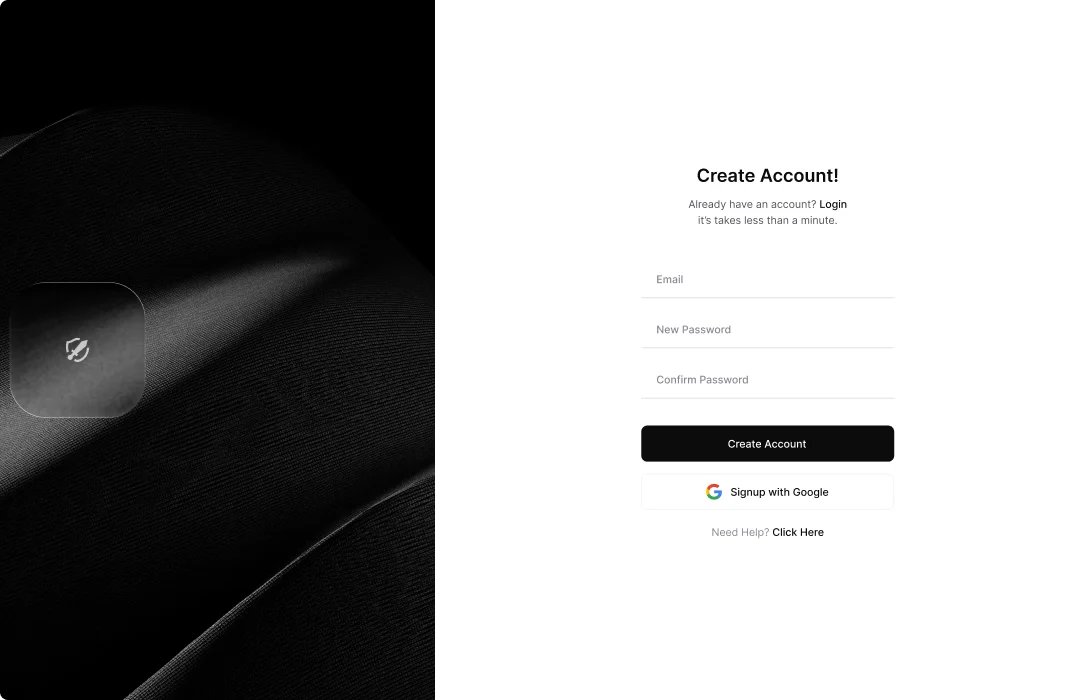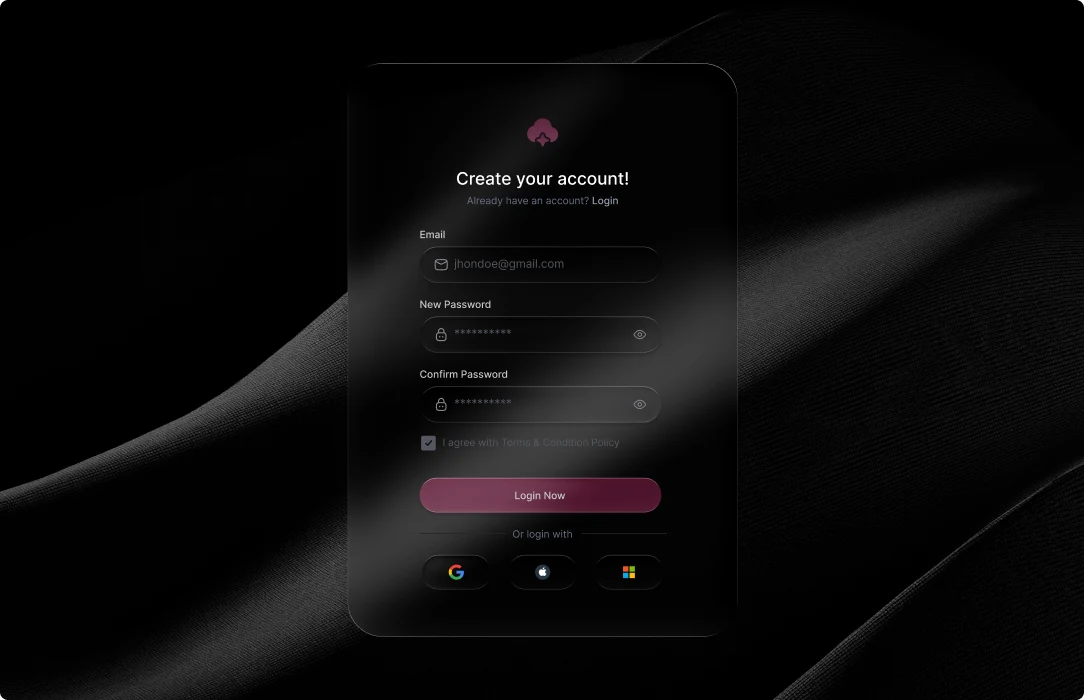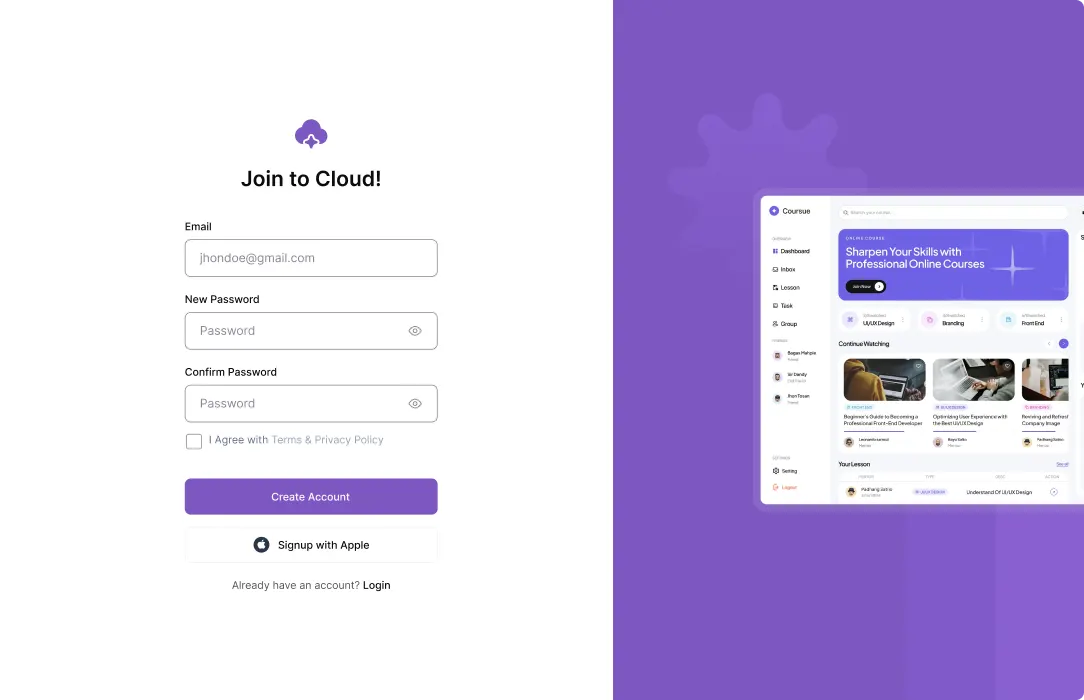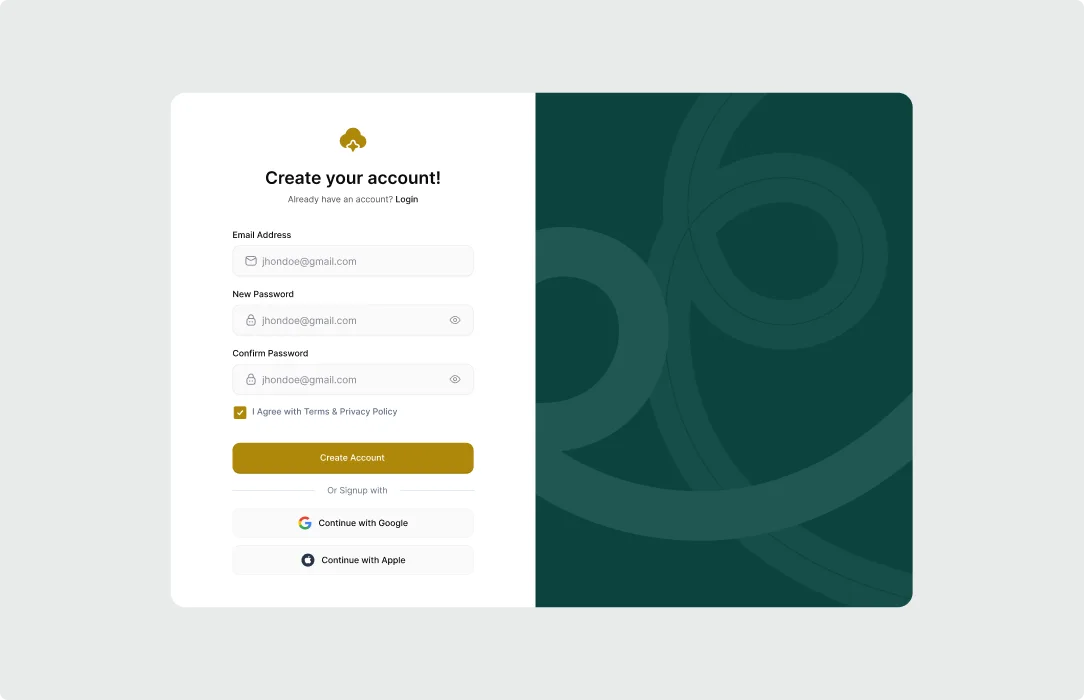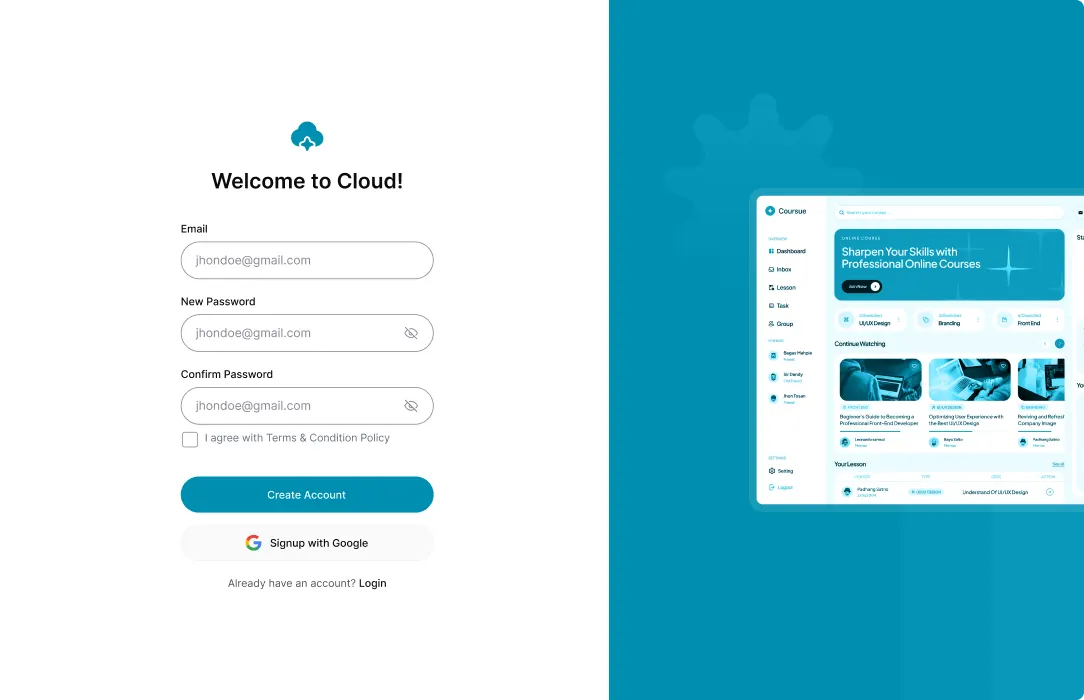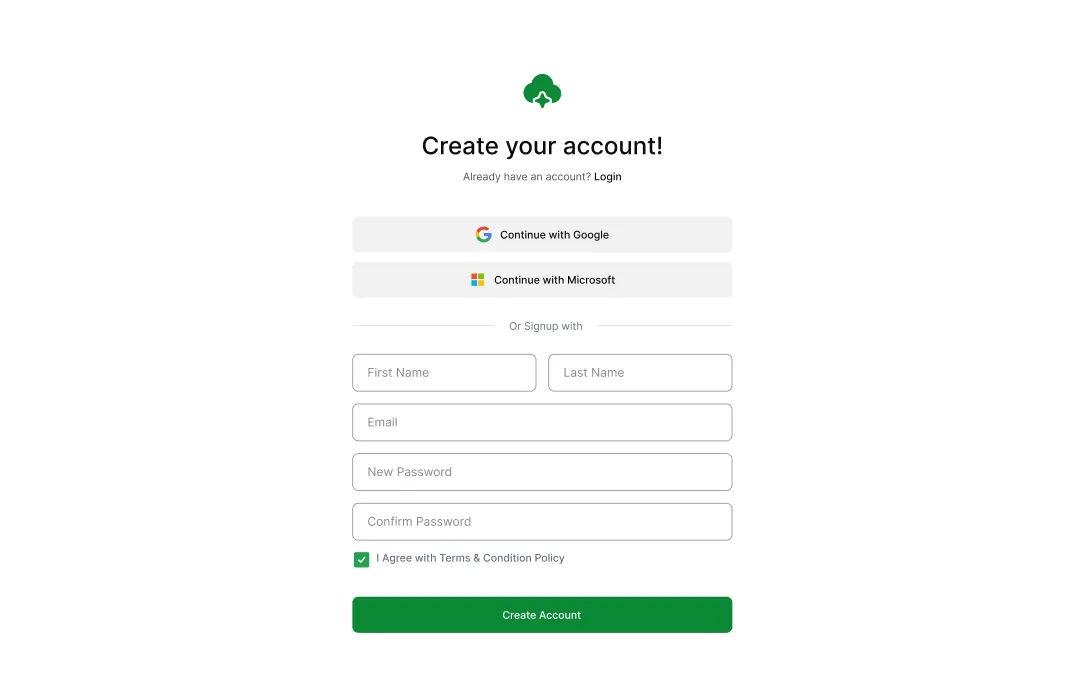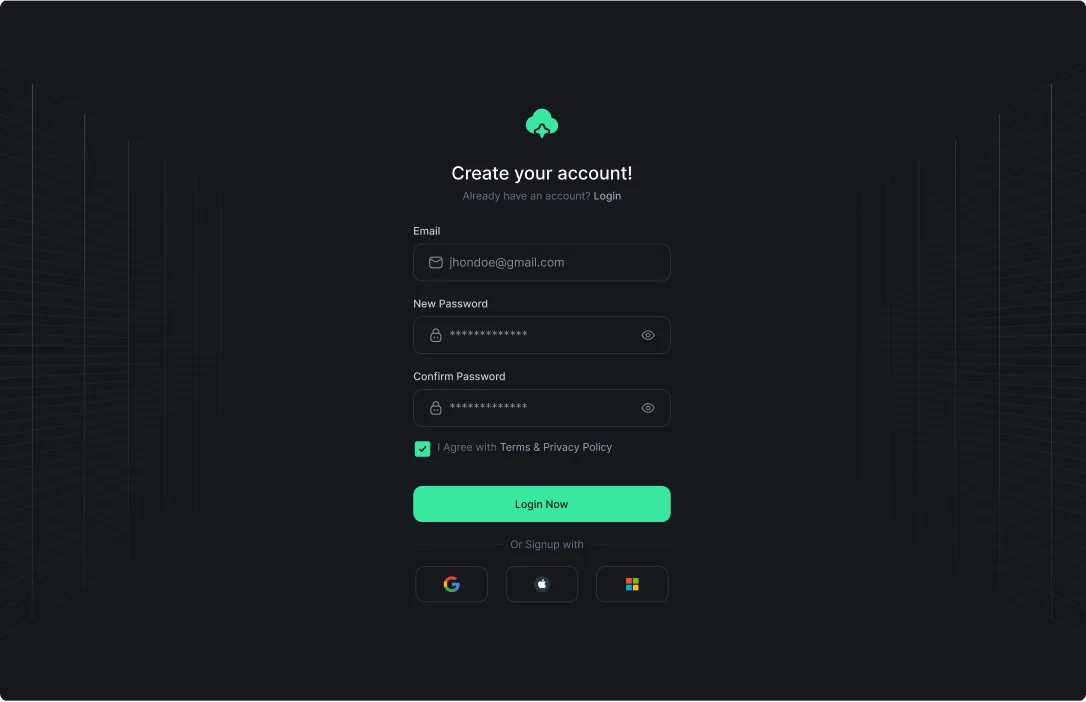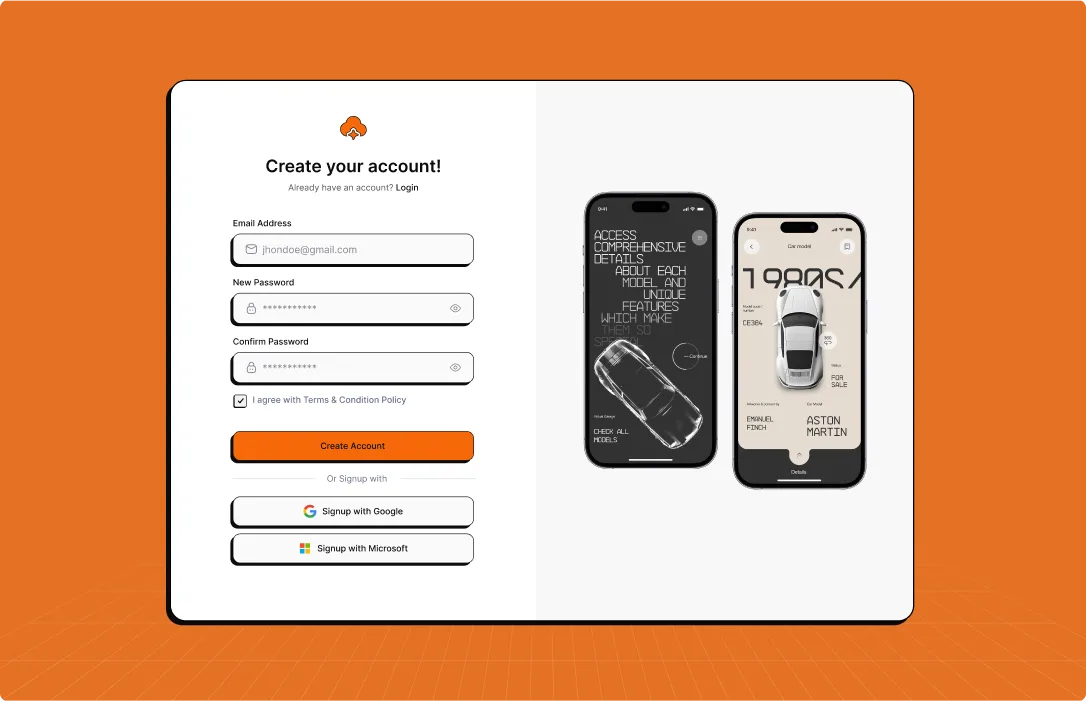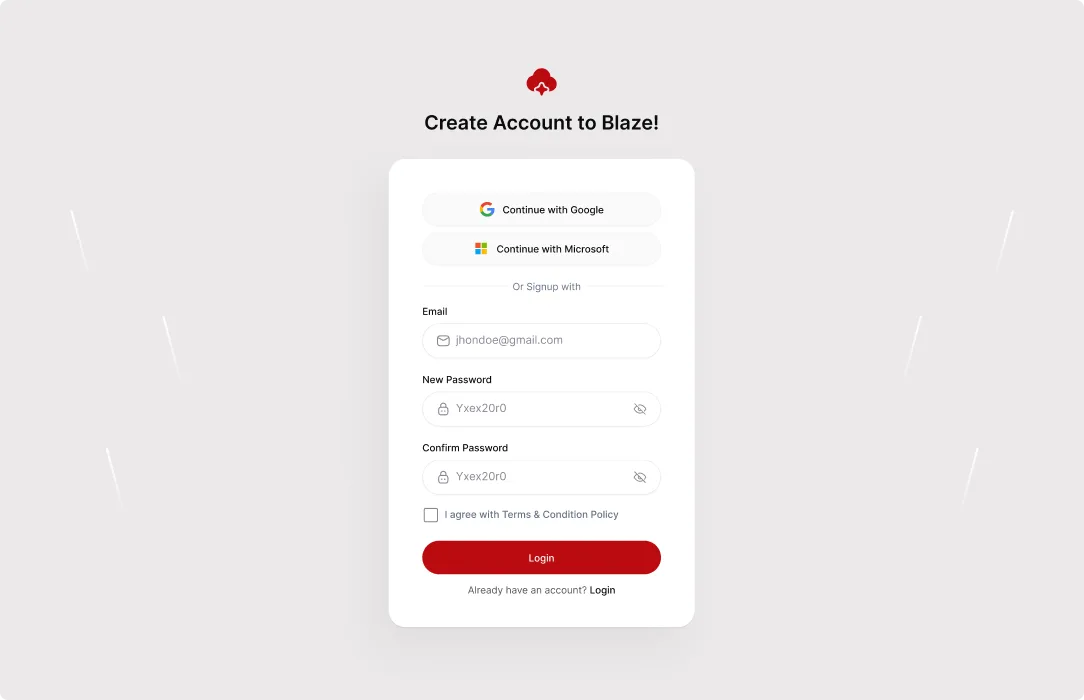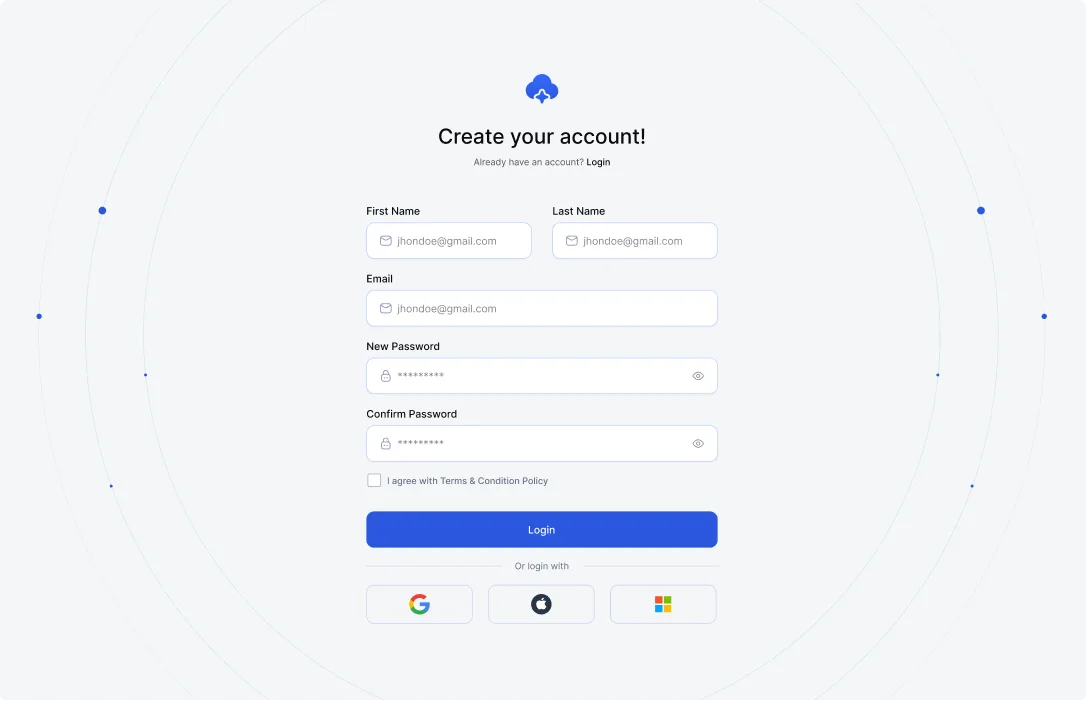

Stop losing users to slow, generic sign-up pages. Use the ElementsKit Registration Form widget to design fully branded, frictionless WP registration forms with versatile stylings, custom redirects, & social logins.
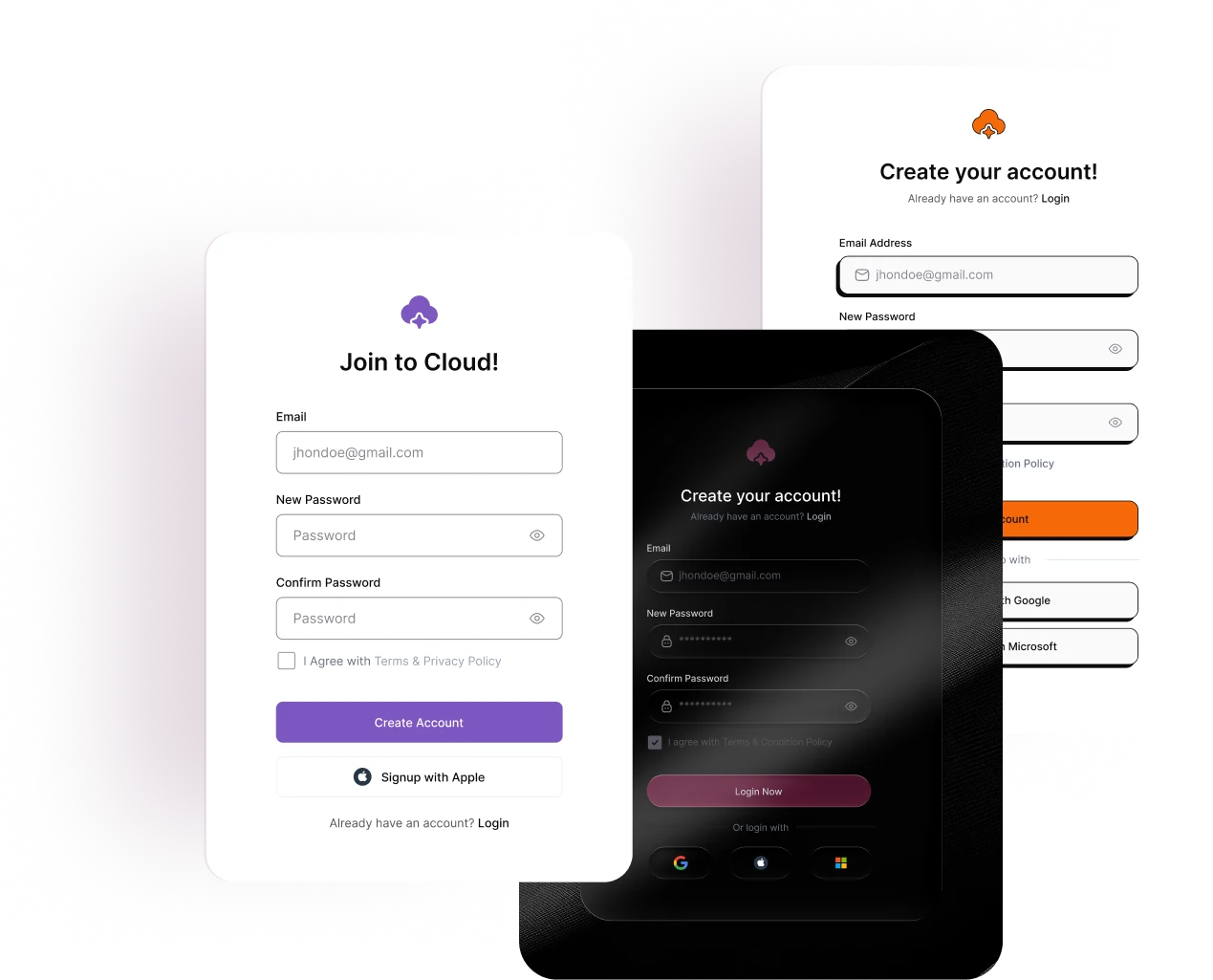
Stop guessing! And, instantly import registration forms that match your brand’s aesthetic.


Adapt your registration form for any project, from simple memberships to complex portals. Customize fields, toggle labels, and insert sleek icons to build a clean, purpose-built onboarding experience.

Design smarter WP registration forms with ElementsKit by adding quick "Login" links, password toggles, and mandatory Terms & Conditions. Also, keep your layout clutter-free by hiding the registration form from active members.

Don't let new signups land on a dead-end page. With the Redirect After Register feature, you decide where they go next. A personalized welcome page, a members-only dashboard, or a time-sensitive offer. You set it once, and it works every time.

You can build highly versatile forms for memberships, e-commerce accounts, event and course registrations, or webinar lead generation. It is also perfect for creating B2B client portals, community forums, affiliate onboarding, volunteer sign-ups, and basic subscriber accounts.
Absolutely. Under the Settings tab of ElementsKit, simply enable "Redirect After Register" and paste the specific URL you want new users to land on.
Yes. Use the "Hide for Logged-In Users" toggle in the ElementsKit settings. This ensures your registered members aren't confused by seeing a sign-up form they don't need.
Yes! You can enable Social Login directly from the widget settings to allow quick access (requires the WP Social plugin to be active).
Yes. You can activate the "Enable Terms & Conditions" toggle, which adds a mandatory checkbox that users must click before the form will submit.
Yes, the Registration Form widget is a premium feature included in ElementsKit Pro. You can use it alongside the free version of Elementor.
Like our millions of users, your WordPress website demands more flexibility and simplicity. We made website customization easy, fast & effective.


Expand Your WordPress Site Capabilities code-free with our Powerful Elementor Widgets & Modules.
| Ciastko | Czas trwania | Opis |
|---|---|---|
| cookielawinfo-checkbox-analytics | 11 miesięcy | Ten plik cookie jest ustawiany przez wtyczkę GDPR Cookie Consent. Plik cookie służy do przechowywania zgody użytkownika na pliki cookie w kategorii „Analityka”. |
| cookielawinfo-checkbox-funkcjonalne | 11 miesięcy | Plik cookie jest ustawiany przez zgodę na pliki cookie RODO w celu zapisania zgody użytkownika na pliki cookie w kategorii „Funkcjonalne”. |
| cookielawinfo-checkbox-niezbędne | 11 miesięcy | Ten plik cookie jest ustawiany przez wtyczkę GDPR Cookie Consent. Pliki cookie służą do przechowywania zgody użytkownika na pliki cookie w kategorii „Niezbędne”. |
| cookielawinfo-checkbox-inne | 11 miesięcy | Ten plik cookie jest ustawiany przez wtyczkę GDPR Cookie Consent. Plik cookie służy do przechowywania zgody użytkownika na pliki cookie w kategorii „Inne. |
| cookielawinfo-checkbox-performance | 11 miesięcy | Ten plik cookie jest ustawiany przez wtyczkę GDPR Cookie Consent. Plik cookie służy do przechowywania zgody użytkownika na pliki cookie w kategorii „Wydajność”. |
| oglądane_polityki_cookie | 11 miesięcy | Plik cookie jest ustawiany przez wtyczkę GDPR Cookie Consent i służy do przechowywania, czy użytkownik wyraził zgodę na użycie plików cookie. Nie przechowuje żadnych danych osobowych. |