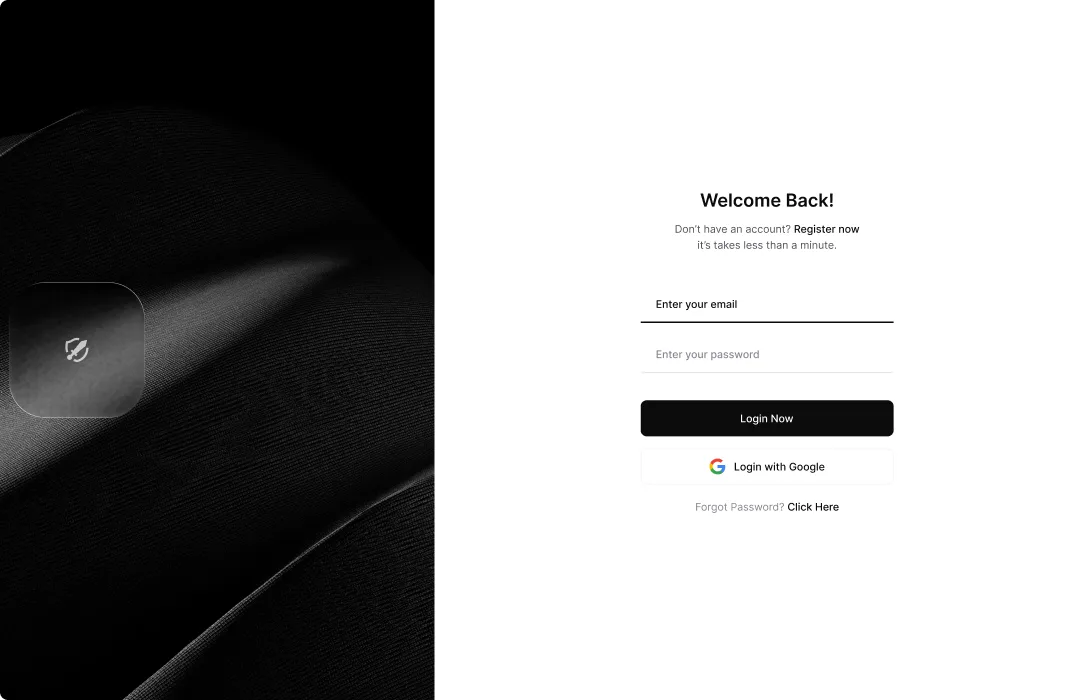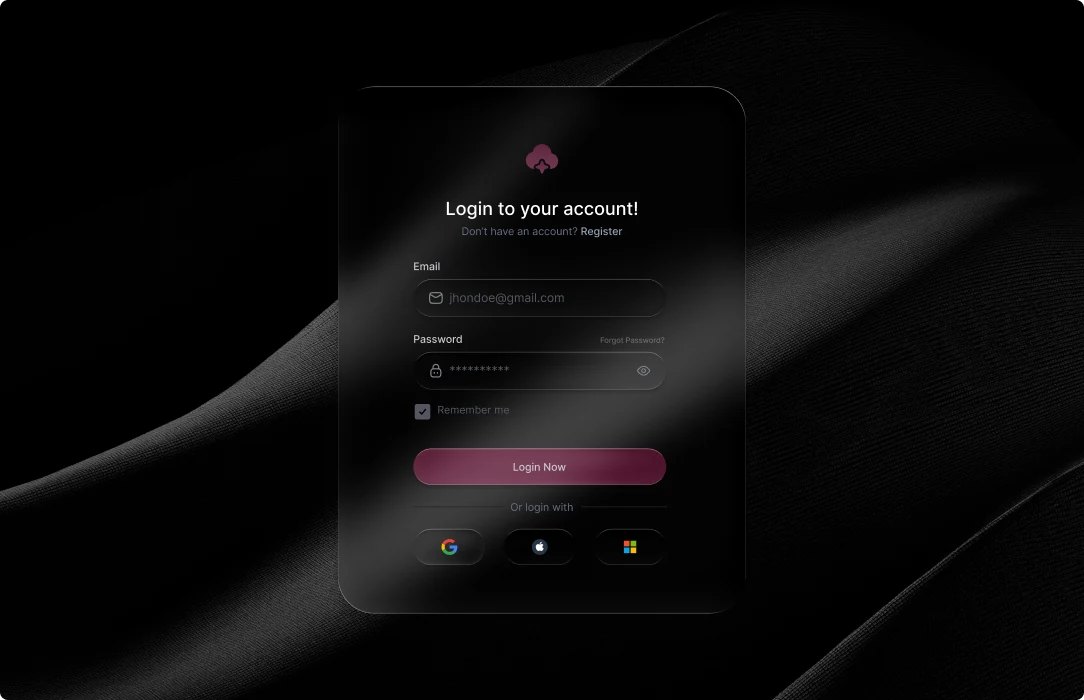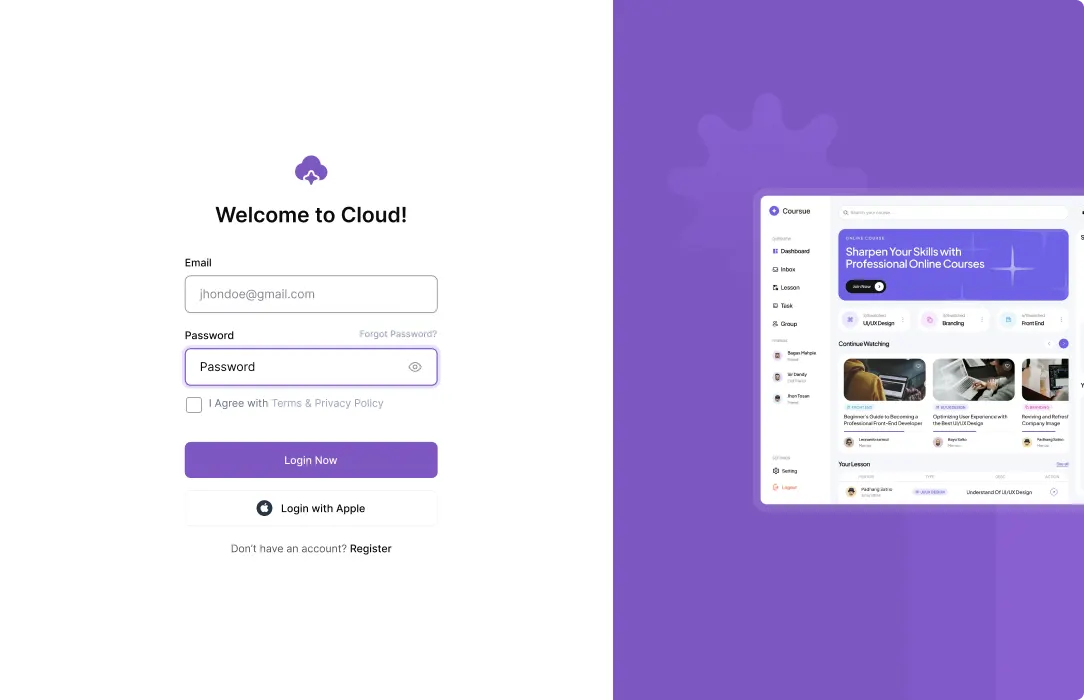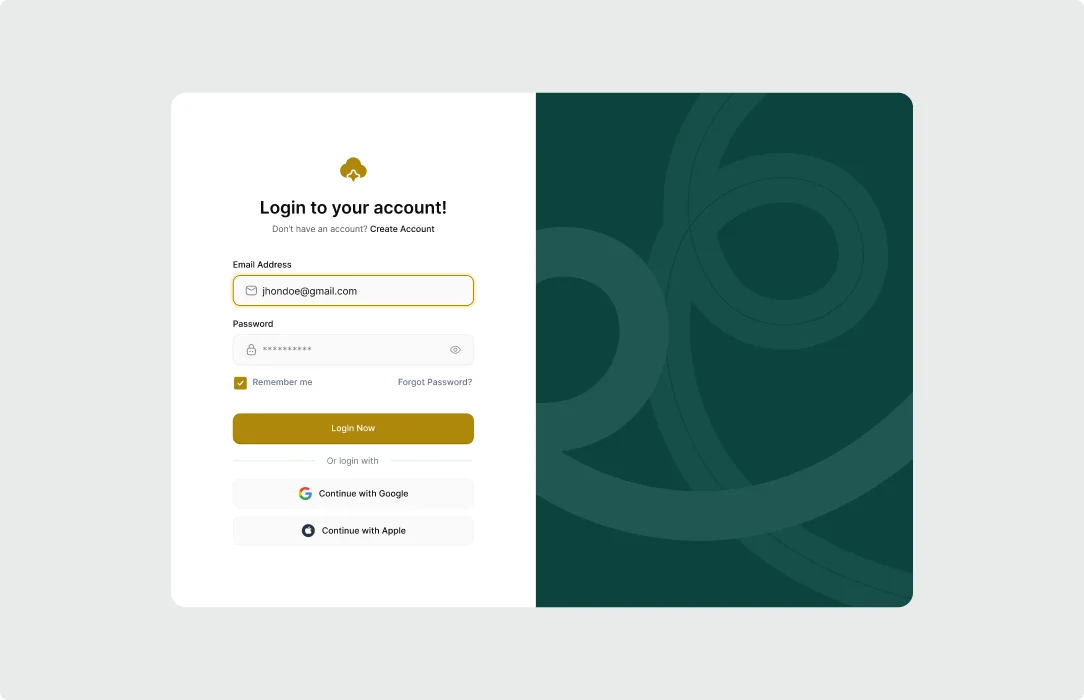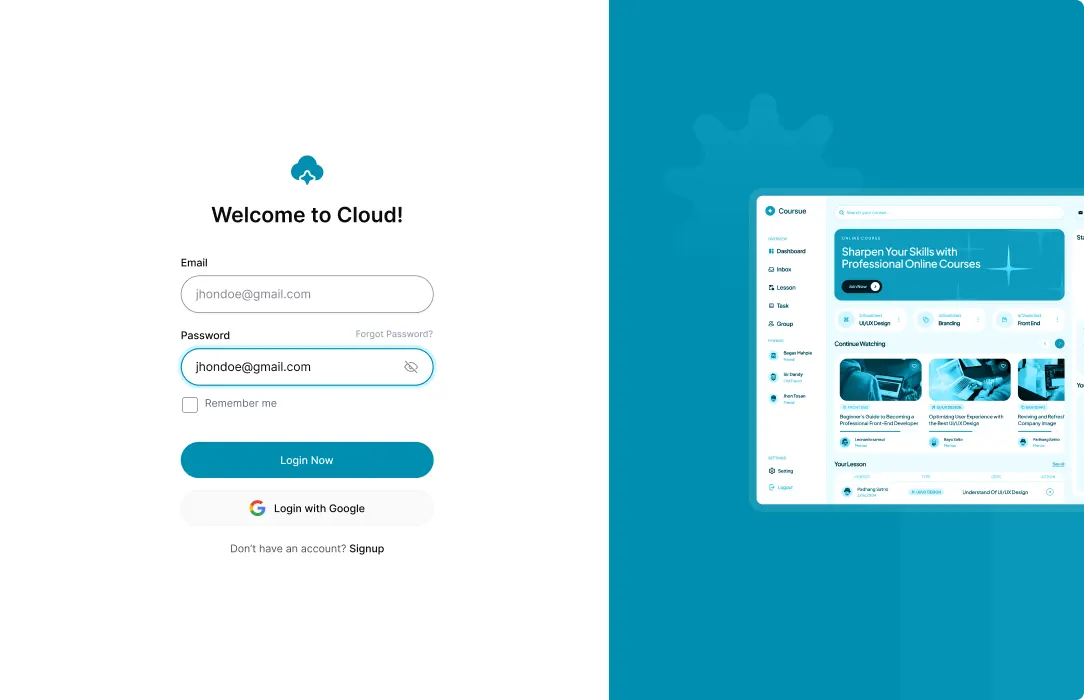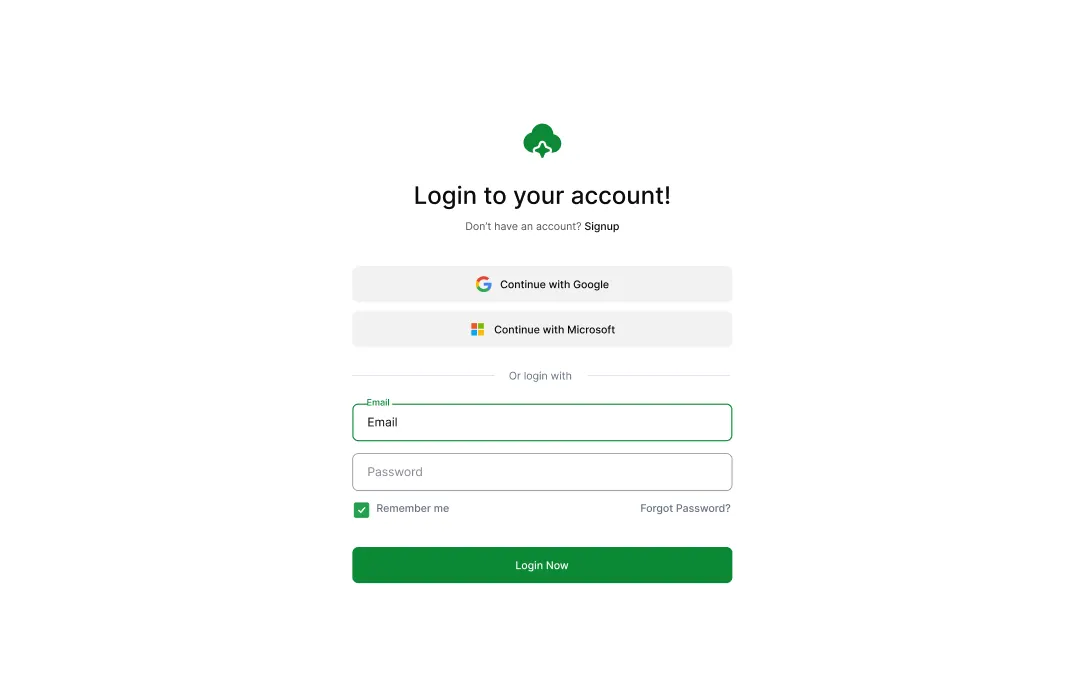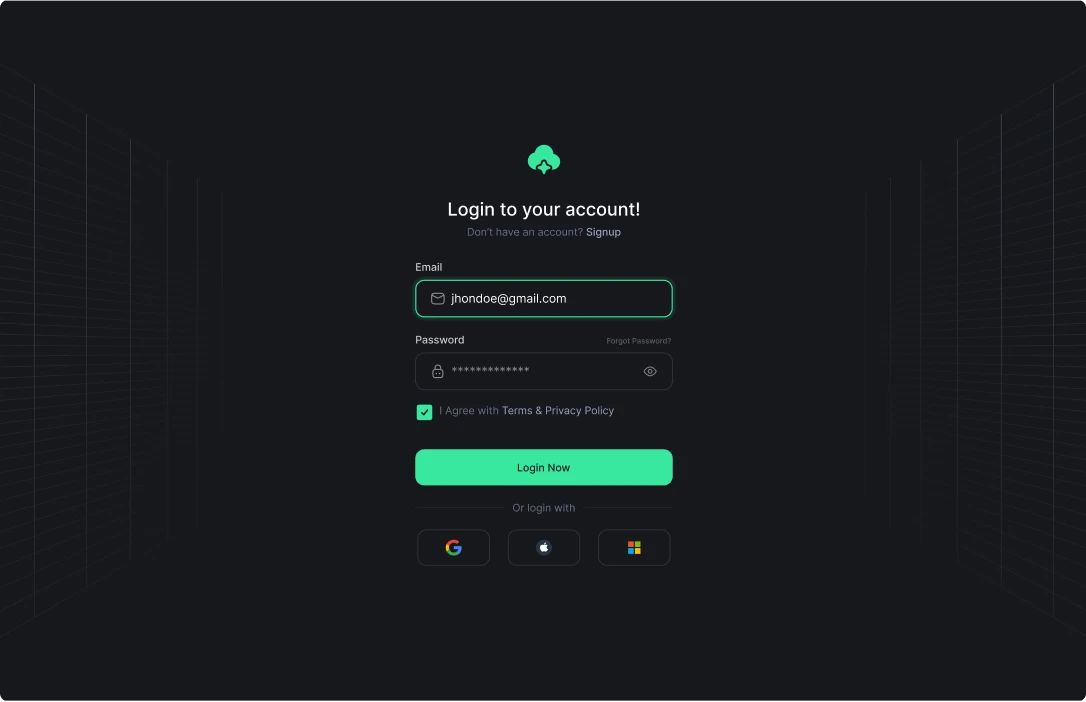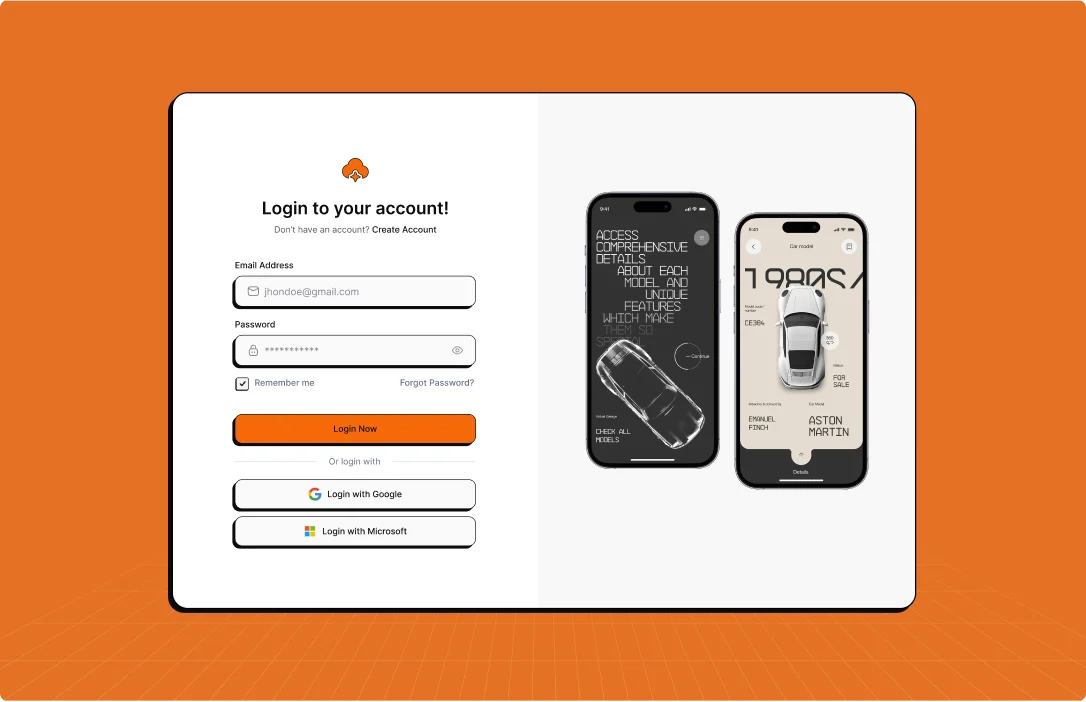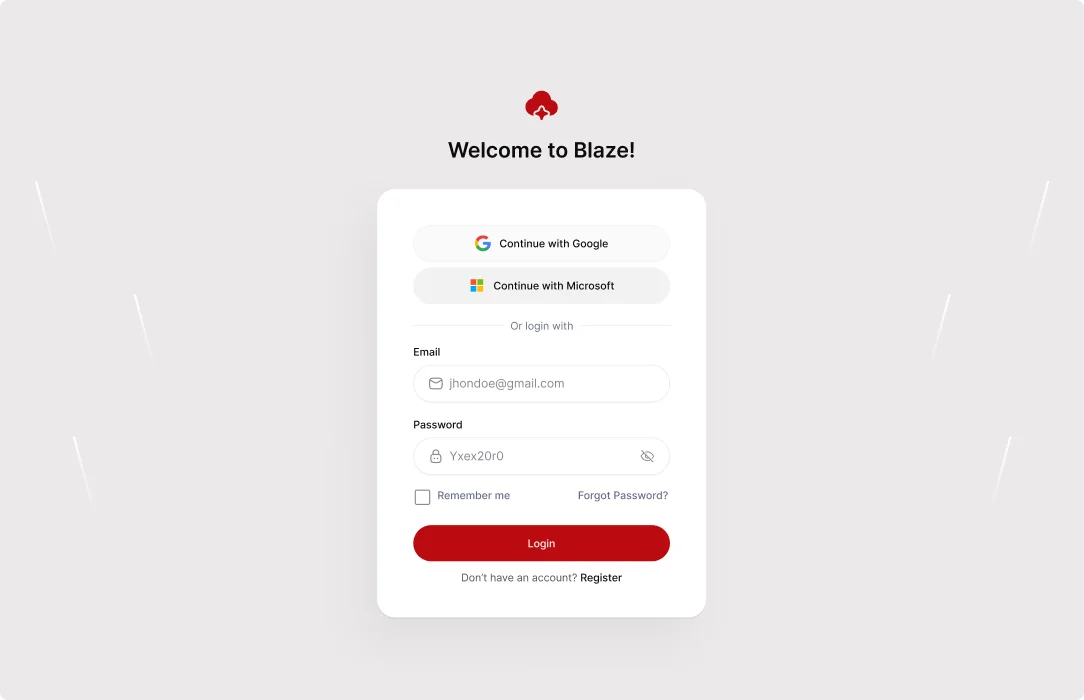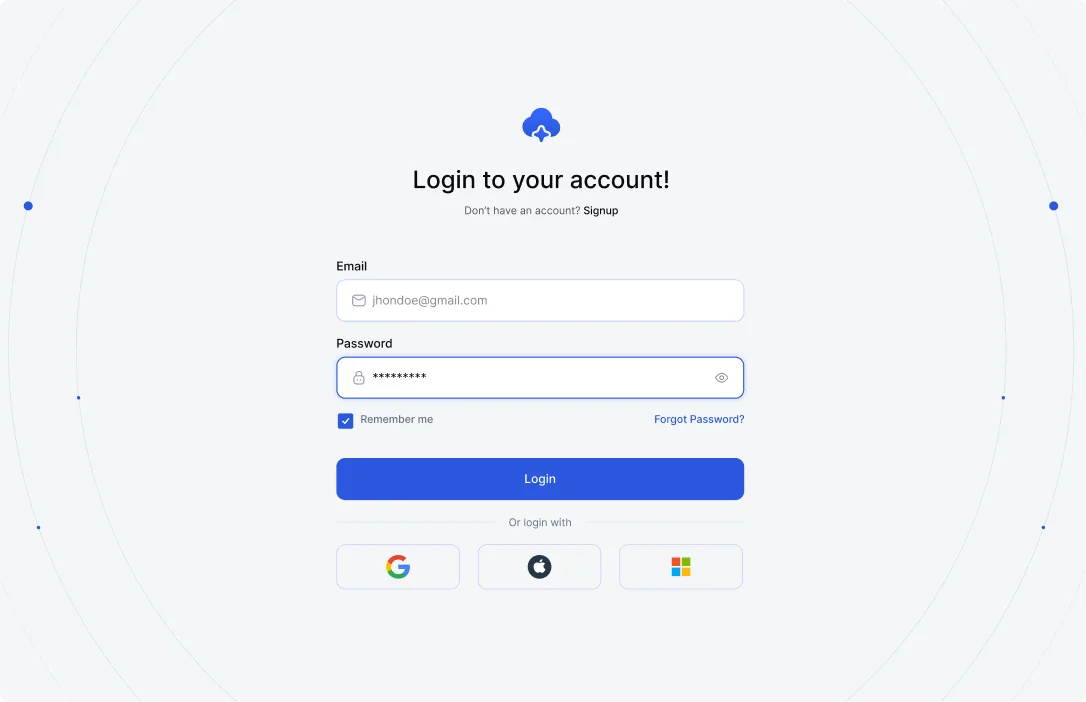

Stop sending your users to the generic WordPress login page. Create stunning, fully customizable login forms with ElementsKit that match your brand identity and keep users engaged.
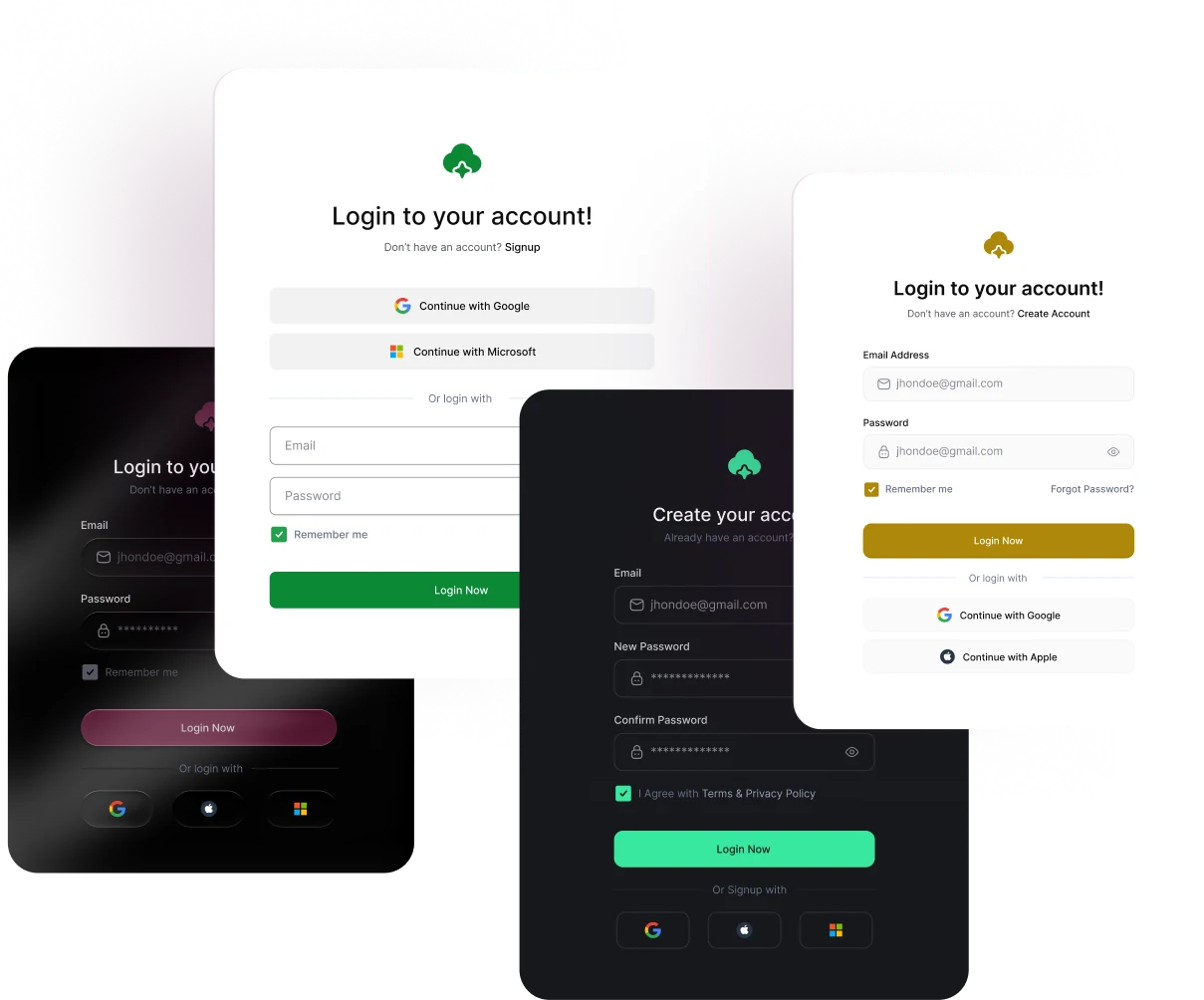
Pick one and see how ElementsKit can transform your site’s entrance.


Don’t limit your users to one URL. Add a sleek login form on your sidebar, header, or a dedicated landing page. Whether it’s a popup or a footer link, give your users the convenience they deserve.

Take control of every pixel. From typography and field spacing to custom background gradients and border styles, you can customize every element of your user login interface to perfectly align with your website’s aesthetic.

Enhance usability with field icons, password visibility toggles, a login button, and "Remember Me" checkboxes. Create a frictionless login experience that reduces "forgotten password" frustration and increases return visits.

Guide your users where they need to go. Set custom redirect links for successful logins, ensuring members redirect to a dashboard while customers land on a shop page. You control the flow.
Dynamic Visibility Control Keep your UI clean. Use the "Hide for Logged-in Users" feature to automatically remove the login form once a user is authenticated, replacing it with a personalized welcome message or a member-only link.
No complex configuration or coding required. Get your authentication system live in minutes.
Yes! You can easily enable the "Redirect After Login" feature and paste a custom URL so users land on a specific dashboard or welcome page immediately after signing in.
Absolutely. You can toggle between Default, Hide, and Custom layout types, allowing you to write your own personalized text for usernames, passwords, and placeholders.
Absolutely. You can toggle between Default, Hide, & Custom layout types for your login page design.
The ElementsKit Login Form widget is built to work seamlessly with any Elementor-compatible WordPress theme.
Yes, the widget lets you position custom icons (from Font Awesome or your own uploaded SVGs) inside the input fields, and you can even add a sleek vertical divider to make the UI clean
Yes! You can choose to completely hide the login form from signed-in users and display a customized greeting or "already logged in" message instead.
Absolutely. You can enable a "Remember Me" checkbox, fully customize the label text, and define exactly how many days the user's session duration should last.
Yes, there is a built-in "Password Toggle" setting that lets users click an icon to see what they are typing, which helps prevent frustrating login errors.
Like our millions of users, your WordPress website demands more flexibility and simplicity. We made website customization easy, fast & effective.


Expand Your WordPress Site Capabilities code-free with our Powerful Elementor Widgets & Modules.
| Ciastko | Czas trwania | Opis |
|---|---|---|
| cookielawinfo-checkbox-analytics | 11 miesięcy | Ten plik cookie jest ustawiany przez wtyczkę GDPR Cookie Consent. Plik cookie służy do przechowywania zgody użytkownika na pliki cookie w kategorii „Analityka”. |
| cookielawinfo-checkbox-funkcjonalne | 11 miesięcy | Plik cookie jest ustawiany przez zgodę na pliki cookie RODO w celu zapisania zgody użytkownika na pliki cookie w kategorii „Funkcjonalne”. |
| cookielawinfo-checkbox-niezbędne | 11 miesięcy | Ten plik cookie jest ustawiany przez wtyczkę GDPR Cookie Consent. Pliki cookie służą do przechowywania zgody użytkownika na pliki cookie w kategorii „Niezbędne”. |
| cookielawinfo-checkbox-inne | 11 miesięcy | Ten plik cookie jest ustawiany przez wtyczkę GDPR Cookie Consent. Plik cookie służy do przechowywania zgody użytkownika na pliki cookie w kategorii „Inne. |
| cookielawinfo-checkbox-performance | 11 miesięcy | Ten plik cookie jest ustawiany przez wtyczkę GDPR Cookie Consent. Plik cookie służy do przechowywania zgody użytkownika na pliki cookie w kategorii „Wydajność”. |
| oglądane_polityki_cookie | 11 miesięcy | Plik cookie jest ustawiany przez wtyczkę GDPR Cookie Consent i służy do przechowywania, czy użytkownik wyraził zgodę na użycie plików cookie. Nie przechowuje żadnych danych osobowych. |