



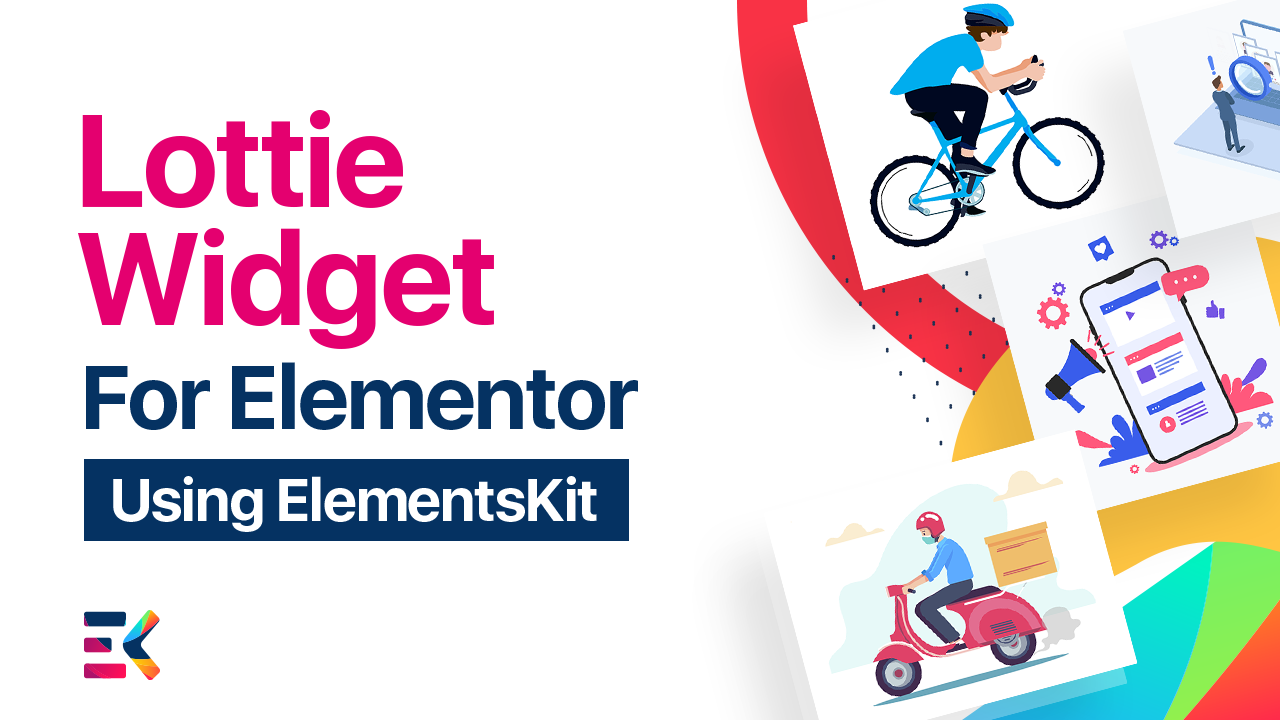









Improve site’s engagement and user experience by adding amazing animations to your website with Elementor Lottie Widget.
Create dynamic Lottie content in minutes using ElementsKit Widget.
Spark your web design with the mouse in and out Lottie animations.
Easy to integrate, Lottie files bring your designs to life seamlessly across platforms.
Easy to integrate, Lottie files bring your designs to life seamlessly across platforms.
Easy to integrate, Lottie files bring your designs to life seamlessly across platforms.
Mobile-friendly and fully customizable Lottie assets using ElementsKit.
Auto play animation on your page and grab the attention of your customers.
One-stop solution for setting interactive animations without coding.
Great plugin. The only thing we think missing is a Post Carousel widget with the custom post type support then it would be awesome. Thanks!
Great plugin. The only thing we think missing is a Post Carousel widget with the custom post type support then it would be awesome. Thanks!
Great plugin. The only thing we think missing is a Post Carousel widget with the custom post type support then it would be awesome. Thanks!
Implement Lottie animations with few clicks on
Elementor website.
Integrate eye-soothing animations to all Elementor widgets.
Implement Lottie animations with few clicks on Elementor website.
Auto play animation on your page and grab the attention of your customers.
Auto play animation on your page and grab the attention of your customers.
Build your next consultancy website within few minutes.
Lottie widget with custom count loop
You can now use Lottie widget with a custom count loop. Turn your boring static elements into beautiful animated elements with few clicks.
You can show your animation with hover pause effect. Stop your animation when the user hovers over it. Uses the animation-play-state property.
Implement Lottie animations with few clicks on Elementor website. Auto play animation on your page and grab the attention of your customers.
With the Lottie widget you can experiment with many settings, such as loops, triggers, hover out, play the animation in reverse and more.
Lottie widget with increase speed
ElementsKit introduces Elementor Lottie Animation Widget. Adjust the Lottie Animation speed by increasing or decreasing as per your need.
Play your animation when the user hovers over it. Use the animation-play-state property. Make an interactive page towards grabbing your audience’s attention.
Make a reverse play effect of your animation on mouse hover. Let’s create more attractive and interesting animation with reverse play effects.
Like our millions of users, your WordPress website demands more flexibility and simplicity. We made website customization easy, fast & effective.


Expand Your WordPress Site Capabilities code-free with our Powerful Elementor Widgets & Modules.
| Cookie | Duration | Description |
|---|---|---|
| cookielawinfo-checkbox-analytics | 11 months | This cookie is set by GDPR Cookie Consent plugin. The cookie is used to store the user consent for the cookies in the category "Analytics". |
| cookielawinfo-checkbox-functional | 11 months | The cookie is set by GDPR cookie consent to record the user consent for the cookies in the category "Functional". |
| cookielawinfo-checkbox-necessary | 11 months | This cookie is set by GDPR Cookie Consent plugin. The cookies is used to store the user consent for the cookies in the category "Necessary". |
| cookielawinfo-checkbox-others | 11 months | This cookie is set by GDPR Cookie Consent plugin. The cookie is used to store the user consent for the cookies in the category "Other. |
| cookielawinfo-checkbox-performance | 11 months | This cookie is set by GDPR Cookie Consent plugin. The cookie is used to store the user consent for the cookies in the category "Performance". |
| viewed_cookie_policy | 11 months | The cookie is set by the GDPR Cookie Consent plugin and is used to store whether or not user has consented to the use of cookies. It does not store any personal data. |