
 French
  English
  German
  Spanish
  Italian
  Danish
  Portuguese
  Swedish
  Polish
  Korean
  Japanese
 Grandir Votre entreprise Plus rapide que jamais
- Intelligence artificielle
- SaaS
- WordPress
- Application mobile


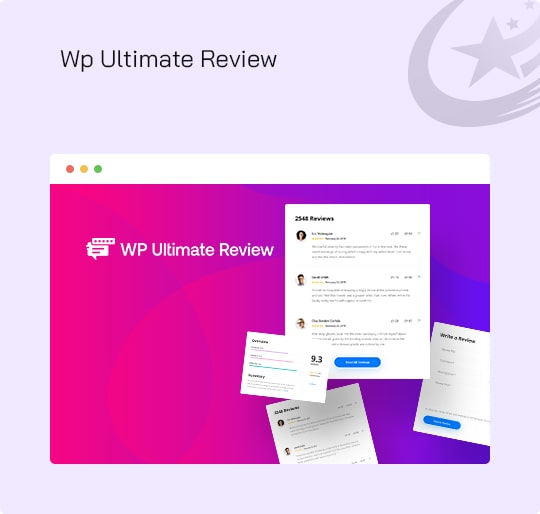



Nos réalisations










| Biscuit | Durée | Description |
|---|---|---|
| cookielawinfo-checkbox-analytics | 11 mois | Ce cookie est défini par le plugin GDPR Cookie Consent. Le cookie est utilisé pour stocker le consentement de l'utilisateur pour les cookies de la catégorie « Analytics ». |
| cookielawinfo-checkbox-fonctionnel | 11 mois | Le cookie est défini par le consentement aux cookies du RGPD pour enregistrer le consentement de l'utilisateur pour les cookies de la catégorie « Fonctionnel ». |
| cookielawinfo-case à cocher-nécessaire | 11 mois | Ce cookie est défini par le plugin GDPR Cookie Consent. Les cookies sont utilisés pour stocker le consentement de l'utilisateur pour les cookies dans la catégorie « Nécessaire ». |
| cookielawinfo-checkbox-autres | 11 mois | Ce cookie est défini par le plugin GDPR Cookie Consent. Le cookie est utilisé pour stocker le consentement de l'utilisateur pour les cookies de la catégorie "Autre". |
| cookielawinfo-checkbox-performance | 11 mois | Ce cookie est défini par le plugin GDPR Cookie Consent. Le cookie est utilisé pour stocker le consentement de l'utilisateur pour les cookies de la catégorie « Performance ». |
| visualisé_cookie_policy | 11 mois | Le cookie est défini par le plugin GDPR Cookie Consent et est utilisé pour stocker si l'utilisateur a consenti ou non à l'utilisation de cookies. Il ne stocke aucune donnée personnelle. |