





We often overlook tables, but if you pay close attention, tables actually make the content look more polished. The structured table data is always easy to scan and highly professional. The best part is, with a good tool and little effort, you can change the look of your tables easily.
No need for coding! Whether you need comparison charts, product specs, pricing tables, or sortable data, a good WordPress table builder plugin can do it all without technical knowledge.
Below, we’ll explore a list of best WordPress table builder plugins that are worth trying. Keep reading…
Quick Overview
The best WordPress table builder is the one that fits your specific project needs. To make the right choice, quickly think about a few key things like how easy the plugin is to use, whether the tables look good on mobile devices, and if the plugin can handles advanced datasets that require features like filtering, charting, etc.
Based on these considerations, the top plugin options available are:
| Nombre del complemento | Ventajas | Contras | Versión gratuita |
|---|---|---|---|
| TableKit | Lightweight, Gutenberg-native, good styling | Deeper data features are currently in development | Sí |
| prensa de mesa | Reliable, strong import/export, many add-ons | Design customization limited without extensions | Sí |
| wpDataTables | Best for large data & charts, advanced features | It can be overwhelming for beginners | Limitado |
| Data Tables Generator | Charts & interactive features | UI feels more complex | Sí |
| Visualizer | Great for charts + tables combo | Some features are locked in Pro | Sí |
| Generador de tablas WP | Drag-and-drop, affiliate-friendly, templates | Less suitable for technical datasets | Sí |
| Mesas Ninja | Stylish, fast, WooCommerce-friendly | Pro needed for most advanced layouts | Sí |
Characteristics of a Good Table Builder Plugin
Before we move to the plugins, let’s learn what a reliable table builder plugin should offer you:
- Drag-and-drop or beginner-friendly UI
- Device-responsive output, suitable for desktop, mobile, and tablet devices
- Sorting, searching, filtering, & pagination options
- Import/export support, including CSV, Excel, and other formats
- Styling flexibility or pre-built table templates
- Shortcode or block editor compatibility
Best WordPress Table Builder Plugins
We’ve listed the top 7 WordPress table builder tools you should consider based on ease of use, features, and value.
TableKit
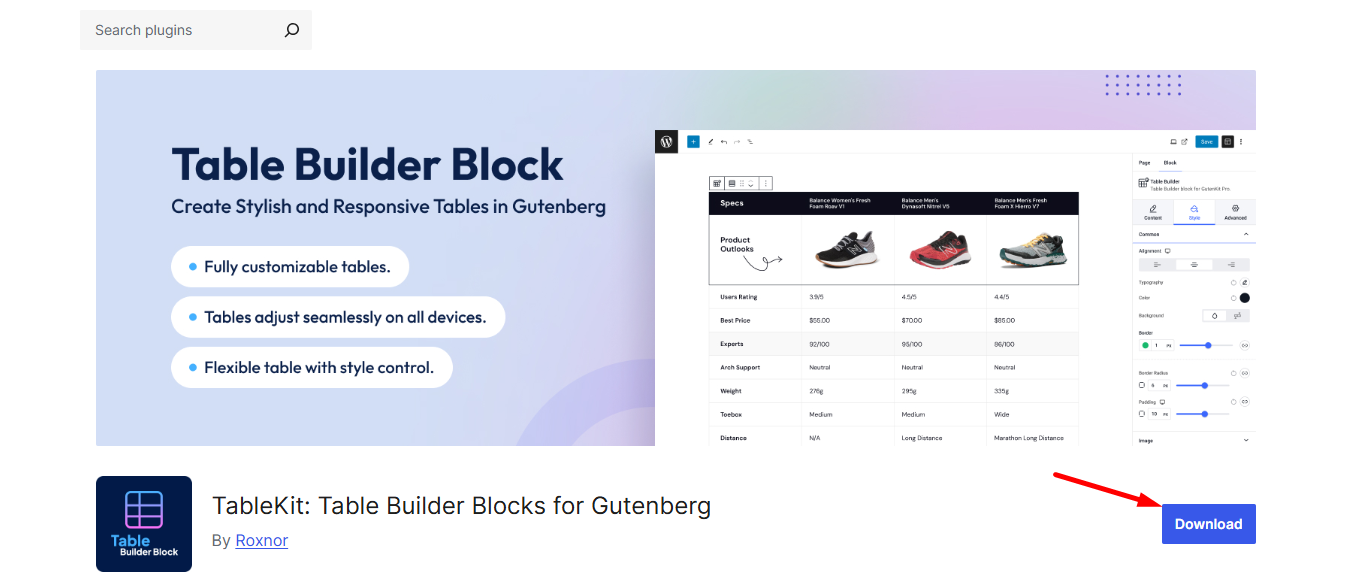
TableKit is a brand new yet powerful plugin to build WordPress tables. It’s a lightweight table plugin made for Gutenberg users who want simplicity paired with modern design control. If you prefer working inside the block editor and need a drag & drop table builder, TableKit is a good choice. You’ll make responsive tables with sleek and minimal styling controls, which feel fresh and minimal.
Características principales
- Works natively with Gutenberg, no separate UI
- Offers table sorting, filtering, searching, and pagination for user-friendly browsing
- All essential custom styling options like colors, borders, and alignment
- Suitable for comparison tables, lists, pricing rows, etc.
- Lightweight, won’t slow down your site
- Helps to make tables that look perfect on all devices.
Does TableKit meet the criteria of a good table builder plugin?
Absolutely, TableKit is beginner-friendly. It offers a flexible design, though not the most advanced for heavy datasets. Overall, it assists you in achieving responsive output.
Precios
Free version available. Premium features will be available soon.
prensa de mesa

TablePress is one of the oldest and most reliable table plugins in the WordPress community. It’s perfect for content creators, educators, and sites that deal with structured or academic-style data. While the UI isn’t drag-and-drop, it’s straightforward and extremely feature-rich. You’ll also like their extensions.
Características principales
- Import/export tables from CSV, Excel, Google Sheets & more
- Sorting, search, filtering & pagination supported
- A good number of extensions to add extra power
- Ideal for large, data-focused tables
Does TablePress meet the criteria of a good table builder plugin?
Yes. It’s reliable, responsive, supports large data, and is highly customizable.
Precios
Free core plugin. Premium packager available from $89 per year.
Mesas Ninja

Ninja Tables is popular among marketers and eCommerce users for its stylish tables and fast editing experience. It’s quick, efficient, and user-friendly. You can consider it for pricing, affiliate comparison, or directory-style tables.
Características principales
- Drag-and-drop table builder interface
- Wide range of styling options & design presets
- Supports media images, icons, badges, etc., inside tables
- Integrates with WooCommerce
- Fast performance, handles big tables smoothly
Does Ninja Tables meet the criteria of a good table builder plugin?
Ninja Table is a modern and standard tool. It’s feature-loaded, responsive, and visually appealing, exactly like any other WordPress table plugin.
Precios
Free version available. Pro license unlocks at $79 per year.
wpDataTables

Does your site deal with heavy datasets, statistics, charts, or dynamic tables? Here’s the table builder for you. wpDataTables is used heavily in dashboards, reporting sites, and business-level WordPress projects.
Características principales
- Handles large data with speed & efficiency
- Create responsive tables and stunning charts
- Conditional formatting for visual highlights
- Database, CSV, Excel & Google Sheet integration
- Front-end editing for user-powered updates
Does wpDataTables meet the criteria of a good table builder plugin?
wpDataTables is one of the best for advanced data, though beginners may need time to explore features.
Precios
Premium plugin with a limited free Lite version. You can get the premium plan from $79 yearly.
Generador de tablas WP
WP Table Builder is ideal for bloggers, affiliate marketers, and website owners who prioritize visually appealing tables. The drag-and-drop interface feels like building a landing page using content blocks. This allows you to easily add elements like buttons, icons, ratings, and images directly to your content.
Características principales
- Visual drag-and-drop builder for creative tables
- Offers cell management mode
- Pre-made templates for quick setup
- Add elements like buttons, lists, star ratings, images, etc.
- Provides shortcodes and import/export facilities
Does WP Table Builder meet the criteria of a good table builder plugin?
It offers a great UI, is responsive, and comes with pre-built templates that make it an efficient tool. So, yes, it’s recommended.
Precios
It offers a free version for users. You can secure the premium plan for $79 per year.
Check the tools behind well-designed popups that deliver real conversions 👉 Examples of Effective Website Popups
Data Tables Generator by Supsystic
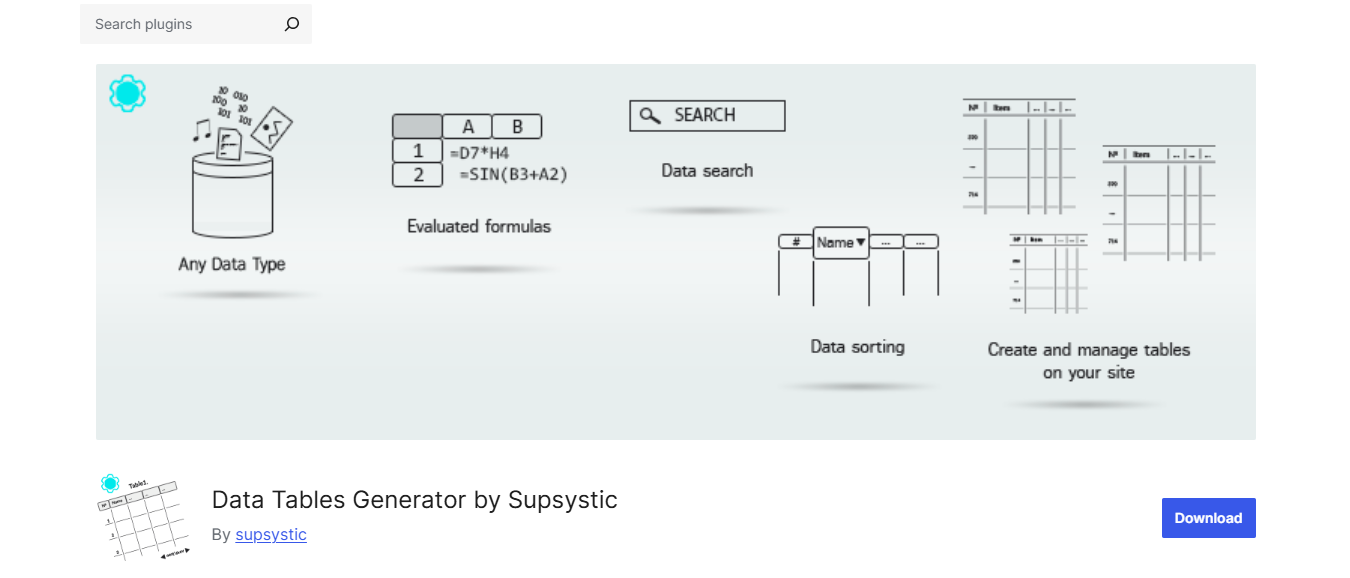
This plugin shines when you need interactive tables with charts and filtering options. It works well for dashboards, directory listings, technical documentation, and membership sites.
Características principales
- Build tables, charts, and data diagrams
- Front-end editing for user interaction
- Pagination, search & filtering controls
- Import/export for large datasets
- Large customization and advanced features
Does Data Tables Generator by Supsystic meet the criteria of a good table builder plugin?
Yes. It’s handy, lets you use formulas that give a feel of using Excel sheets. Good table builder with a reasonable price.
Precios
Free core version available. Pro starts at $89 per year.
Visualizer

The last one on our list, but not really a less effective tool. The Visualizer stands out by offering data tables + beautiful charts in one plugin. If your content involves reporting, statistics, or visual storytelling, this is an excellent pick.
Características principales
- Responsive tables & interactive charts
- Google Sheets live sync for dynamic data
- Chart customization, such as bar, pie, line, etc.
- Import CSV & external sources easily
- Friendly interface inside the WordPress dashboard
Does Visualizer meet the criteria of a good table builder plugin?
Of course. Visualizer simply helps you turn raw data into compelling, interactive charts that engage and inform your audience.
Precios
The core version is free, and you can upgrade to Pro for $58(approximately) per year.
Choose Your Table Builder Now
You now have the best of the best. All seven plugins offer a superior experience to using the default WordPress editor. Find the options, from the fluid, super-responsive design of TableKit to the powerful muscle of a data-heavy builder. Just review your content goals, match them to the features we’ve highlighted, and choose the right table builder. Hope it’ll elevate your site’s professionalism.

Deja una respuesta